Customize this template right here and download print-ready files.
- Page size6 × 3 in, landscape
- FilesPDF, PNG and JPG
- Print quality300 DPI
- FontsOswald, Lobster
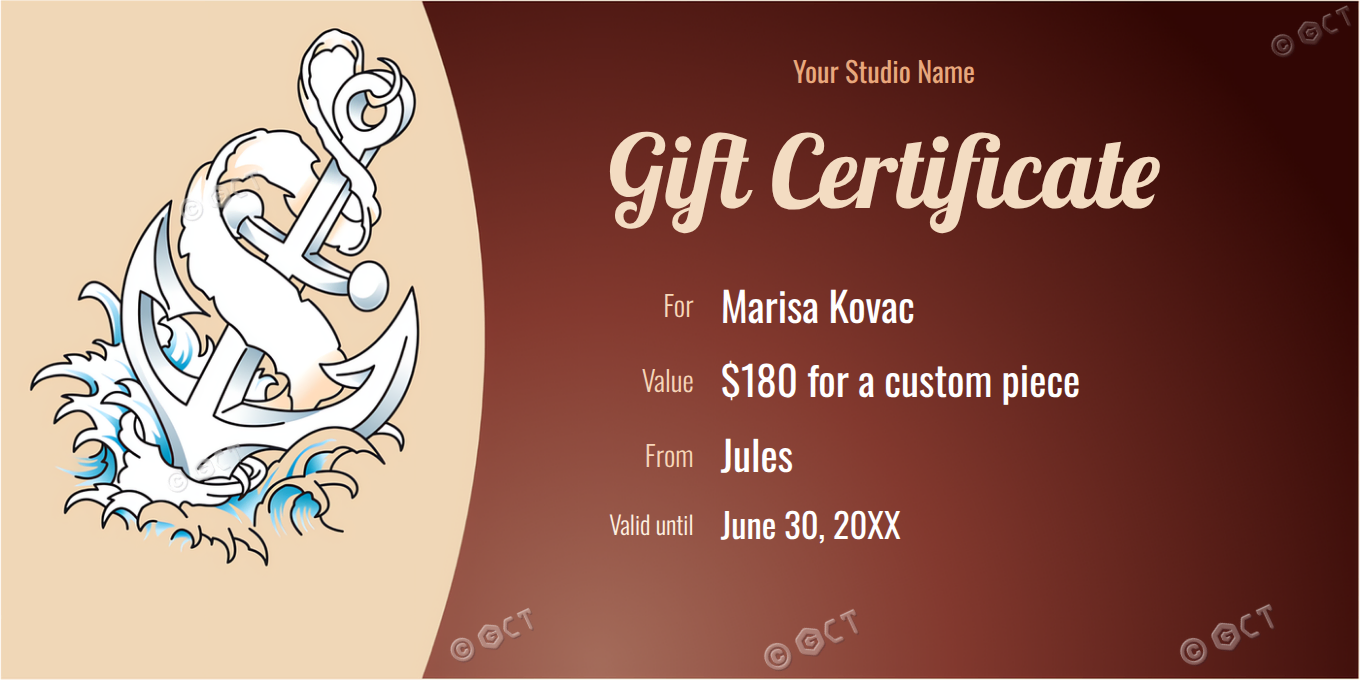
Anchor Tattoo Gift Certificate
A white and blue anchor wrapped in a rope and crashing waves sits on beige beside a deep brown panel with cream lettering.
Nothing to install. You type right on the certificate.
You can change
- Business name
- To
- Value
- From
- Valid until
Every text can also be made bigger or smaller, and moved.
- What you see is what prints
- Prints at home on plain or card paper
- 9,553 certificates downloaded
How the builder works
Step 1
Click a text
Any wording on the certificate opens for typing.
Step 2
Type over it
Who it is for, who it is from and what it is worth.
Step 3
Resize or move it
A− and A+ change the size; drag the cross to move it.
Step 4
Download
A PDF to print, and a PNG and a JPG to send.
More Business Gift Certificate Templates
- Dive In Swimming Gift Certificate

- Curly Hair Salon Gift Certificate
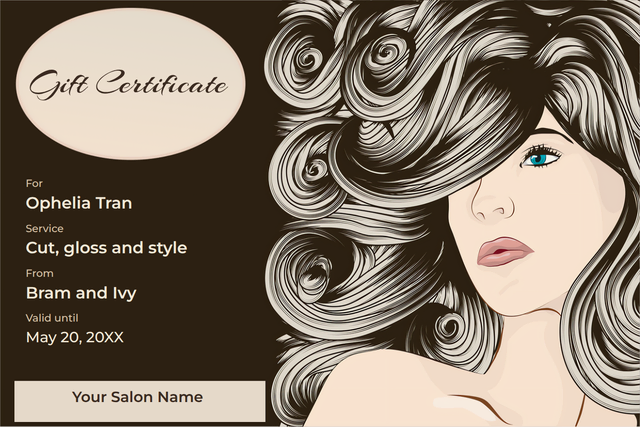
- Vintage Microphone Music Gift Certificate
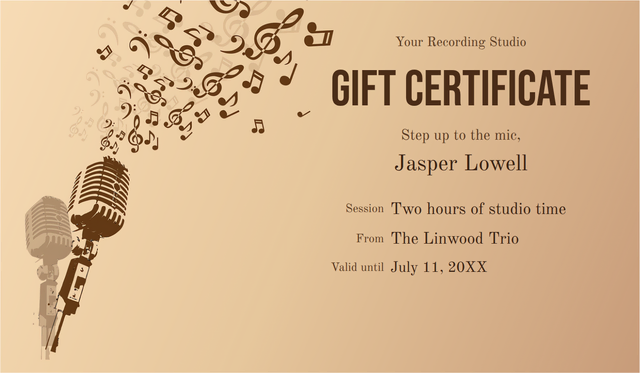
- Violin Music Lessons Gift Certificate

- Mannequin Fashion Gift Certificate
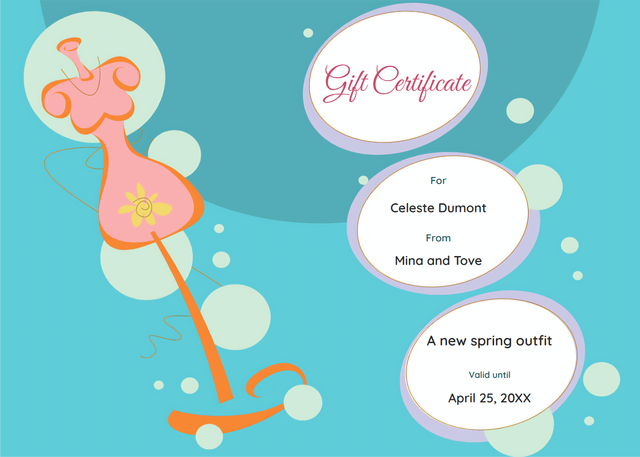
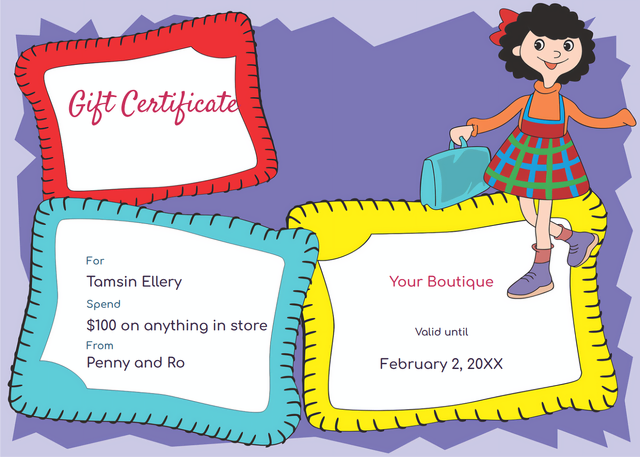
- Cartoon Shopping Girl Gift Certificate
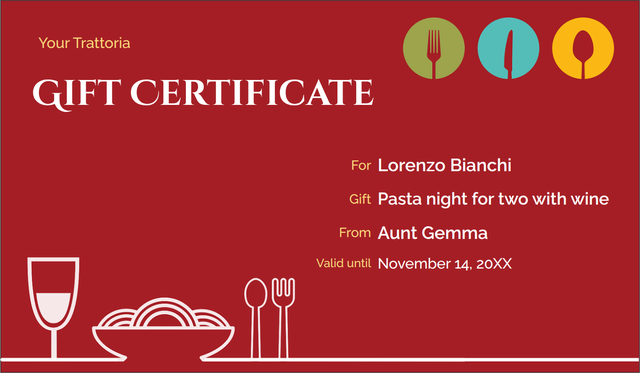
- Pasta and Wine Restaurant Gift Certificate
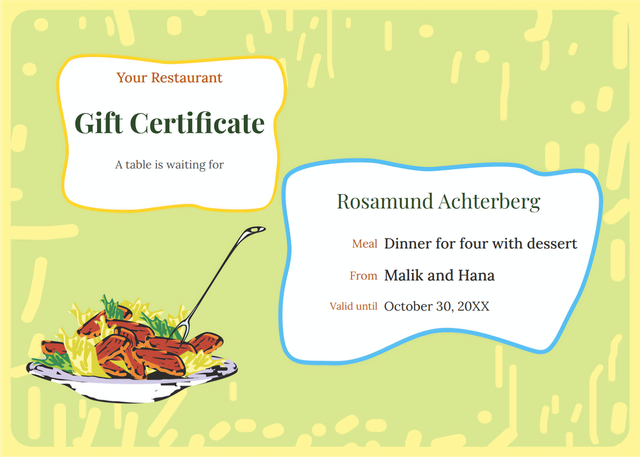
- Food Platter Restaurant Gift Certificate
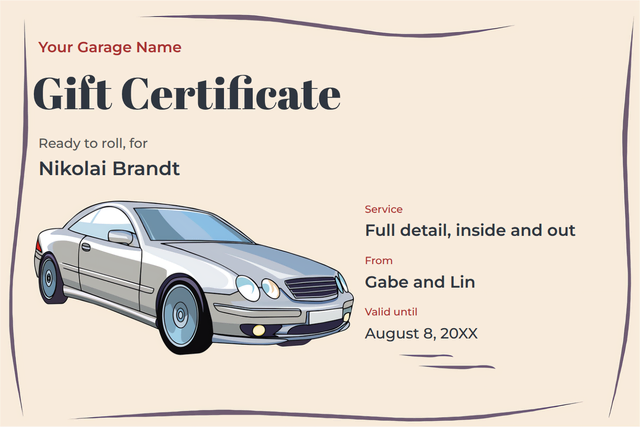
- Silver Car Gift Certificate
- Puppy and Bone Pet Gift Certificate
- Cake and Cocktail Cafe Gift Certificate
- Retro Radio Music Gift Certificate

- Zen Stones Massage and Spa Gift Certificate

- Small Business Gift Certificate
- House Cleaning Services Gift Certificate
- Red Sports Car Gift Certificate

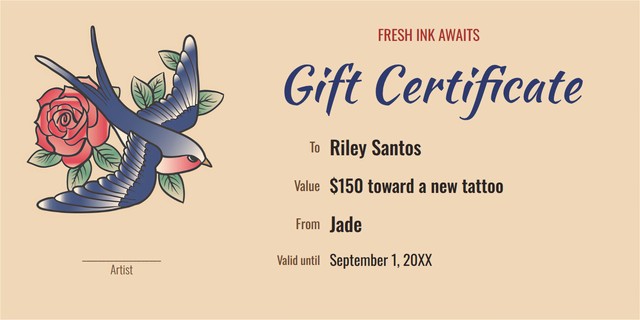
- Love Bird Tattoo Gift Certificate
- Dinner for Two Restaurant Gift Certificate

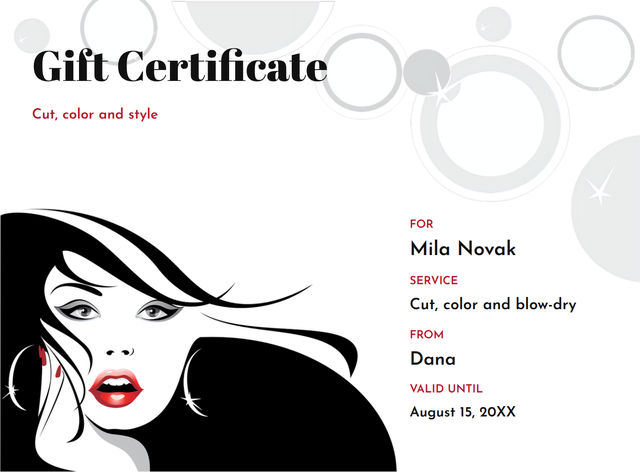
- Flowing Hair Salon Gift Certificate
Common questions
About this design
A tattoo studio gift certificate template with a white and blue anchor wrapped in rope and breaking waves on a beige panel, beside a deep brown field. A line for the studio's name tops a cream script title, then lines for the recipient, the value, the giver and a valid-until date.
It suits a tattoo or piercing studio, a gift toward new ink or a birthday present from a friend. Printed at 6 by 3 inches, it fits a 6¾ envelope.
Press "Customize this template", then click any text on the certificate and type your own. Every text can be made bigger or smaller, or dragged to a new spot. When it looks right, press Download.
Yes. Your PDF, PNG and JPG files are made from the same layout you see on the page, at 300 DPI.
6 × 3 in, landscape. It prints at home or at a print shop, on plain paper or card. In the print settings, choose Actual size (100%), not Fit to page, so it comes out at its true size.