Customize this template right here and download print-ready files.
- Page size6 × 3.5 in, landscape
- FilesPDF, PNG and JPG
- Print quality300 DPI
- FontsBebas Neue, Lora
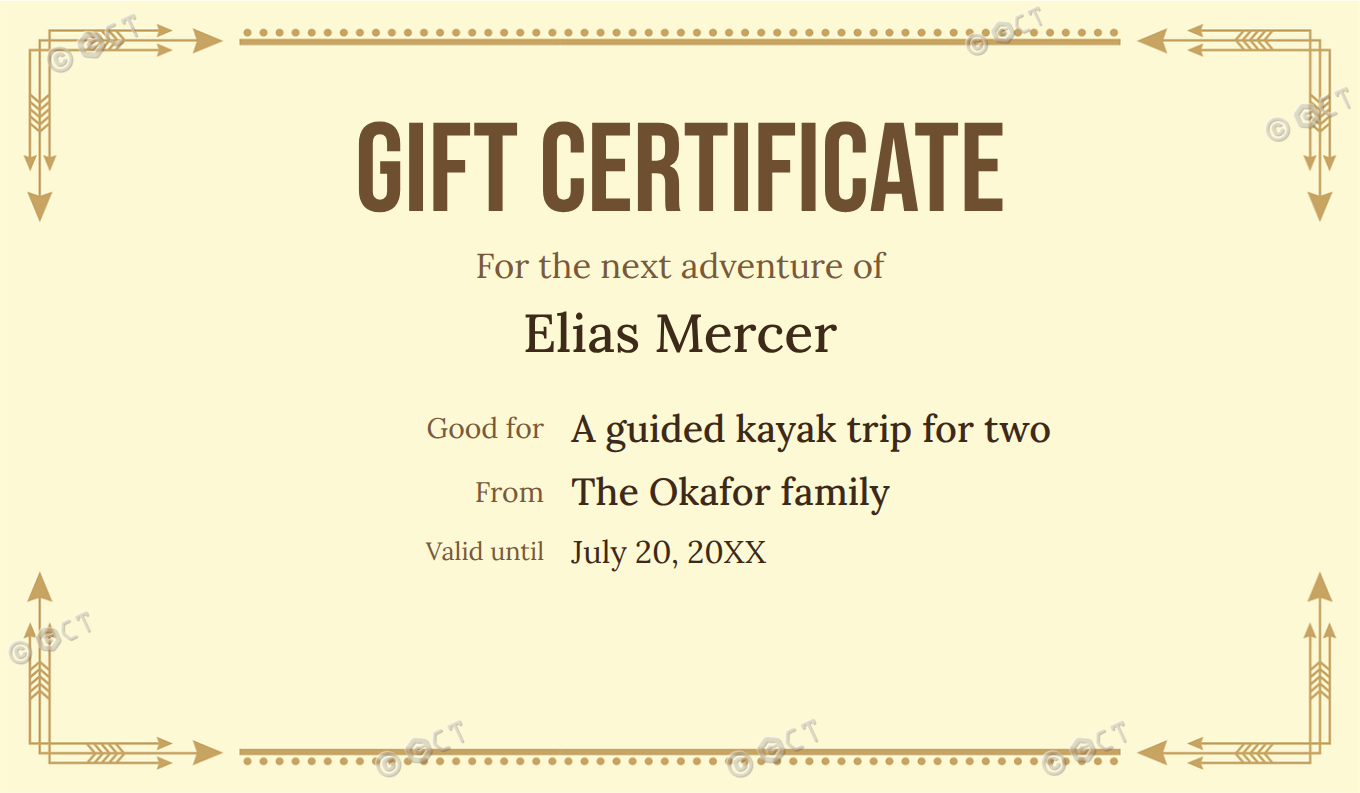
Arrow Frame Gift Certificate
Thin tan arrow lines frame a warm cream page, meeting in arrowheads at the corners below a tall block-letter title.
Nothing to install. You type right on the certificate.
You can change
- To
- Gift
- From
- Valid until
Every text can also be made bigger or smaller, and moved.
- What you see is what prints
- Prints at home on plain or card paper
- 9,553 certificates downloaded
How the builder works
Step 1
Click a text
Any wording on the certificate opens for typing.
Step 2
Type over it
Who it is for, who it is from and what it is worth.
Step 3
Resize or move it
A− and A+ change the size; drag the cross to move it.
Step 4
Download
A PDF to print, and a PNG and a JPG to send.
More Gift Certificate Templates
See all Gift Certificate Templates
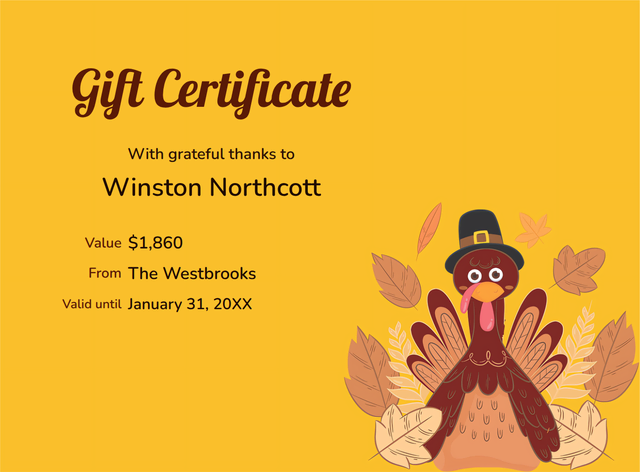
- Pilgrim Turkey Thanksgiving Gift Certificate
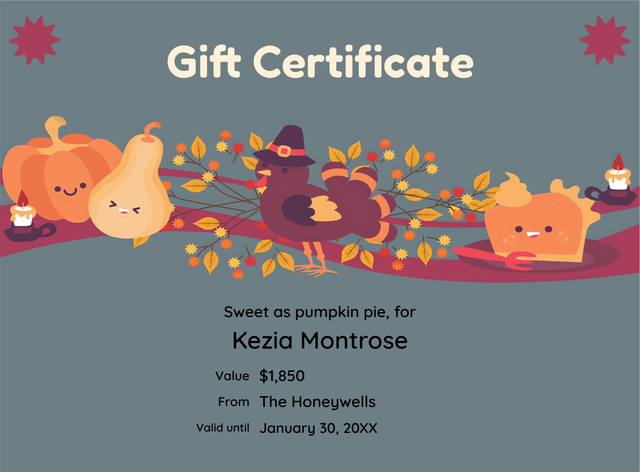
- Cute Pumpkin Pie Thanksgiving Gift Certificate
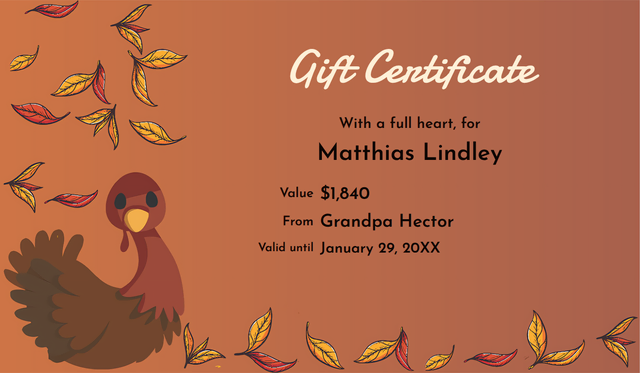
- Turkey and Leaves Thanksgiving Gift Certificate
- Autumn Maple Tree Gift Certificate
- Squirrel and Pumpkin Autumn Gift Certificate
- Thanksgiving Gift Certificate with Songbirds
- Cranberry Turkey Thanksgiving Gift Certificate
- Stacked Apples Thanksgiving Gift Certificate
- Lattice Pie Thanksgiving Gift Certificate
- Autumn Gift Certificate with Pumpkins
- Falling Leaves Autumn Gift Certificate
- Picnic Basket Autumn Gift Certificate
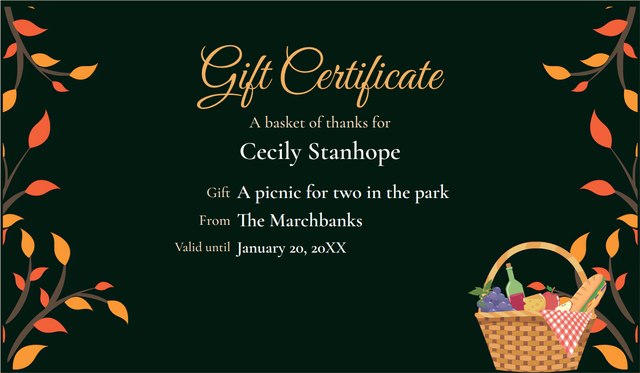
- Peeking Turkey Thanksgiving Gift Certificate
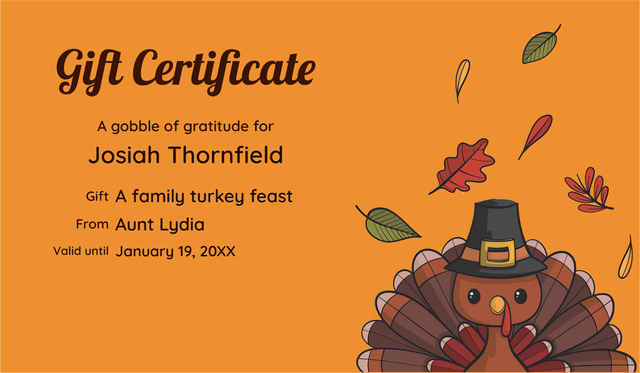
- Leaf Wreath Turkey Thanksgiving Gift Certificate
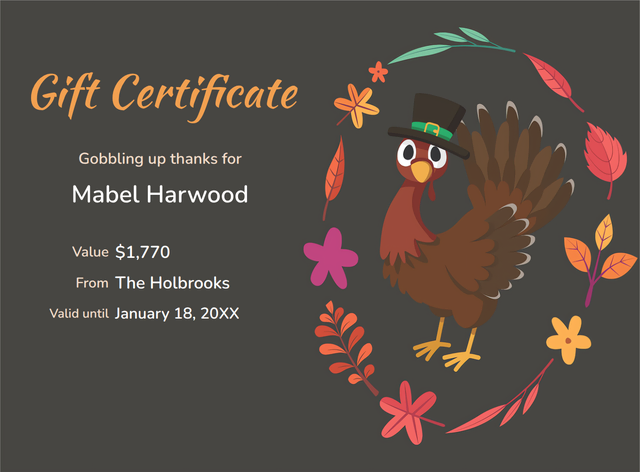
- Turkey Dinner Thanksgiving Gift Certificate
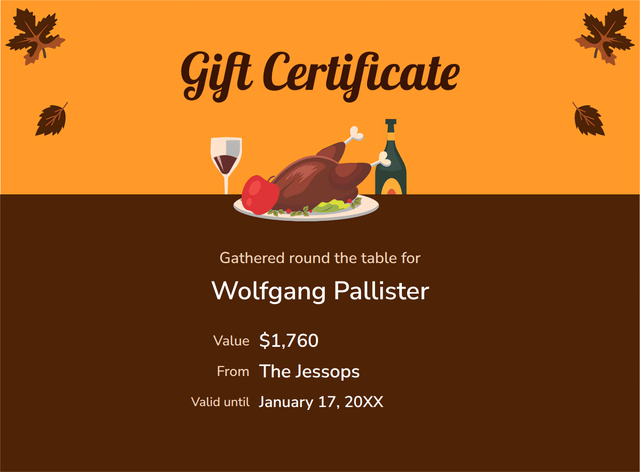
- Casserole and Soup Thanksgiving Gift Certificate
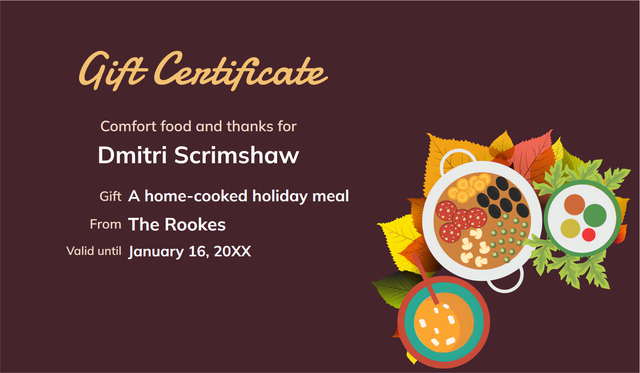
- Hand-Drawn Leaves Autumn Gift Certificate
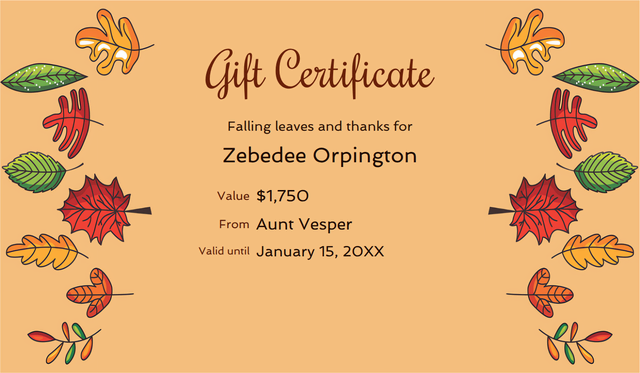
- Black Rowan Berry Autumn Gift Certificate
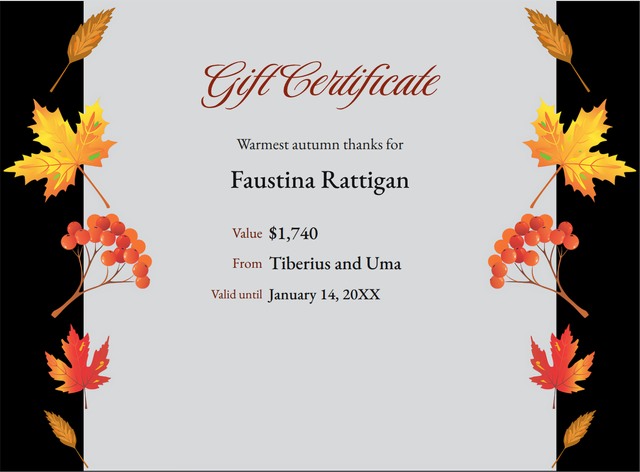
- Autumn Breakfast Cafe Gift Certificate
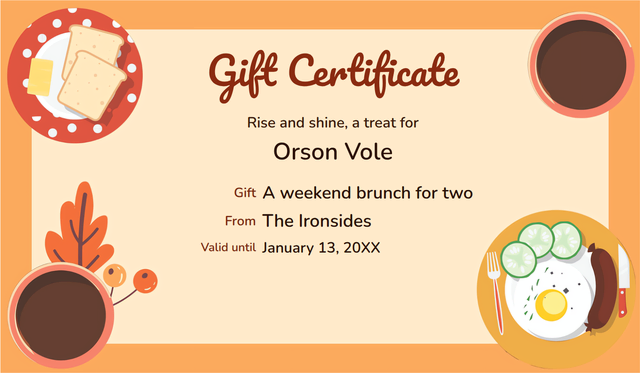
- Yellow Rowan Berry Autumn Gift Certificate
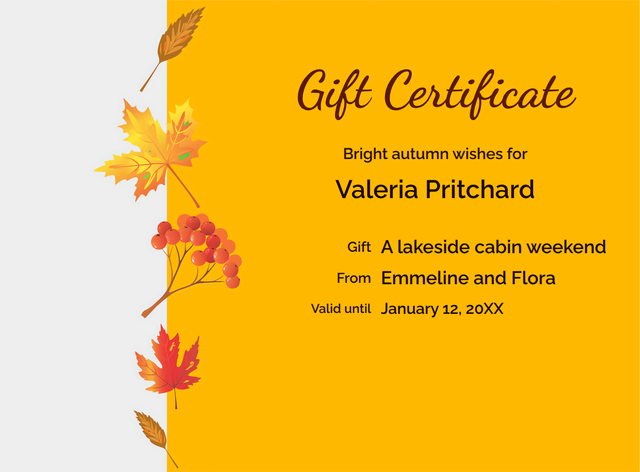
- Pumpkins and Grapes Thanksgiving Gift Certificate
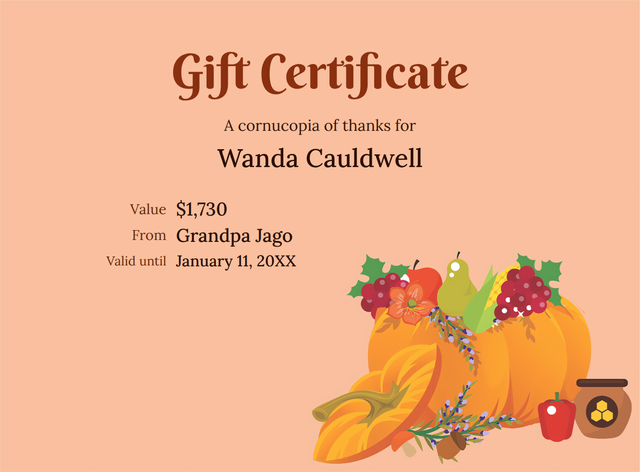
- Autumn Gift Certificate with Leaf Mandala
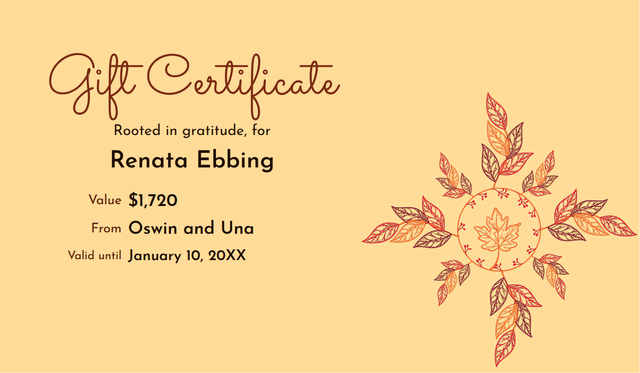
- Festive Bunting Autumn Gift Certificate
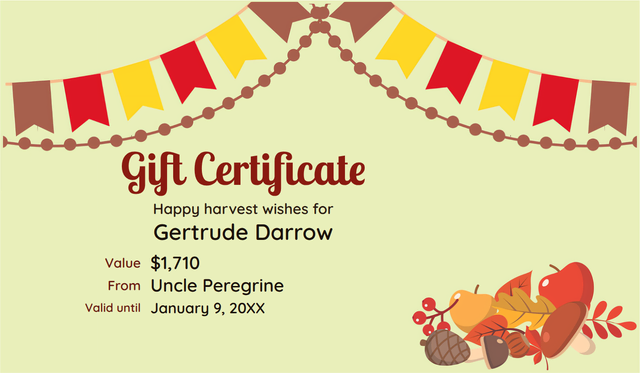
- Candlelit Thanksgiving Dinner Gift Certificate
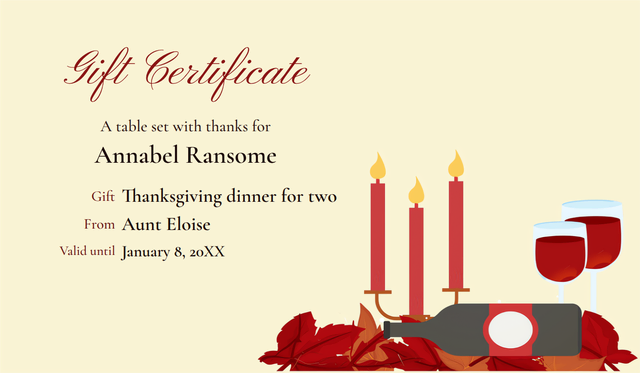
- Roast Turkey Thanksgiving Gift Certificate
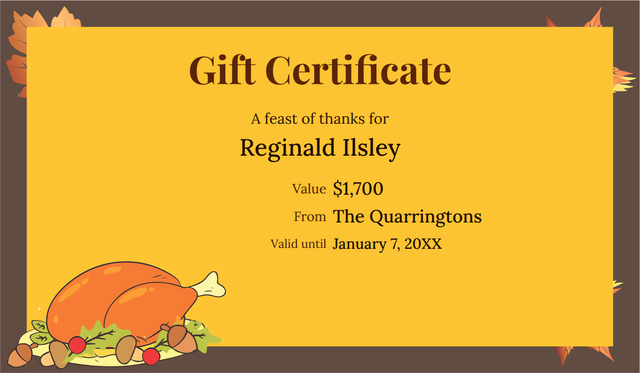
- Maple and Berry Autumn Gift Certificate
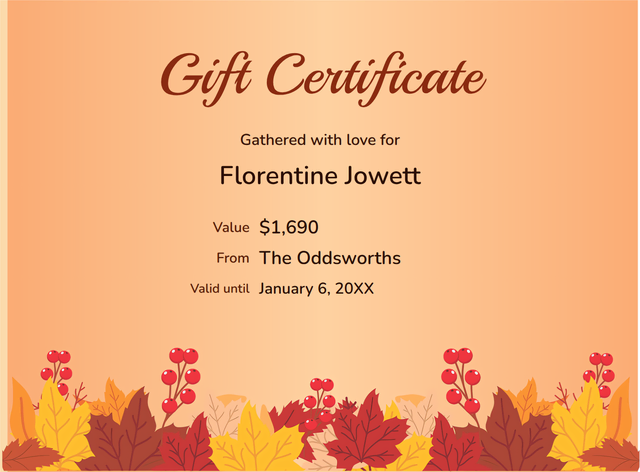
- Copper Autumn Leaves Gift Certificate
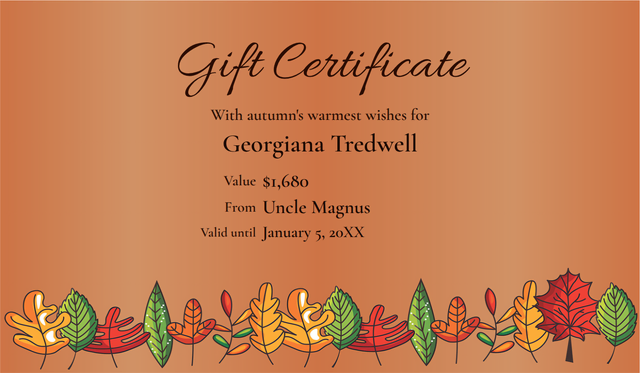
- Thanksgiving Gift Certificate with Harvest Basket
- Rustic Frame Autumn Gift Certificate
- Flying Witch Halloween Gift Certificate
- Halloween Gift Certificate with Little Devil
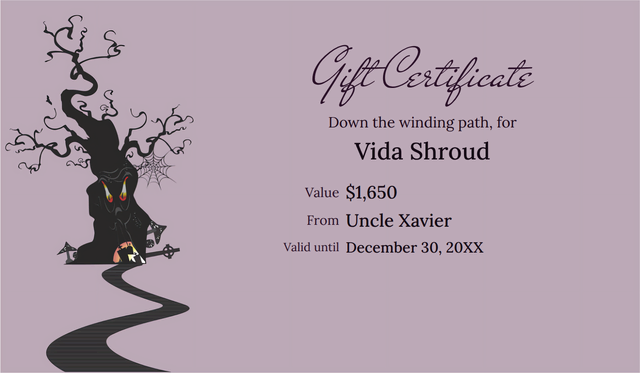
- Haunted Tree Halloween Gift Certificate
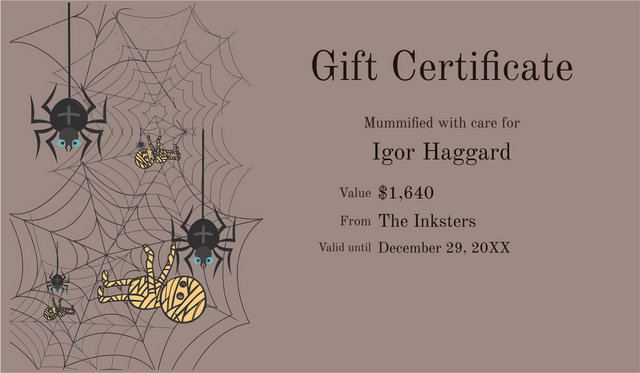
- Cobweb and Mummy Halloween Gift Certificate
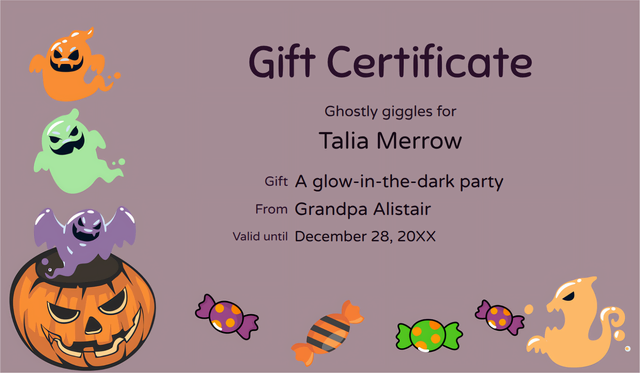
- Trick or Treat Halloween Gift Certificate
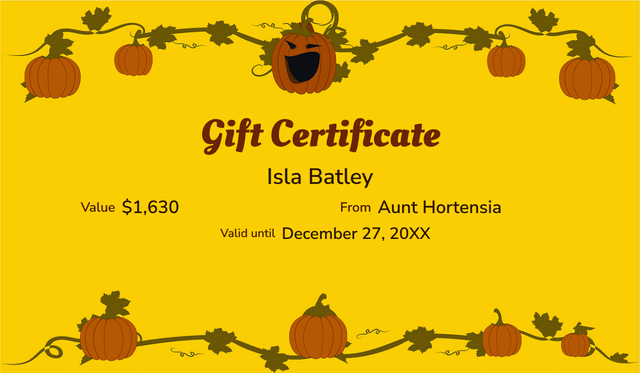
- Pumpkin Vine Halloween Gift Certificate
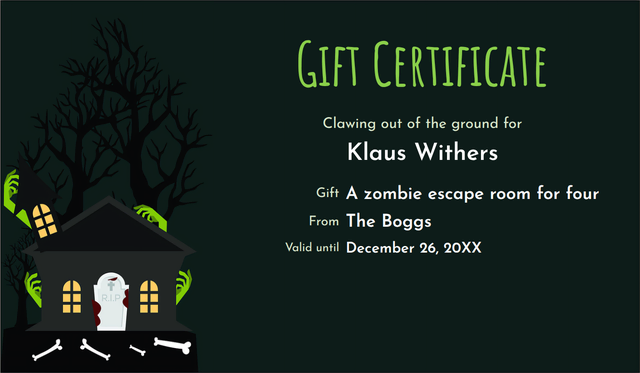
- Zombie Hands Halloween Gift Certificate
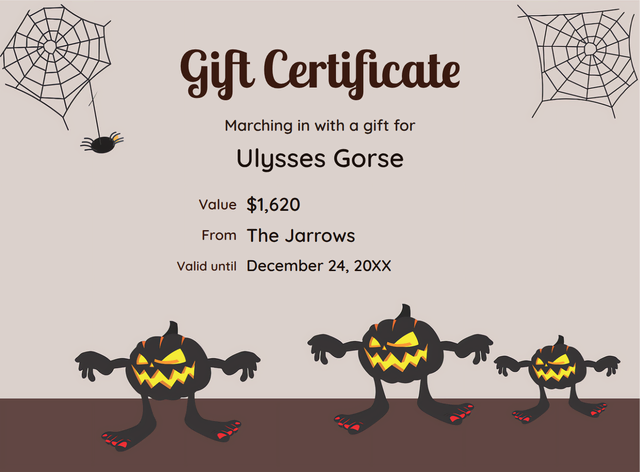
- Pumpkin Monsters Halloween Gift Certificate
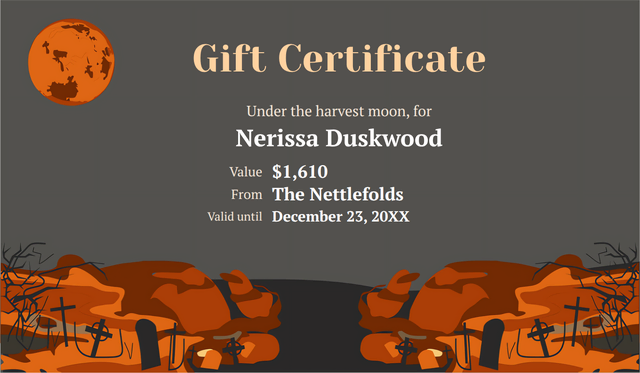
- Orange Moon Graveyard Halloween Gift Certificate
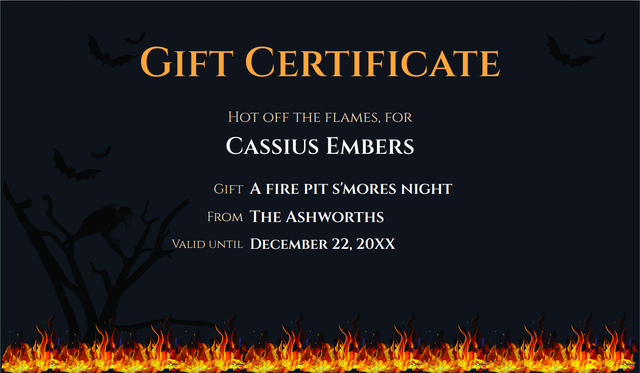
- Fire Border Halloween Gift Certificate
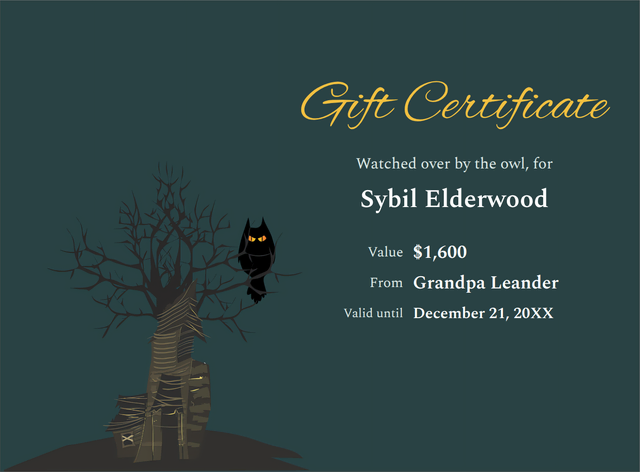
- Owl in a Dead Tree Halloween Gift Certificate
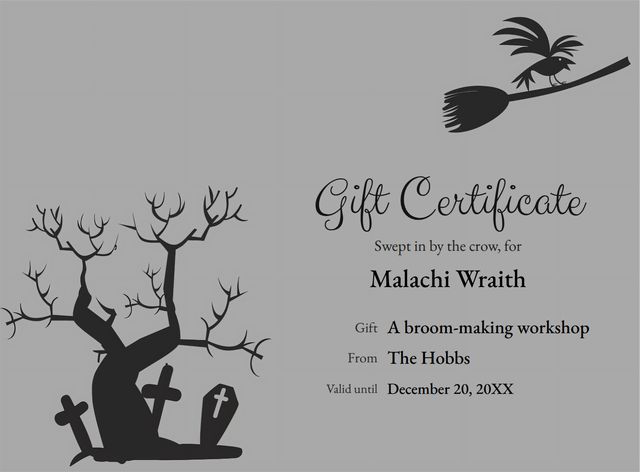
- Crow on a Broomstick Halloween Gift Certificate
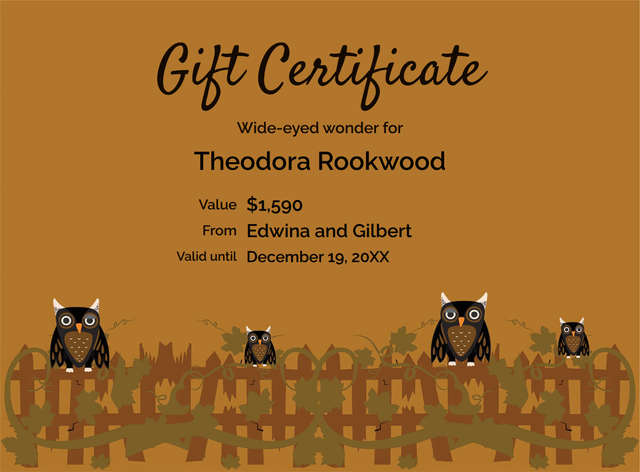
- Owls on a Fence Halloween Gift Certificate
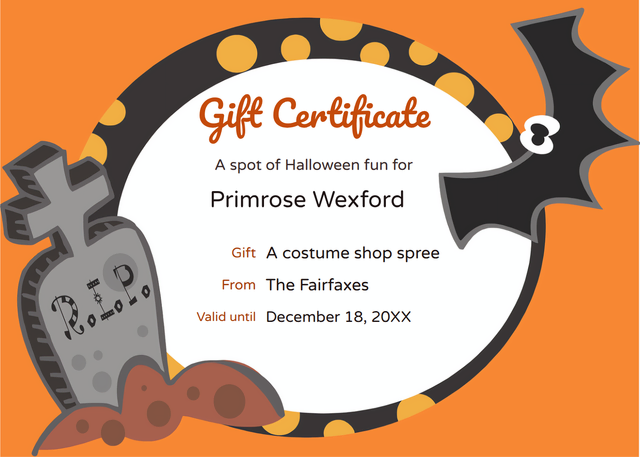
- Polka Dot Frame Halloween Gift Certificate
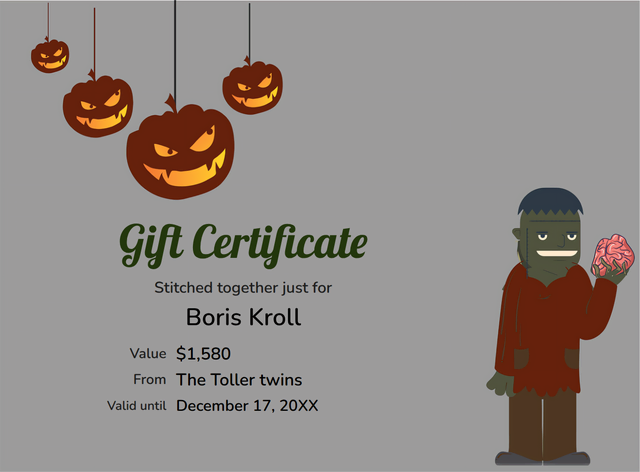
- Stitched Monster Halloween Gift Certificate
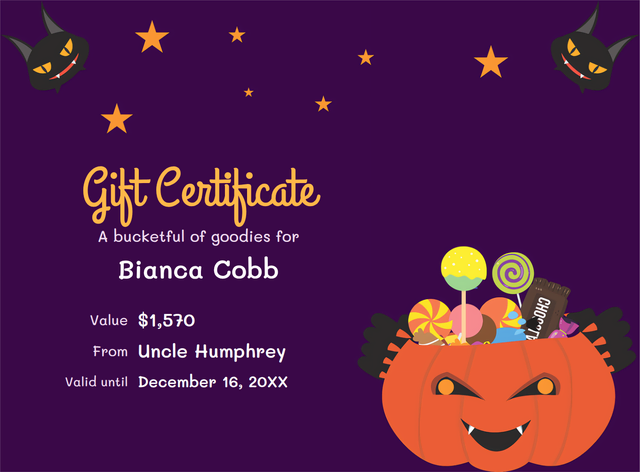
- Treat Bucket Halloween Gift Certificate
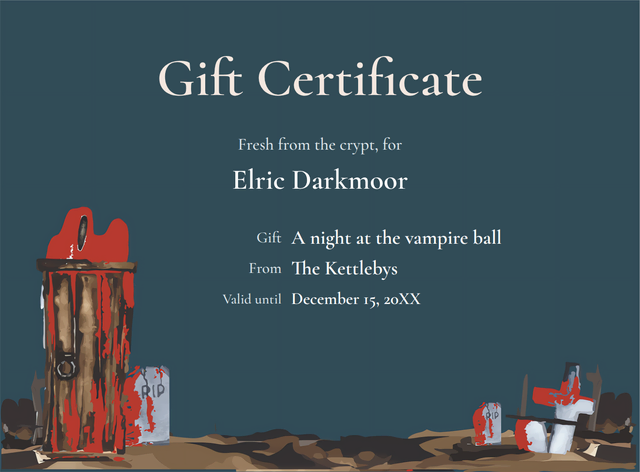
- Upright Coffin Halloween Gift Certificate
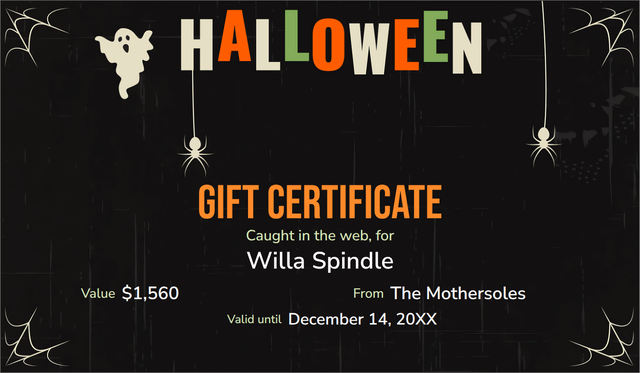
- Hanging Spiders Halloween Gift Certificate
- Big Grin Happy Halloween Gift Certificate

Common questions
About this design
A gift certificate template with thin tan arrow lines framing a warm cream page and arrowheads pointing in at each corner. A tall block-letter title tops it, then an opening line, the recipient's name and lines for what the certificate is good for, the giver and a valid-until date.
It suits an outdoor trip, a lesson or an experience gift for a traveler. At 6 by 3.5 inches it tucks into a card or a travel wallet.
Press "Customize this template", then click any text on the certificate and type your own. Every text can be made bigger or smaller, or dragged to a new spot. When it looks right, press Download.
Yes. Your PDF, PNG and JPG files are made from the same layout you see on the page, at 300 DPI.
6 × 3.5 in, landscape. It prints at home or at a print shop, on plain paper or card. In the print settings, choose Actual size (100%), not Fit to page, so it comes out at its true size.