Customize this template right here and download print-ready files.
- Page size7 × 5 in, landscape
- FilesPDF, PNG and JPG
- Print quality300 DPI
- FontsItalianno, Raleway
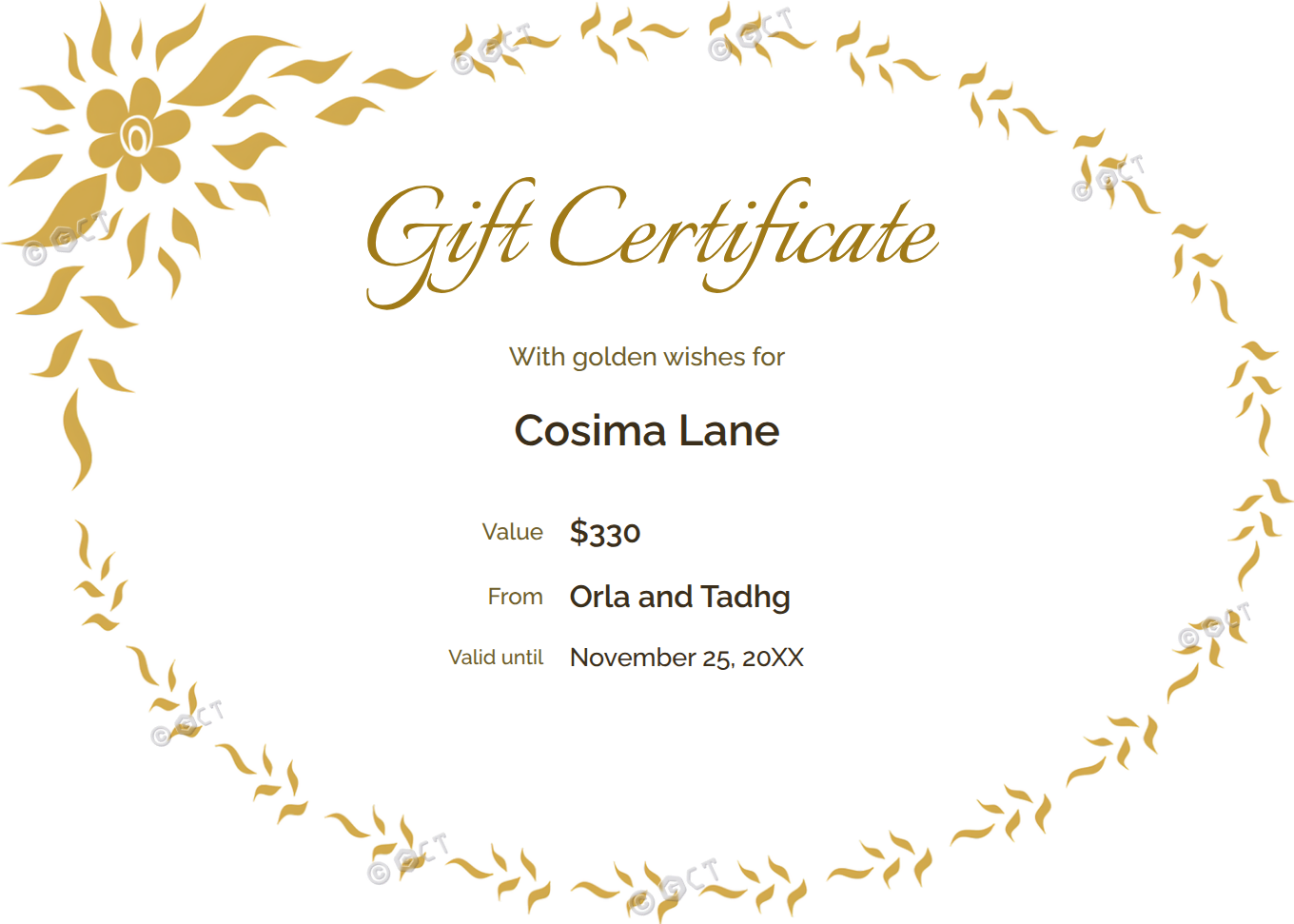
Gold Leaf Wreath Gift Certificate
An oval wreath of small gold leaves, with a gold flower at the top corner, circles a clean white page.
Nothing to install. You type right on the certificate.
You can change
- To
- Value
- From
- Valid until
Every text can also be made bigger or smaller, and moved.
- What you see is what prints
- Prints at home on plain or card paper
- 9,553 certificates downloaded
How the builder works
Step 1
Click a text
Any wording on the certificate opens for typing.
Step 2
Type over it
Who it is for, who it is from and what it is worth.
Step 3
Resize or move it
A− and A+ change the size; drag the cross to move it.
Step 4
Download
A PDF to print, and a PNG and a JPG to send.
More Gift Certificate Templates
See all Gift Certificate Templates
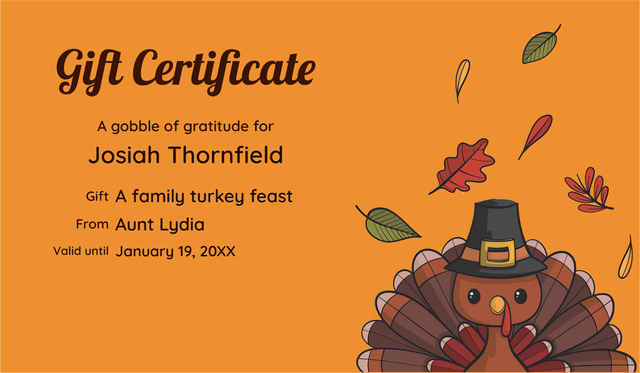
- Pilgrim Turkey Thanksgiving Gift Certificate
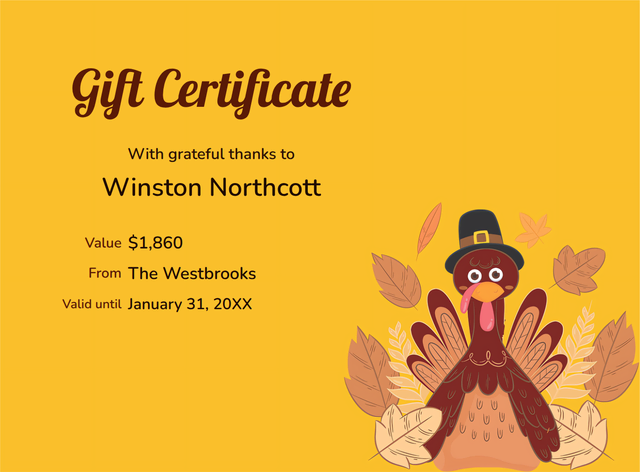
- Cute Pumpkin Pie Thanksgiving Gift Certificate

- Turkey and Leaves Thanksgiving Gift Certificate

- Autumn Maple Tree Gift Certificate

- Squirrel and Pumpkin Autumn Gift Certificate
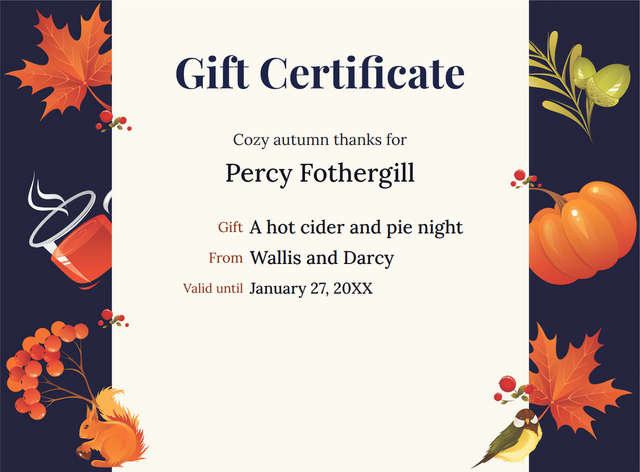
- Thanksgiving Gift Certificate with Songbirds
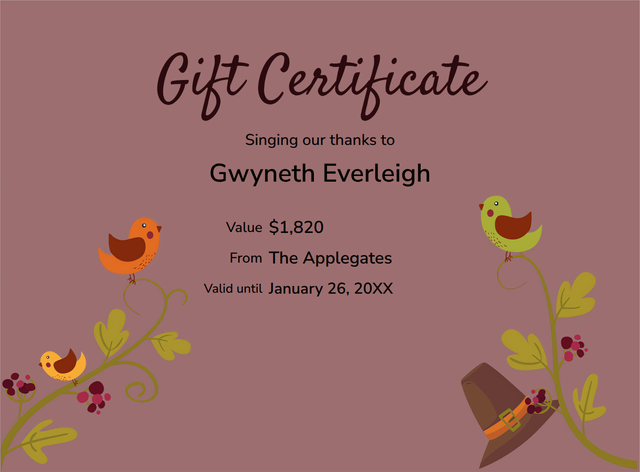
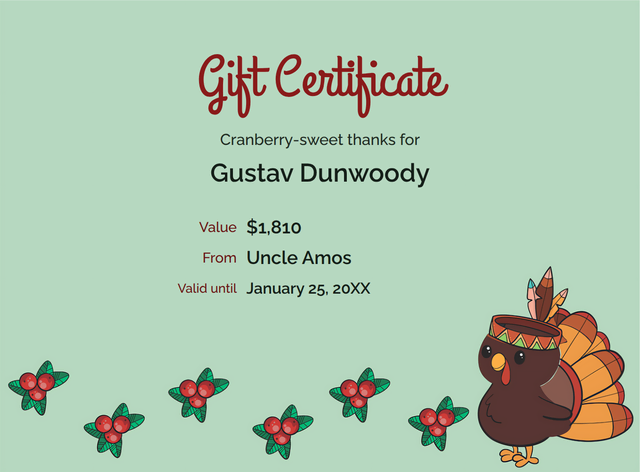
- Cranberry Turkey Thanksgiving Gift Certificate
- Stacked Apples Thanksgiving Gift Certificate

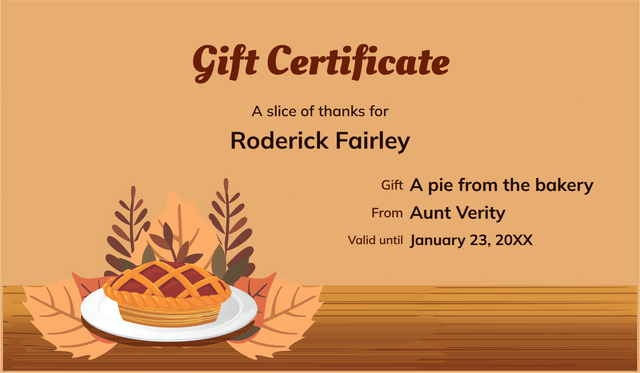
- Lattice Pie Thanksgiving Gift Certificate
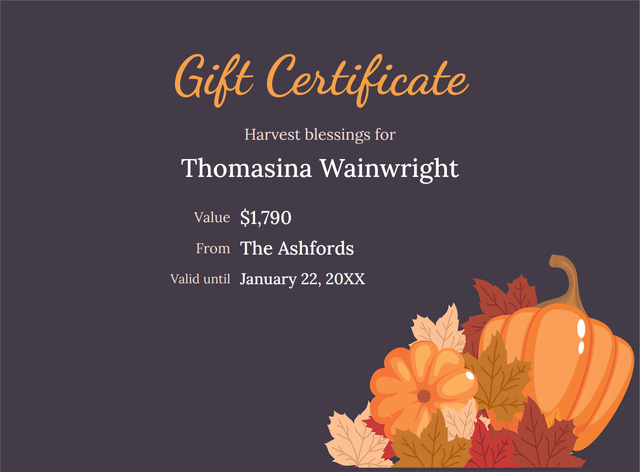
- Autumn Gift Certificate with Pumpkins
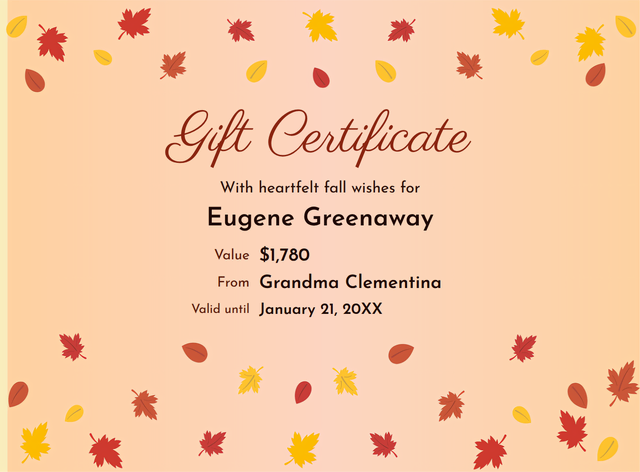
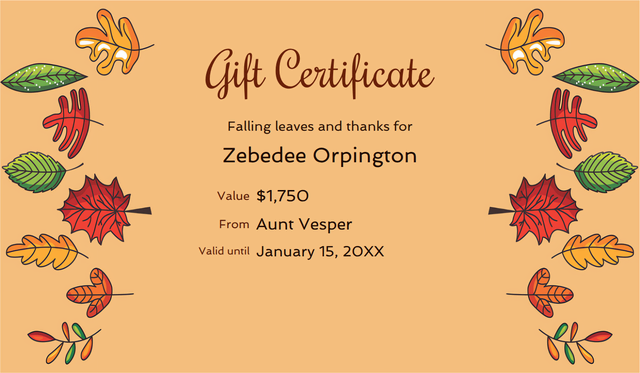
- Falling Leaves Autumn Gift Certificate
- Picnic Basket Autumn Gift Certificate

- Peeking Turkey Thanksgiving Gift Certificate
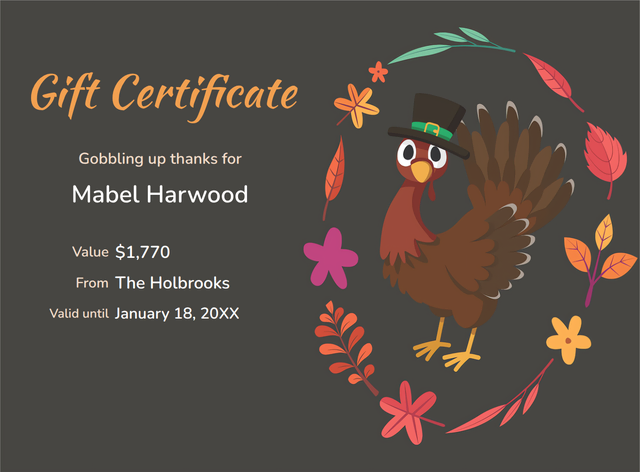
- Leaf Wreath Turkey Thanksgiving Gift Certificate
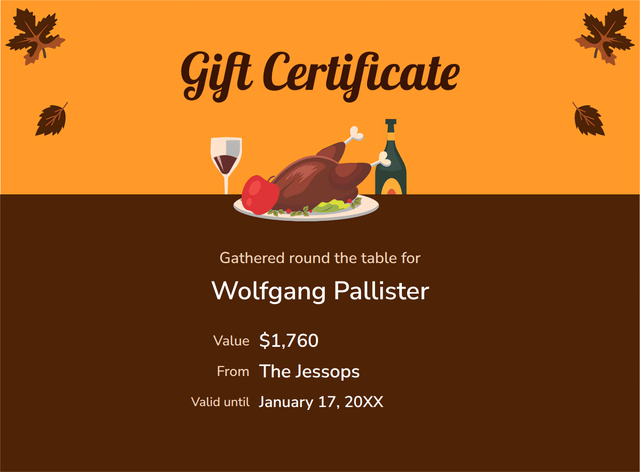
- Turkey Dinner Thanksgiving Gift Certificate
- Casserole and Soup Thanksgiving Gift Certificate

- Hand-Drawn Leaves Autumn Gift Certificate
- Black Rowan Berry Autumn Gift Certificate
- Autumn Breakfast Cafe Gift Certificate
- Yellow Rowan Berry Autumn Gift Certificate
- Pumpkins and Grapes Thanksgiving Gift Certificate

- Autumn Gift Certificate with Leaf Mandala
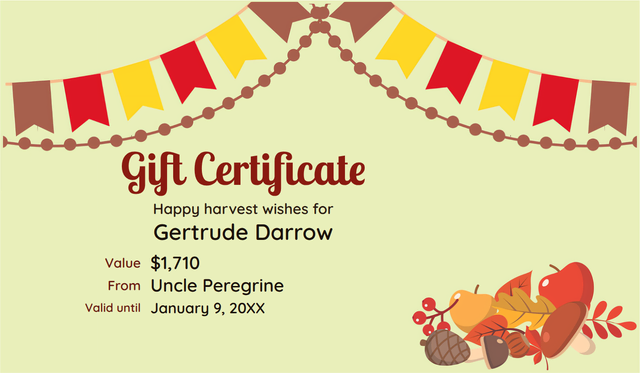
- Festive Bunting Autumn Gift Certificate
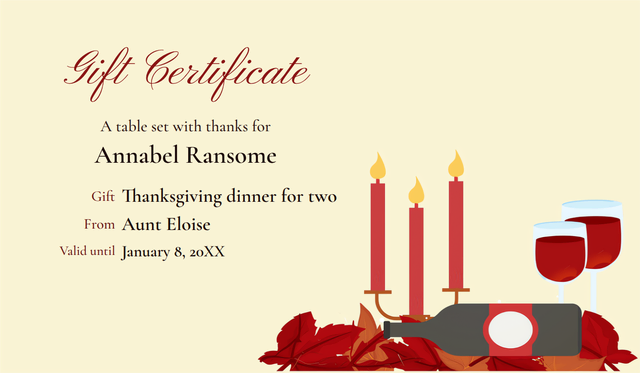
- Candlelit Thanksgiving Dinner Gift Certificate
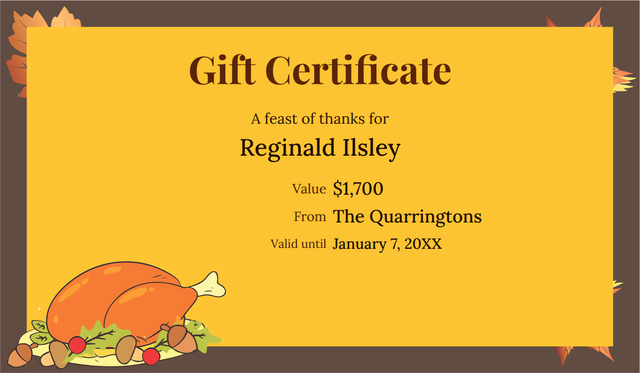
- Roast Turkey Thanksgiving Gift Certificate
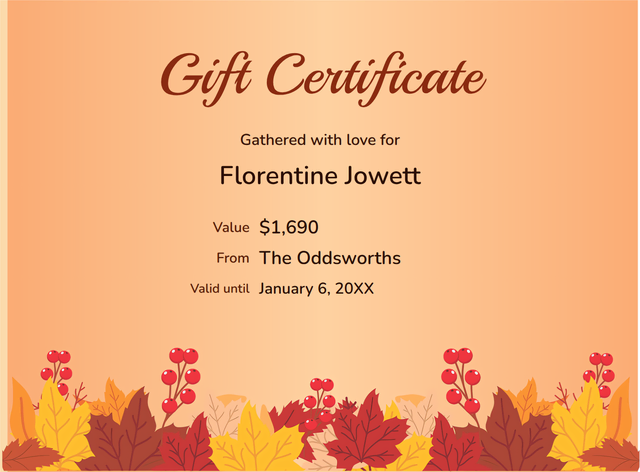
- Maple and Berry Autumn Gift Certificate
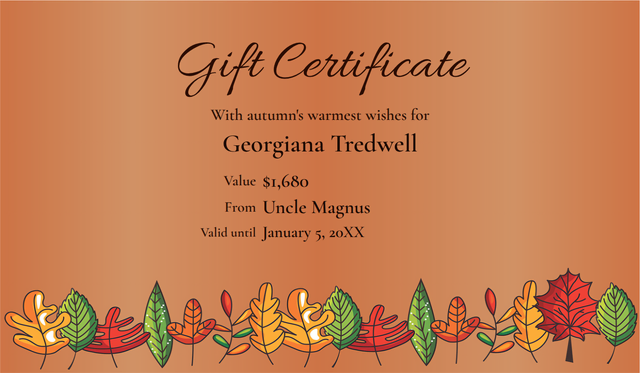
- Copper Autumn Leaves Gift Certificate
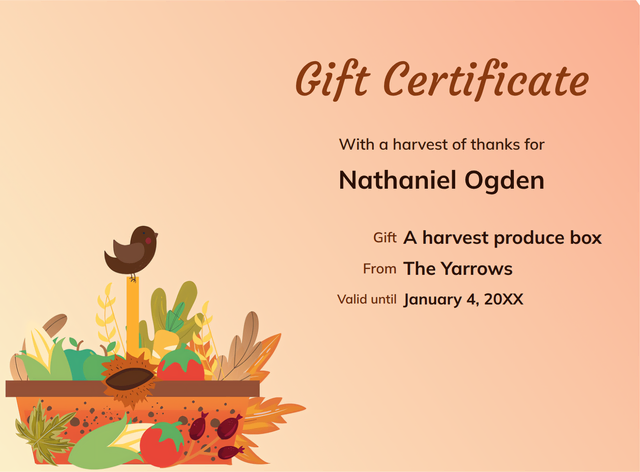
- Thanksgiving Gift Certificate with Harvest Basket
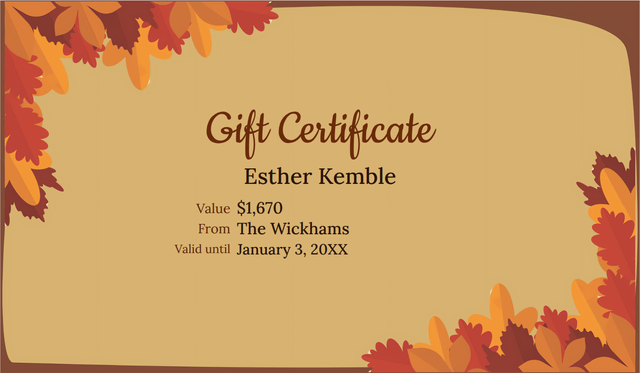
- Rustic Frame Autumn Gift Certificate
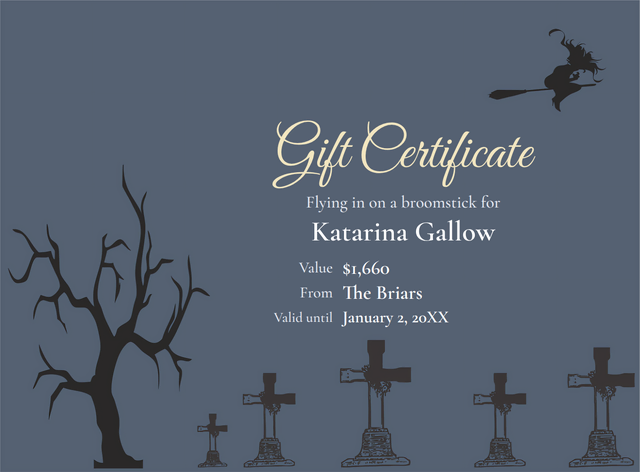
- Flying Witch Halloween Gift Certificate
- Halloween Gift Certificate with Little Devil
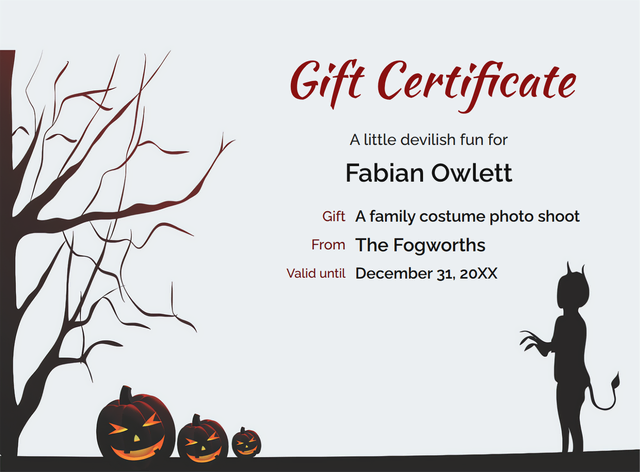
- Haunted Tree Halloween Gift Certificate
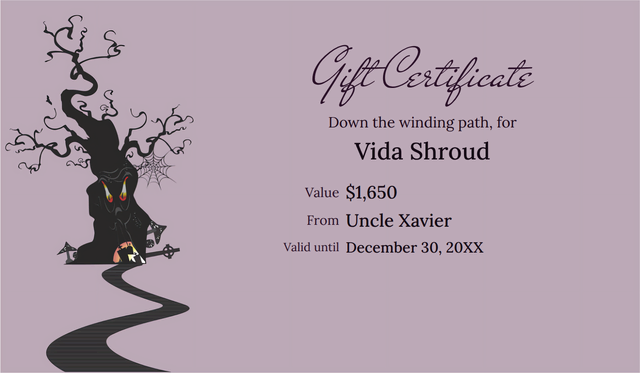
- Cobweb and Mummy Halloween Gift Certificate
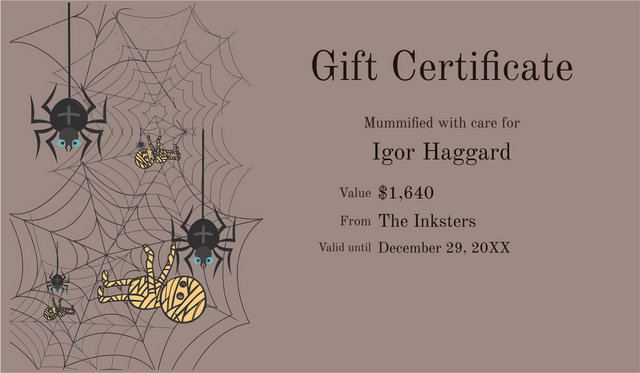
- Trick or Treat Halloween Gift Certificate
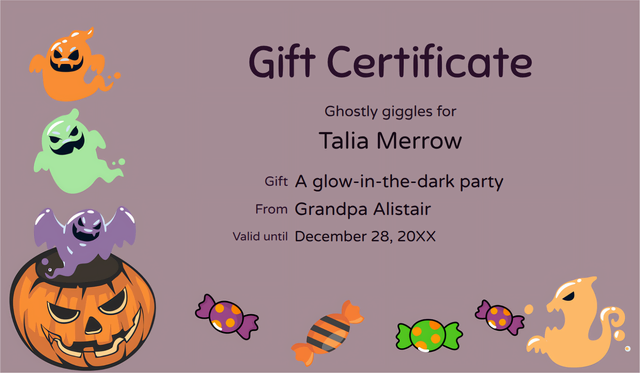
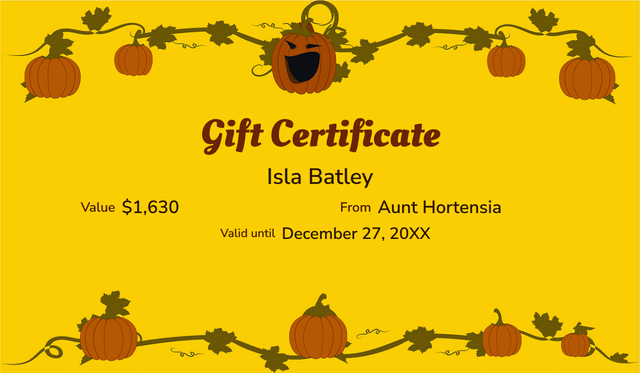
- Pumpkin Vine Halloween Gift Certificate
- Zombie Hands Halloween Gift Certificate

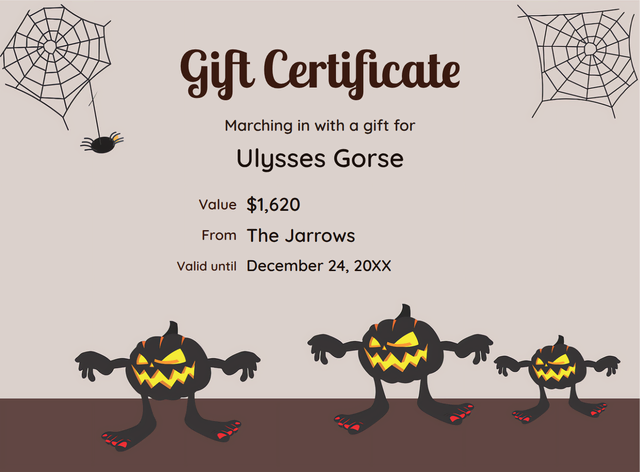
- Pumpkin Monsters Halloween Gift Certificate
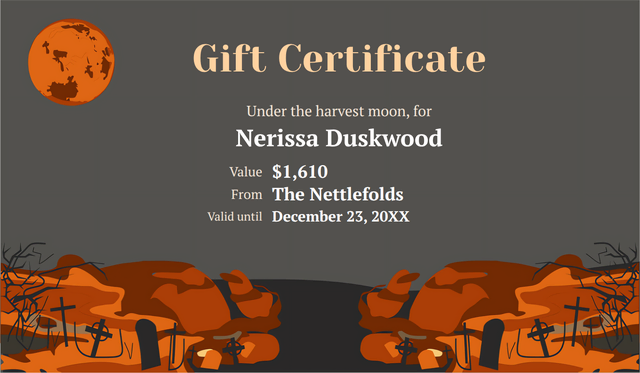
- Orange Moon Graveyard Halloween Gift Certificate
- Fire Border Halloween Gift Certificate

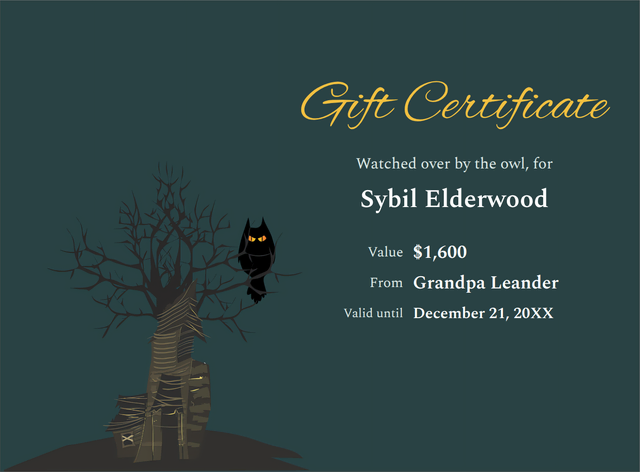
- Owl in a Dead Tree Halloween Gift Certificate
- Crow on a Broomstick Halloween Gift Certificate
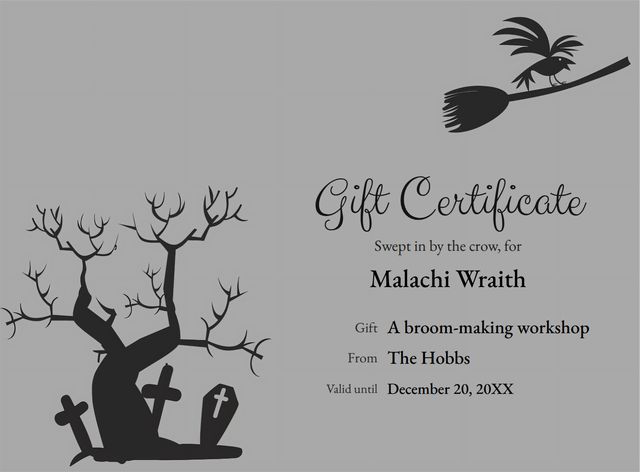
- Owls on a Fence Halloween Gift Certificate
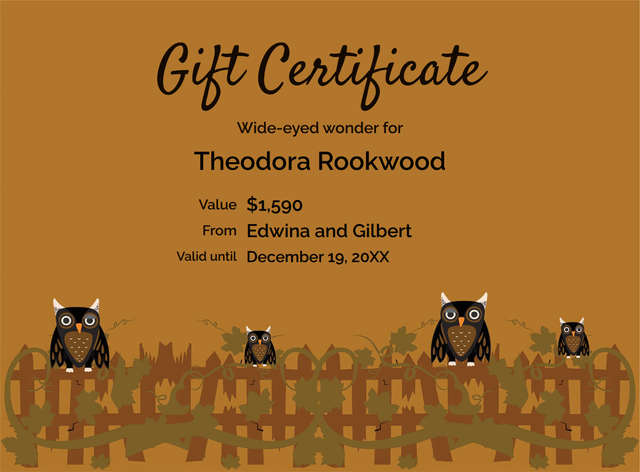
- Polka Dot Frame Halloween Gift Certificate

- Stitched Monster Halloween Gift Certificate
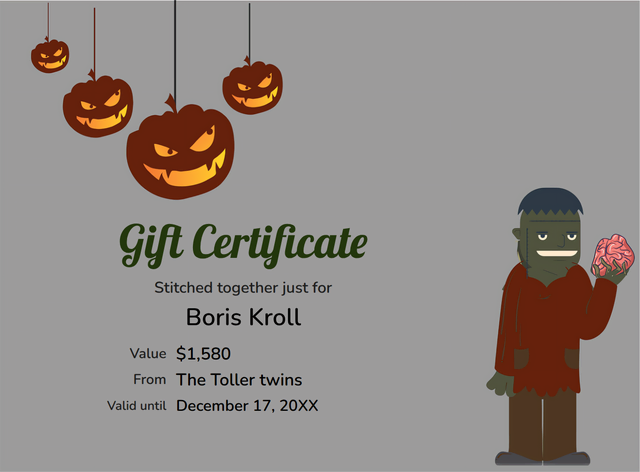
- Treat Bucket Halloween Gift Certificate

- Upright Coffin Halloween Gift Certificate
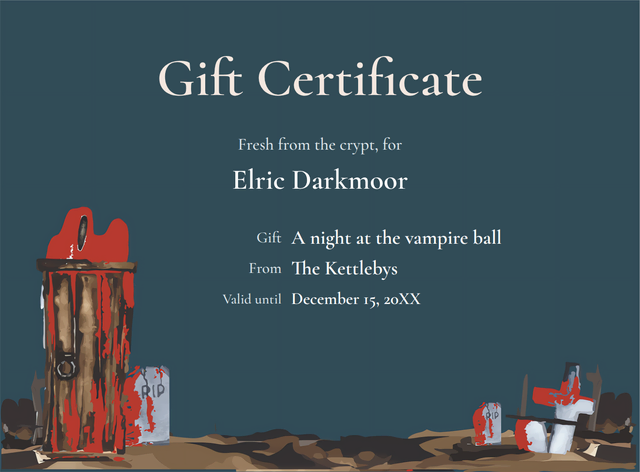
- Hanging Spiders Halloween Gift Certificate
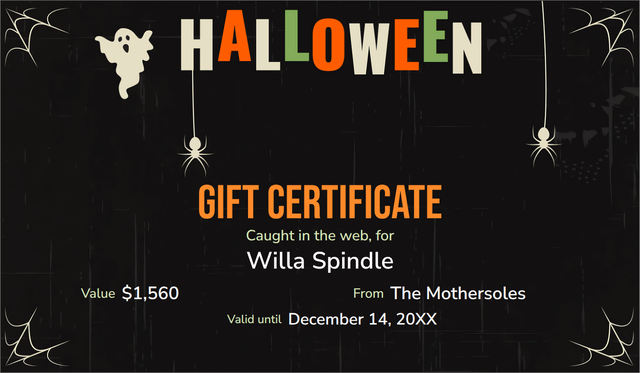
- Big Grin Happy Halloween Gift Certificate

Common questions
About this design
A gift certificate template with an oval wreath of small gold leaves around a white page and a gold flower at one corner. A gold script title and an opening line sit inside the wreath, with the recipient's name and lines for the value, the giver and a valid-until date.
It suits an anniversary, a golden birthday or a present for parents. At 7 by 5 inches it tucks into a greeting card or an A7 envelope.
Press "Customize this template", then click any text on the certificate and type your own. Every text can be made bigger or smaller, or dragged to a new spot. When it looks right, press Download.
Yes. Your PDF, PNG and JPG files are made from the same layout you see on the page, at 300 DPI.
7 × 5 in, landscape. It prints at home or at a print shop, on plain paper or card. In the print settings, choose Actual size (100%), not Fit to page, so it comes out at its true size.