Customize this template right here and download print-ready files.
- Page size10.5 × 8 in, landscape
- FilesPDF, PNG and JPG
- Print quality300 DPI
- FontsMarck Script, Crimson Text, Spectral
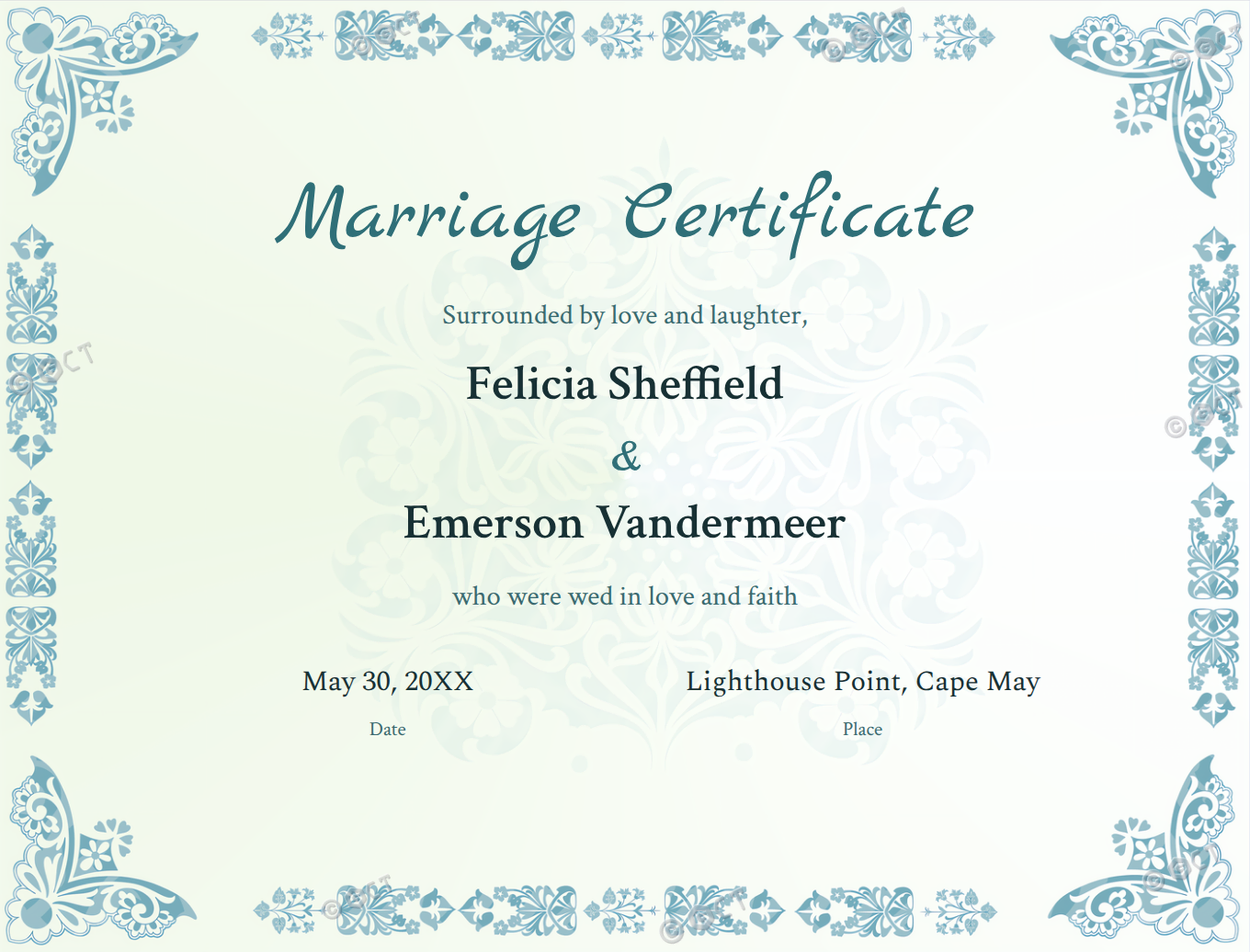
Mint Teal Ornament Marriage Certificate
Teal ornaments fill the corners and run down the sides of pale mint, around a faint medallion at the center.
Nothing to install. You type right on the certificate.
You can change
- First partner
- Second partner
- Date
- Place
Every text can also be made bigger or smaller, and moved.
- What you see is what prints
- Prints at home on plain or card paper
- 9,553 certificates downloaded
How the builder works
Step 1
Click a text
Any wording on the certificate opens for typing.
Step 2
Type over it
Who it is for, who it is from and what it is worth.
Step 3
Resize or move it
A− and A+ change the size; drag the cross to move it.
Step 4
Download
A PDF to print, and a PNG and a JPG to send.
More Marriage Certificate Templates
See all Marriage Certificate Templates
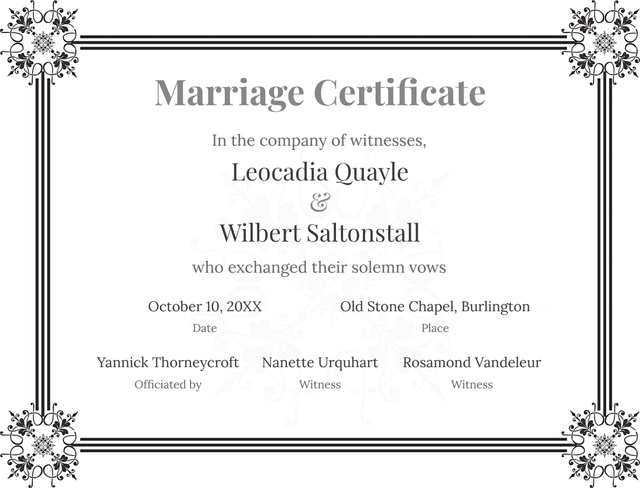
- Black Triple Line Marriage Certificate
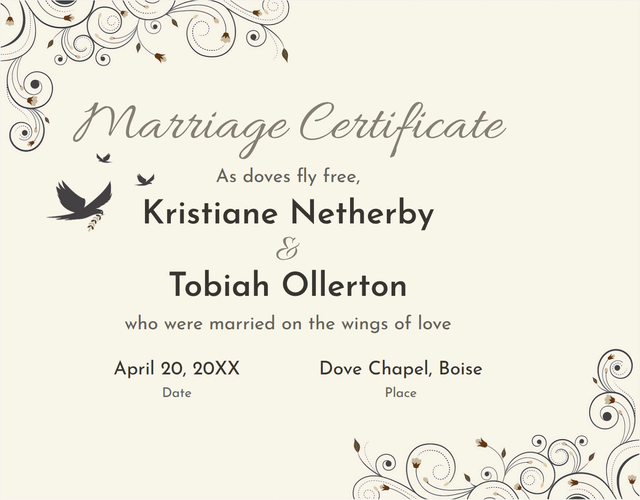
- Flying Doves Marriage Certificate
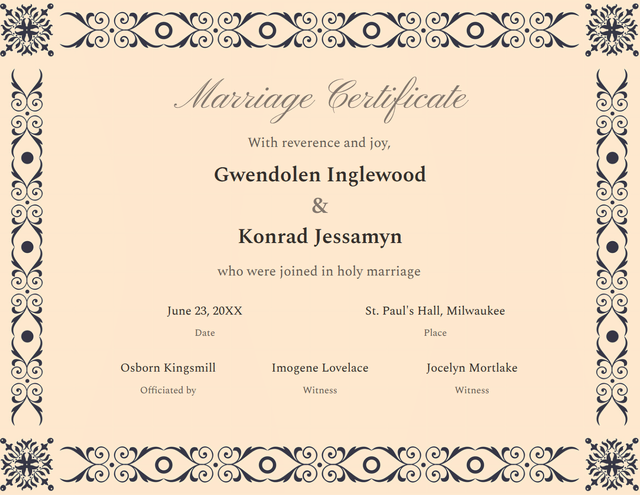
- Navy Scrollwork Marriage Certificate
- Pink Rose Oval Marriage Certificate
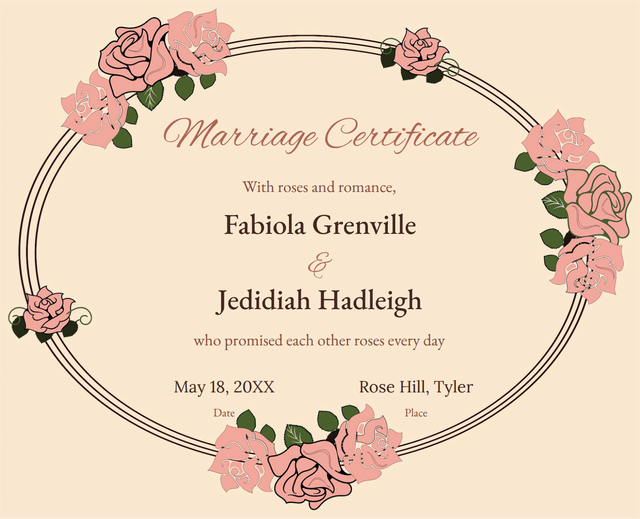
- Black Label Frame Marriage Certificate
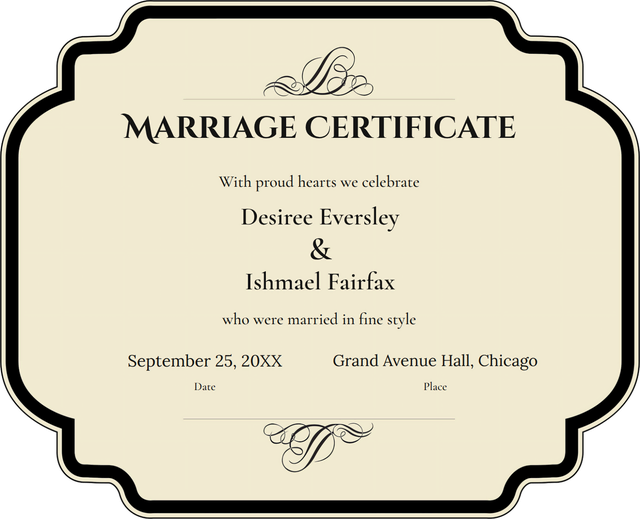
- Coral Scalloped Frame Marriage Certificate
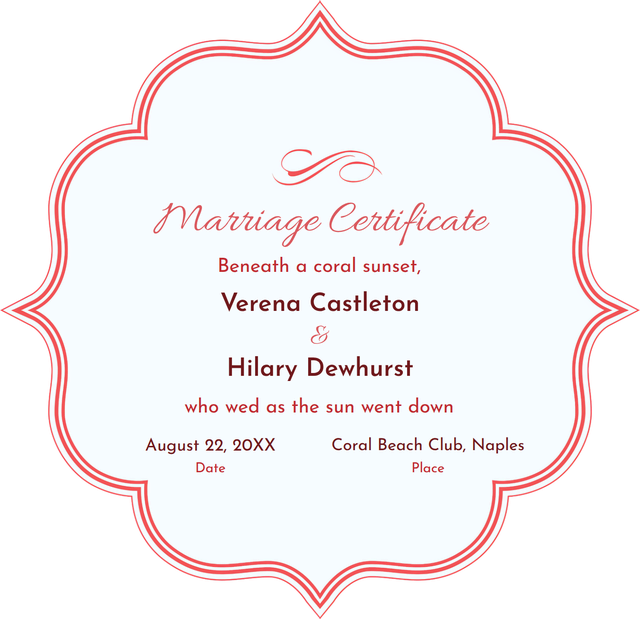
- Black Damask Sides Marriage Certificate
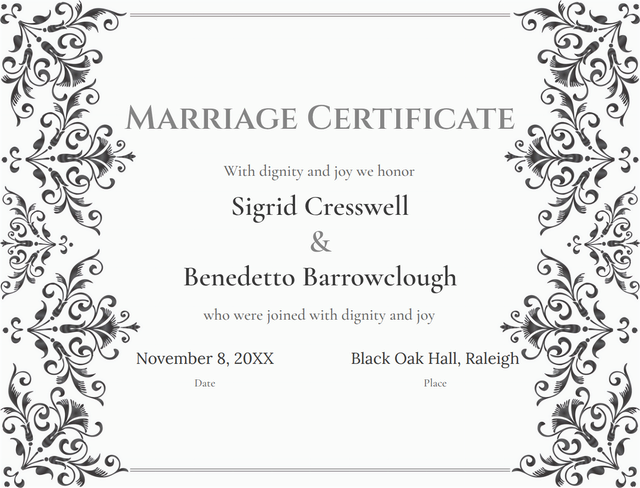
- Tall Charcoal Lace Marriage Certificate
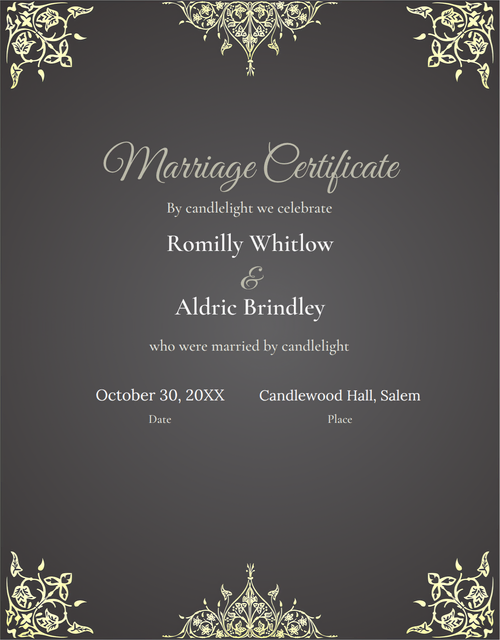
- Antique Floral Corners Marriage Certificate
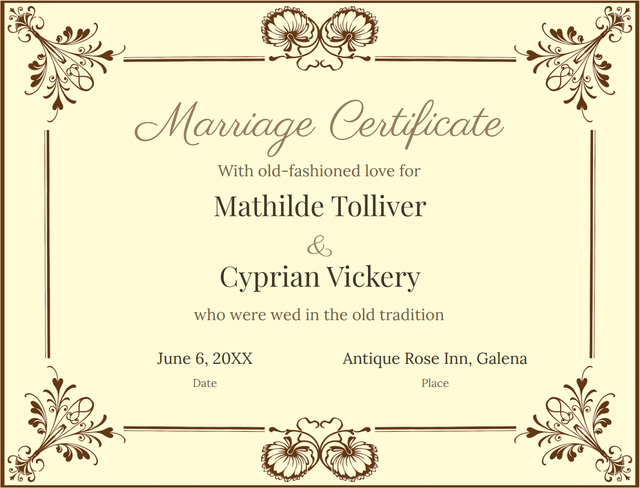
- Gold Lace Square Marriage Certificate
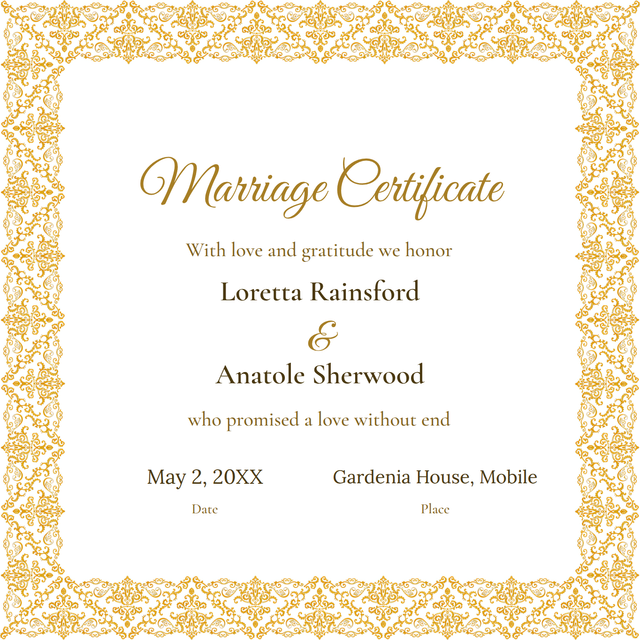
- Black Scroll Corners Marriage Certificate
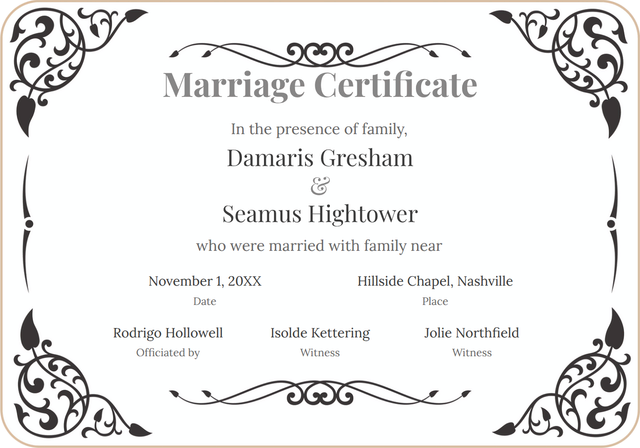
- Antique Oval Frame Marriage Certificate
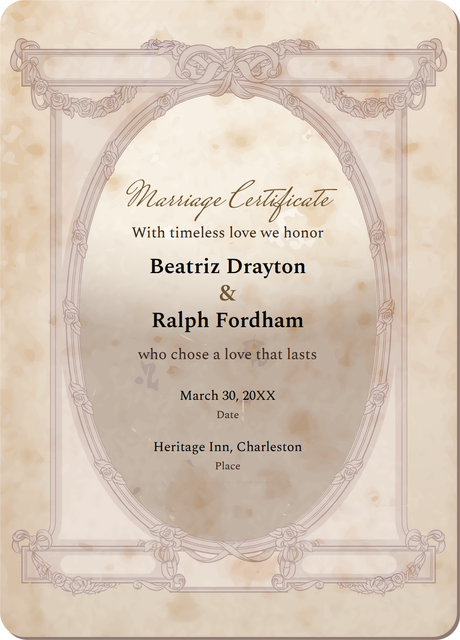
- Silver Oval Marriage Certificate
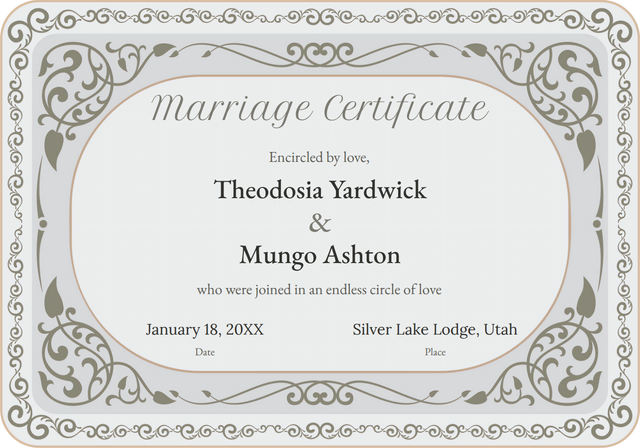
- Midnight Blue Gold Frame Marriage Certificate
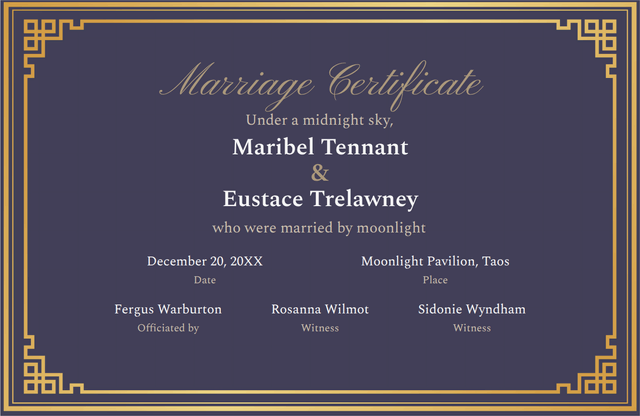
- Red Geometric Border Marriage Certificate
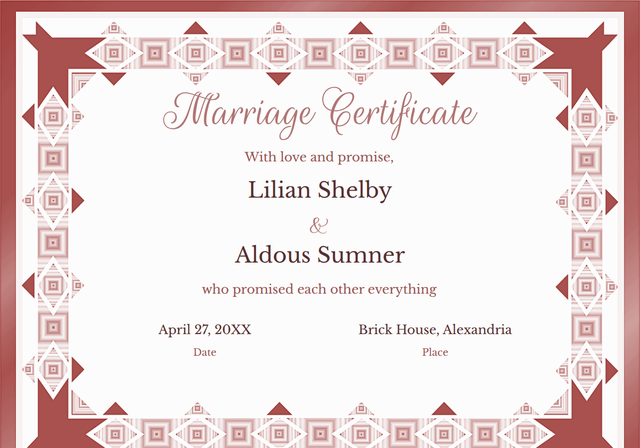
- Orange Knot Corners Marriage Certificate
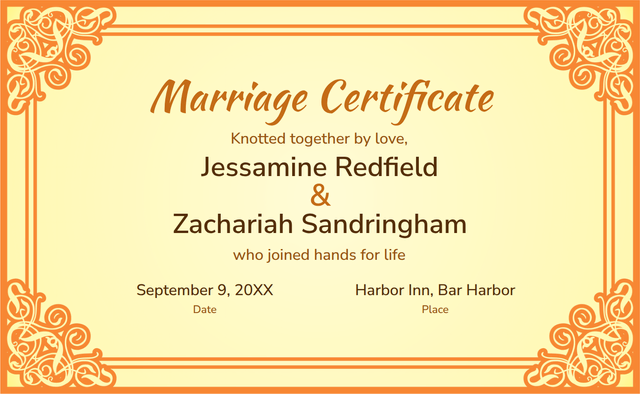
- Peach Wave Marriage Certificate
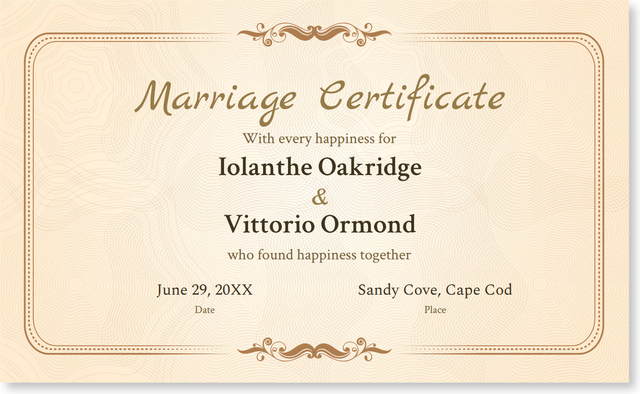
- Berry Branch Marriage Certificate
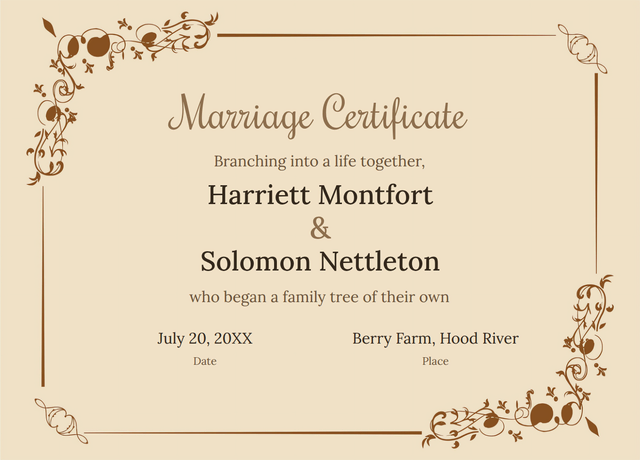
- Bright Gold Vine Marriage Certificate
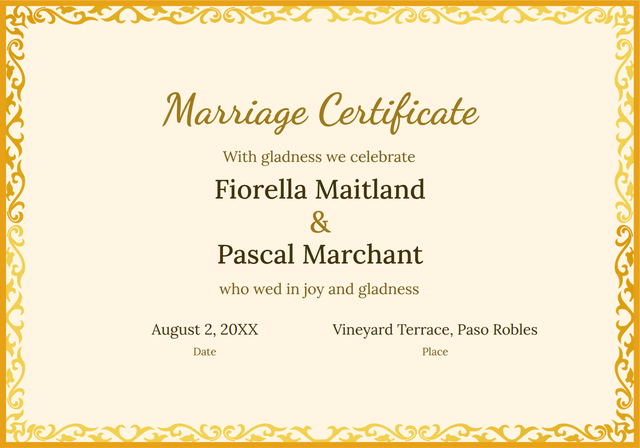
- Copper Scroll Frame Marriage Certificate
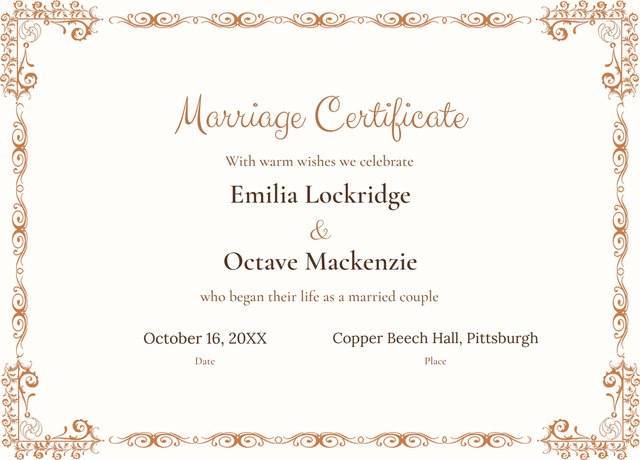
- Art Nouveau Lily Marriage Certificate
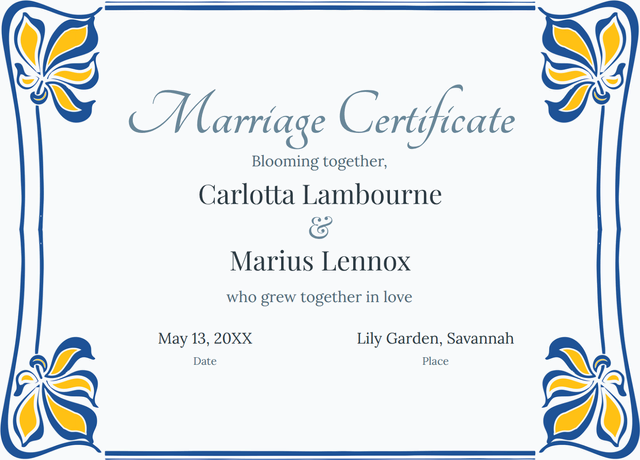
- Pale Gold Ribbon Marriage Certificate
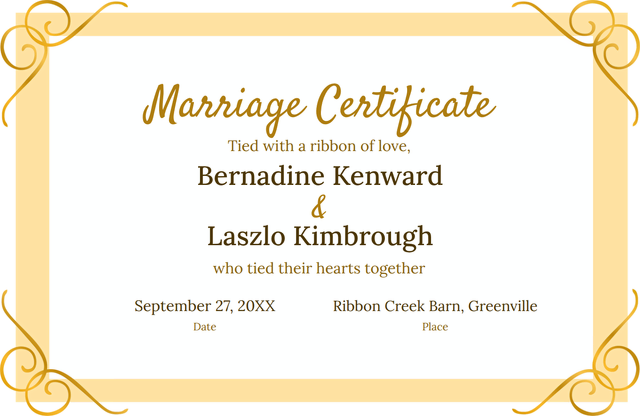
- Gold Star Corners Marriage Certificate
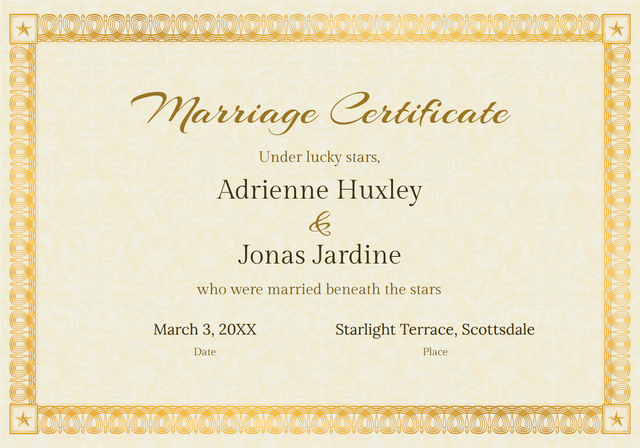
- Black Beaded Border Marriage Certificate
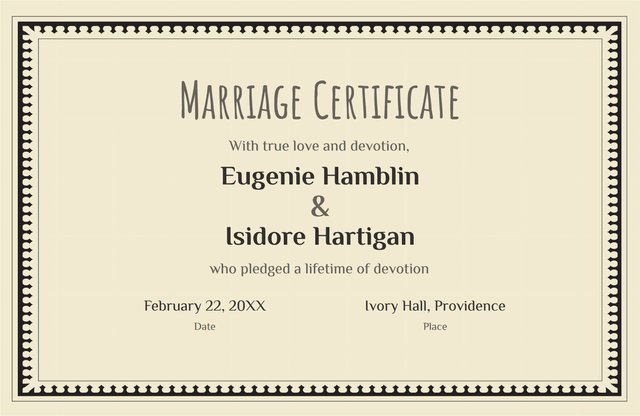
- Gold Damask Marriage Certificate
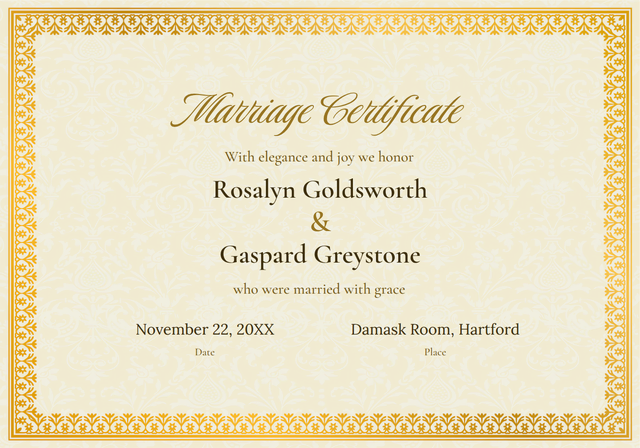
- Ivory Fleuron Border Marriage Certificate
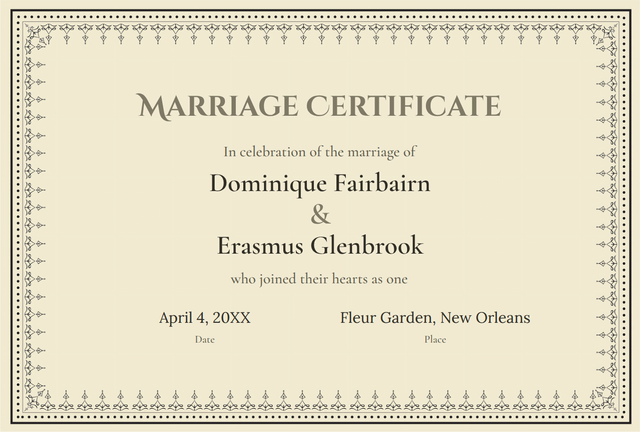
- Gold Wave Frame Marriage Certificate
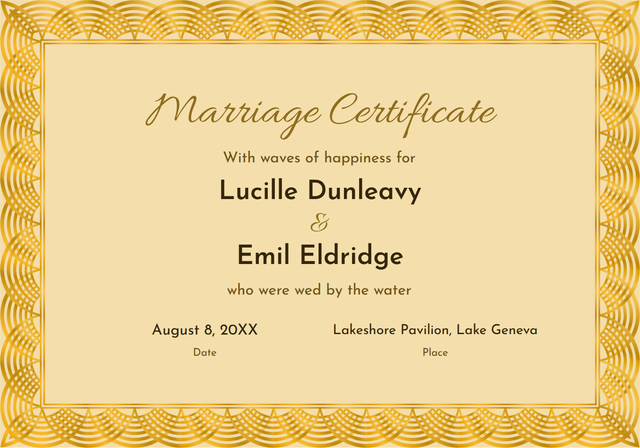
- Peach Medallion Frame Marriage Certificate
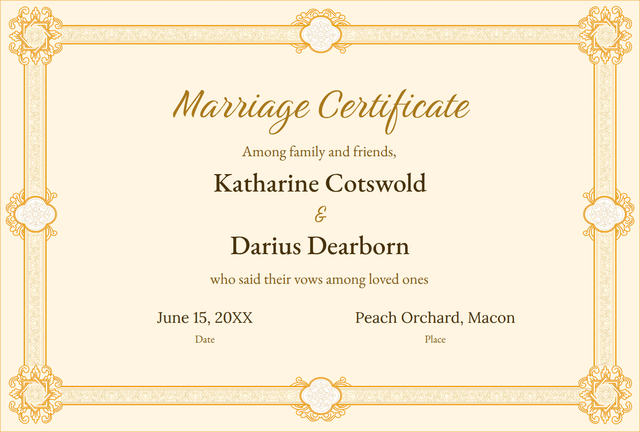
- Royal Blue Scroll Marriage Certificate
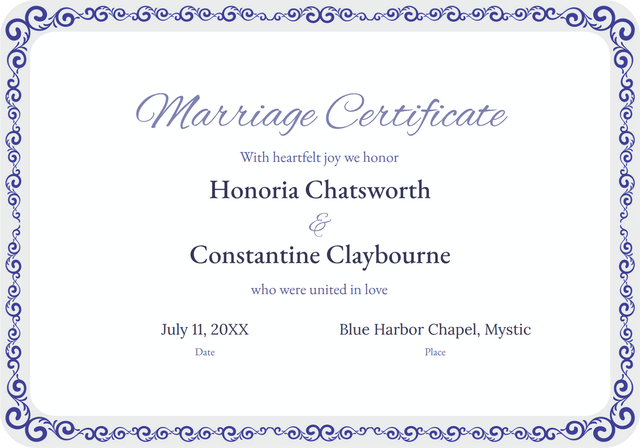
- Gold Filigree Corners Marriage Certificate
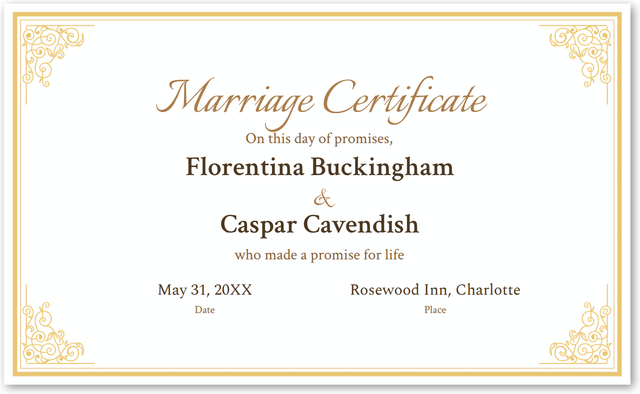
- Gold Medallion Border Marriage Certificate
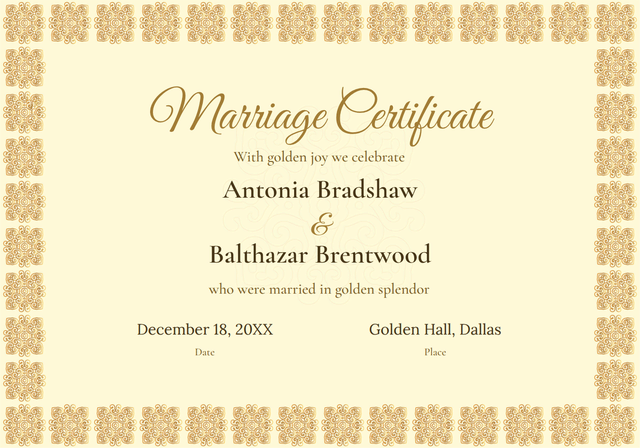
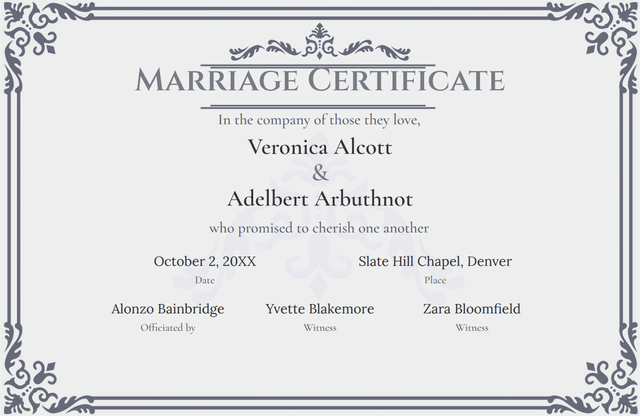
- Slate Ornate Frame Marriage Certificate
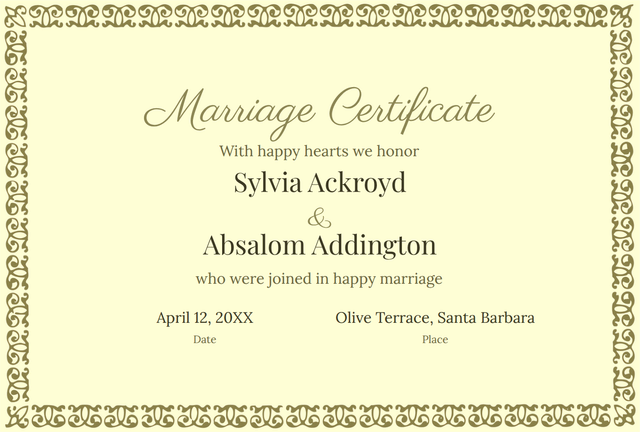
- Olive Scrollwork Marriage Certificate
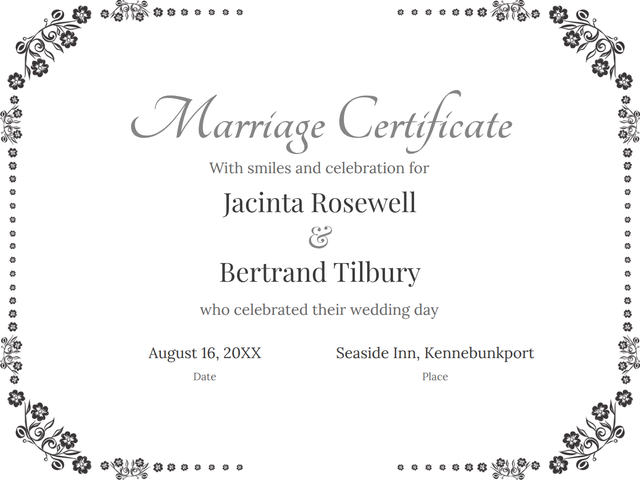
- Dotted Floral Corners Marriage Certificate
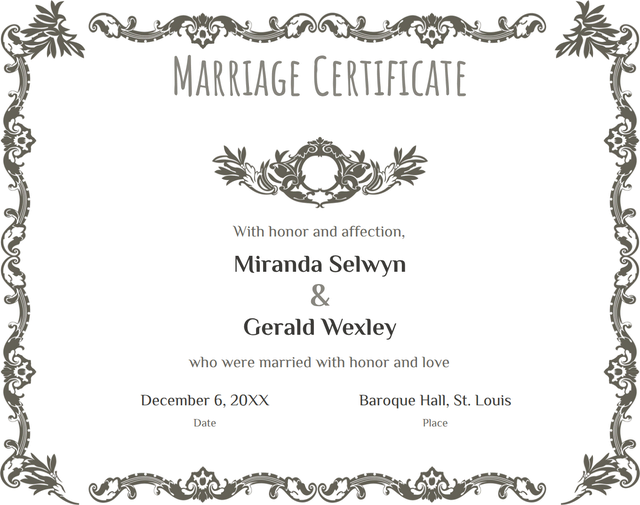
- Baroque Scroll Frame Marriage Certificate
- Purple Knot Border Marriage Certificate
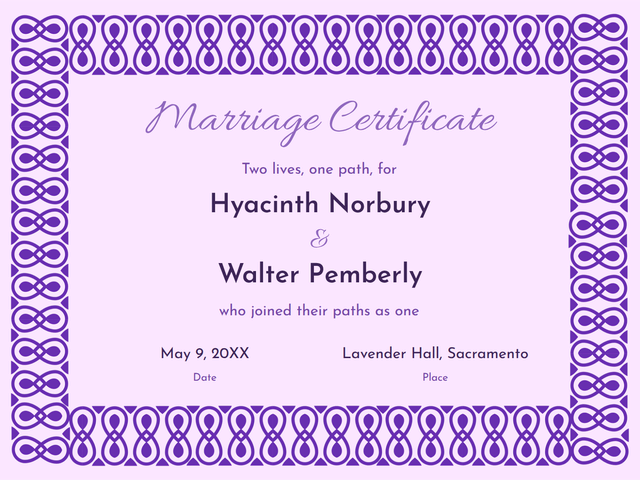
- Black Floral Vine Marriage Certificate
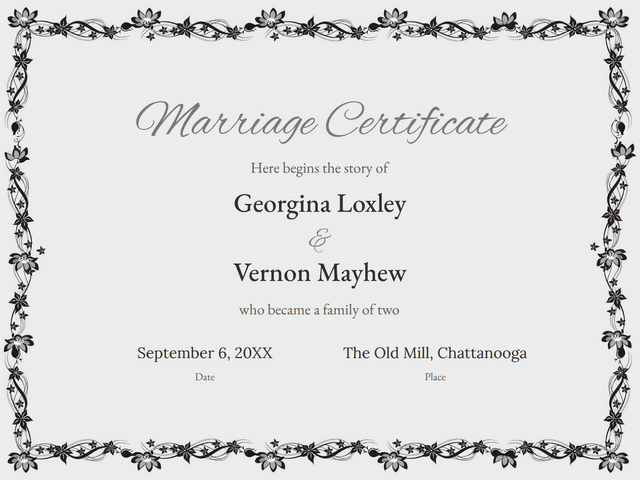
- Red Flower Chain Marriage Certificate
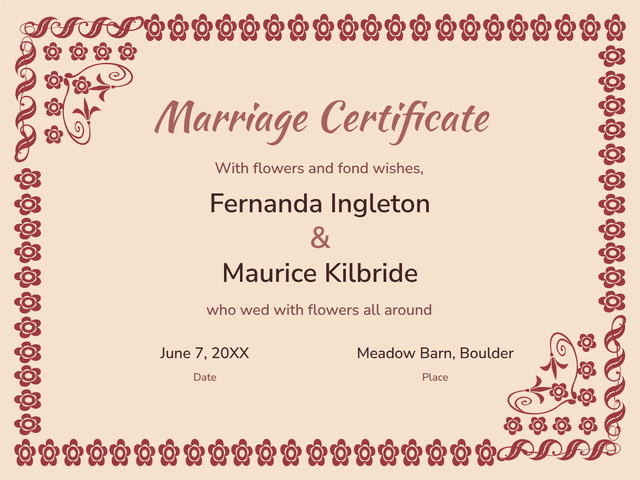
- Calligraphic Navy Border Marriage Certificate
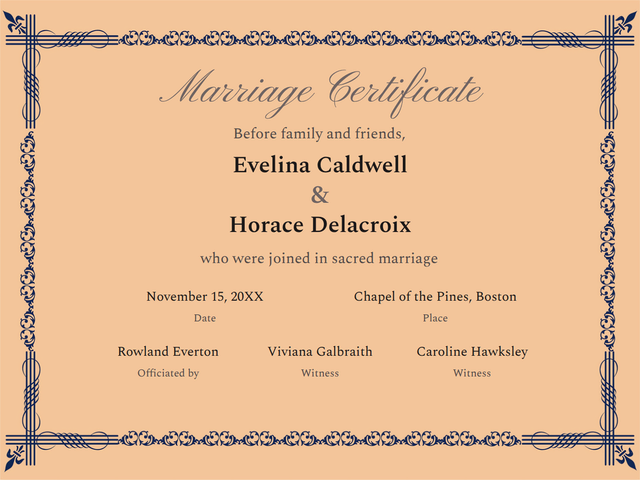
- Crimson Dot Border Marriage Certificate
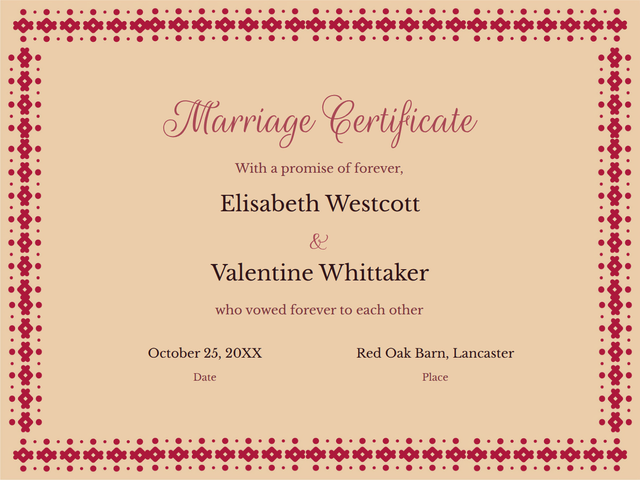
- Red Flower Medallion Marriage Certificate
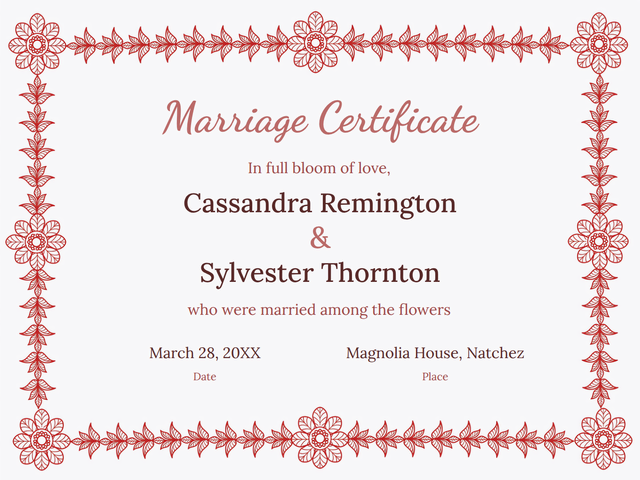
- Line Art Petal Marriage Certificate
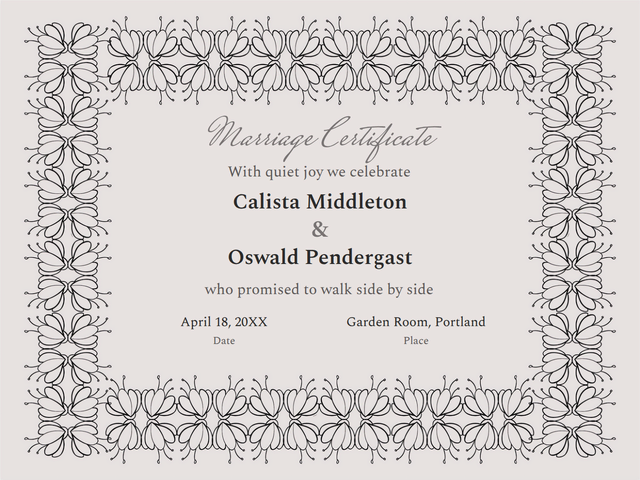
- Marigold Swirl Border Marriage Certificate
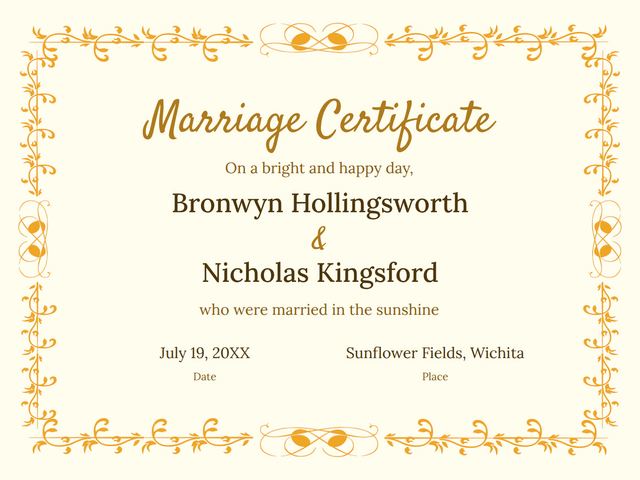
- Tan Corner Loops Marriage Certificate
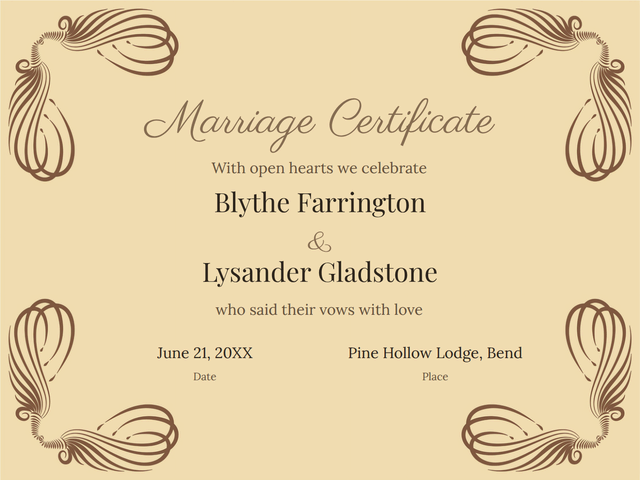
- Orange Filigree Marriage Certificate
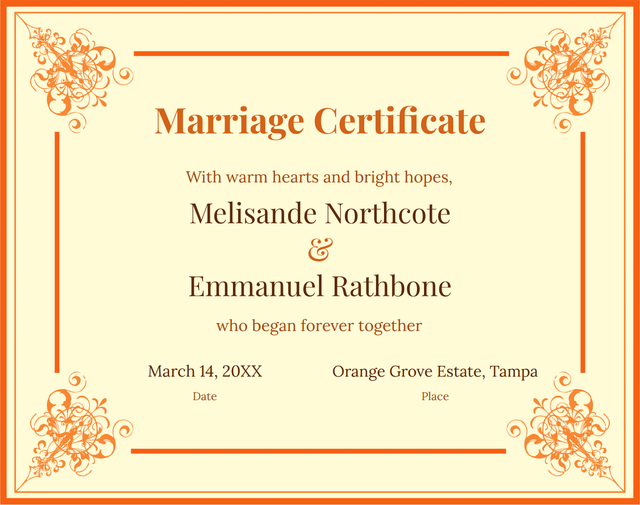
- Braided Gold Border Marriage Certificate
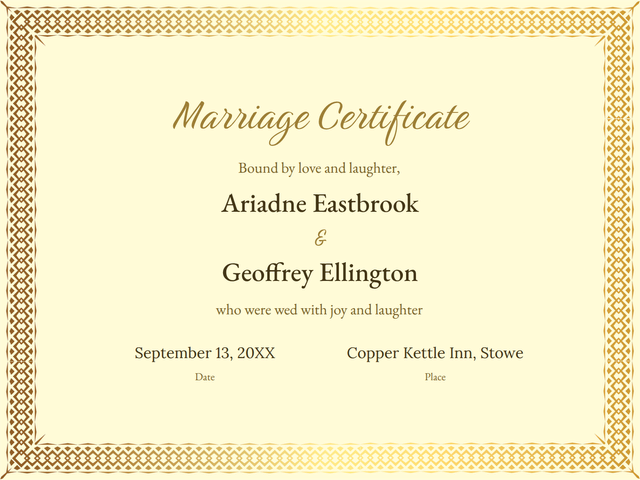
- Gold Diamond Tile Marriage Certificate
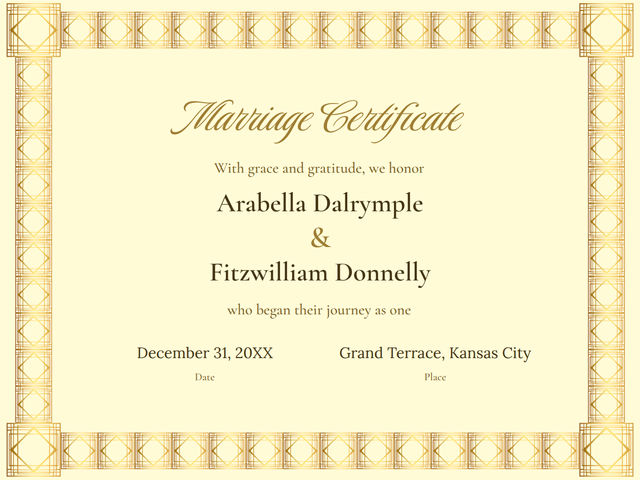
- Gold Knotwork Marriage Certificate
Common questions
About this design
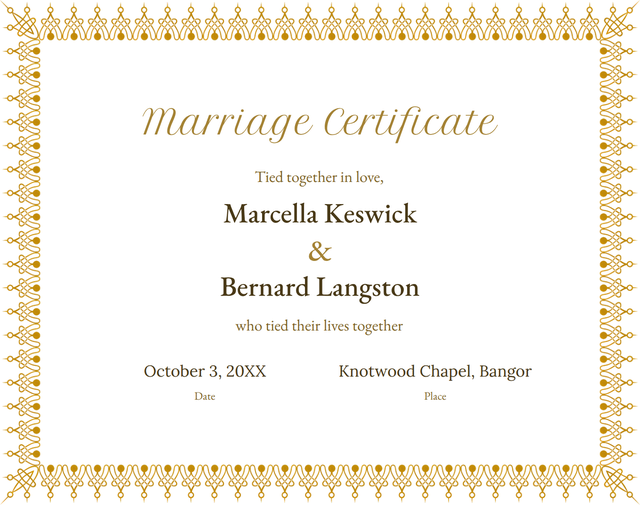
A marriage certificate template with teal ornaments in the corners and down the sides of a pale mint page, a row of motifs along the top and bottom and a faint medallion behind the text. A teal script title and an opening line lead to both names, a closing line, the date and the place.
It suits a coastal wedding, a spring vow renewal or a gift from the maid of honor. At 10.5 by 8 inches it fits a US Letter sheet, landscape.
Press "Customize this template", then click any text on the certificate and type your own. Every text can be made bigger or smaller, or dragged to a new spot. When it looks right, press Download.
Yes. Your PDF, PNG and JPG files are made from the same layout you see on the page, at 300 DPI.
10.5 × 8 in, landscape. It prints at home or at a print shop, on plain paper or card. In the print settings, choose Actual size (100%), not Fit to page, so it comes out at its true size.