Customize this template right here and download print-ready files.
- Page size10 × 7.5 in, landscape
- FilesPDF, PNG and JPG
- Print quality300 DPI
- FontsCinzel, Cormorant Garamond, Lora
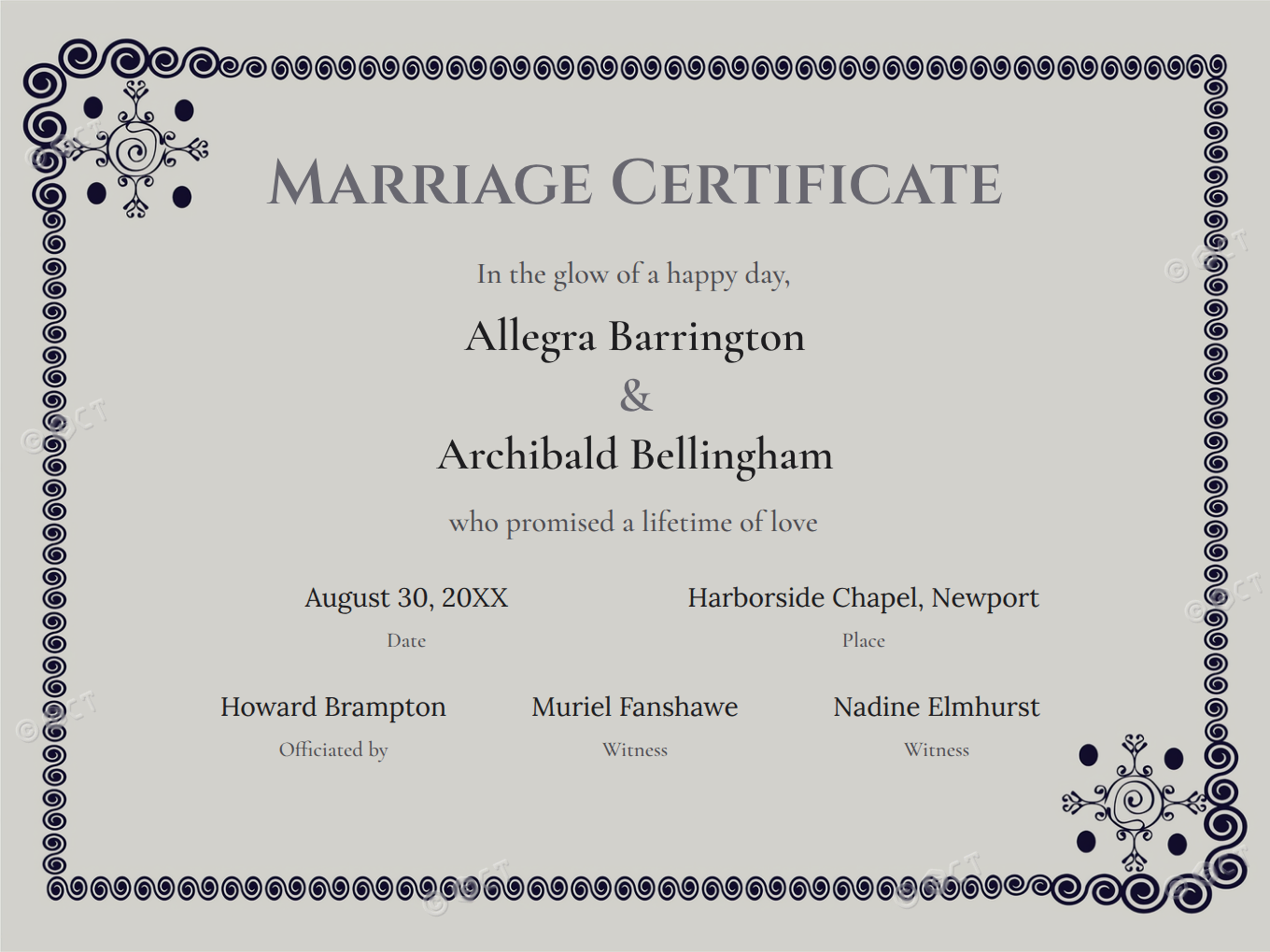
Navy Spiral Border Marriage Certificate
A navy spiral border runs around soft gray, with a snowflake-like ornament in the top left and lower right corners.
Nothing to install. You type right on the certificate.
You can change
- First partner
- Second partner
- Date
- Place
- Officiated by
- First witness
- Second witness
Every text can also be made bigger or smaller, and moved.
- What you see is what prints
- Prints at home on plain or card paper
- 9,553 certificates downloaded
How the builder works
Step 1
Click a text
Any wording on the certificate opens for typing.
Step 2
Type over it
Who it is for, who it is from and what it is worth.
Step 3
Resize or move it
A− and A+ change the size; drag the cross to move it.
Step 4
Download
A PDF to print, and a PNG and a JPG to send.
More Marriage Certificate Templates
See all Marriage Certificate Templates
- Black Triple Line Marriage Certificate
- Flying Doves Marriage Certificate
- Navy Scrollwork Marriage Certificate
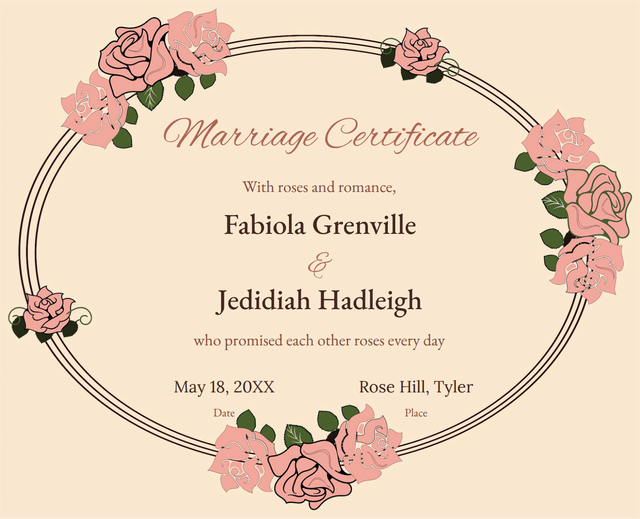
- Pink Rose Oval Marriage Certificate
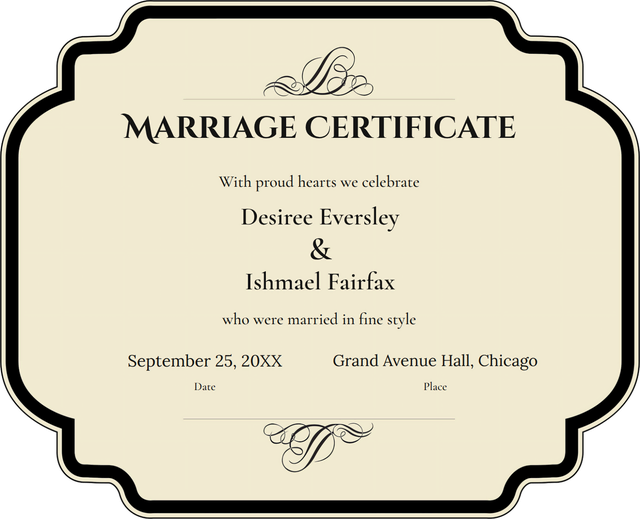
- Black Label Frame Marriage Certificate
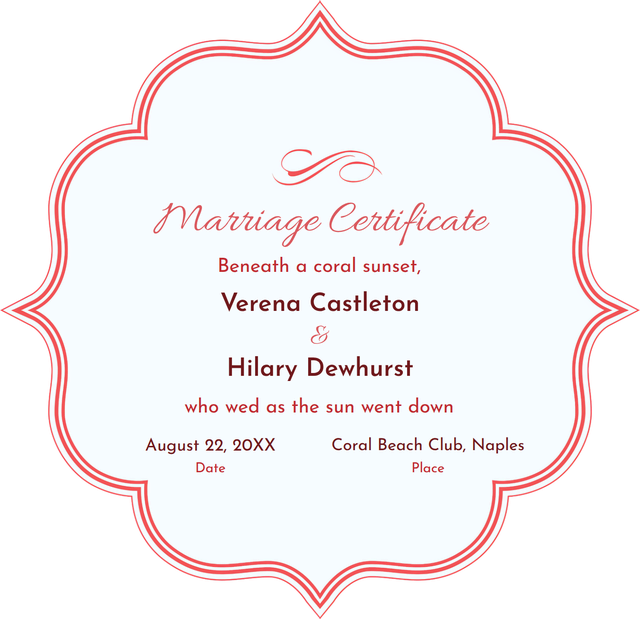
- Coral Scalloped Frame Marriage Certificate
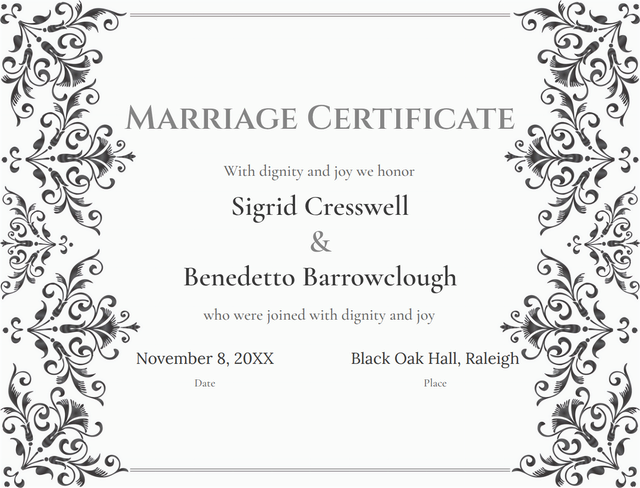
- Black Damask Sides Marriage Certificate
- Tall Charcoal Lace Marriage Certificate
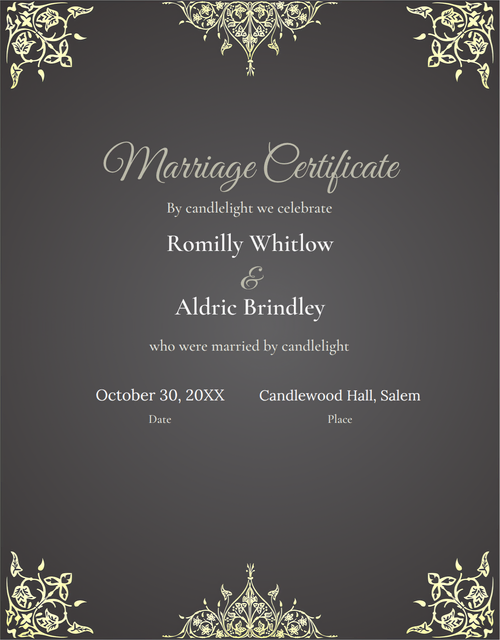
- Antique Floral Corners Marriage Certificate
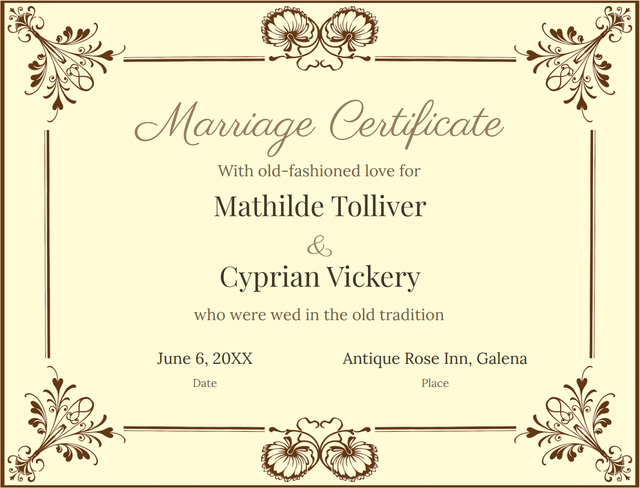
- Gold Lace Square Marriage Certificate
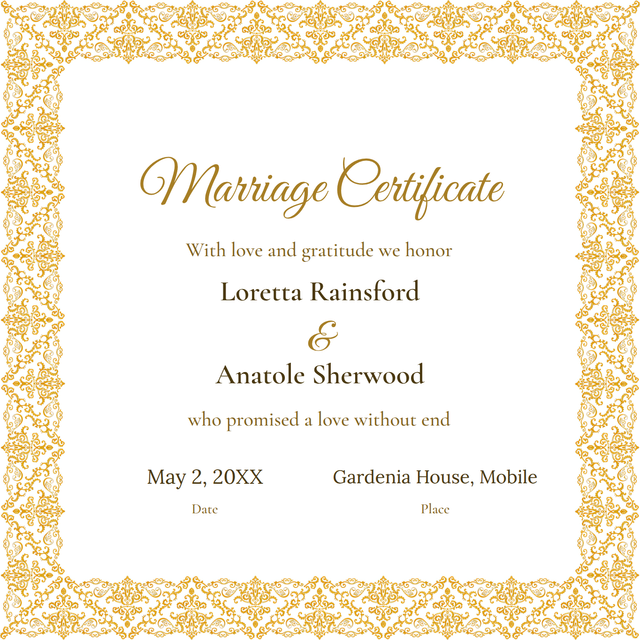
- Black Scroll Corners Marriage Certificate
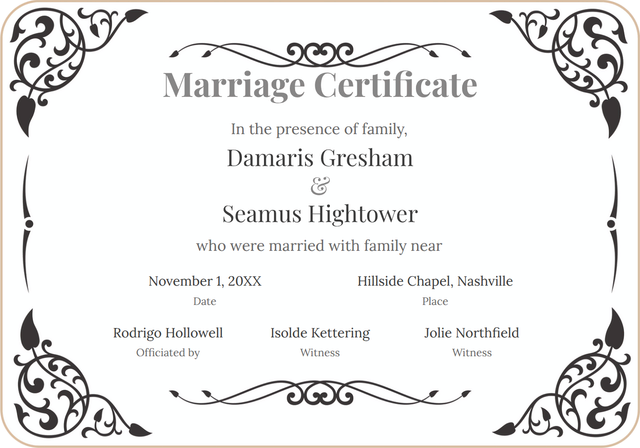
- Antique Oval Frame Marriage Certificate
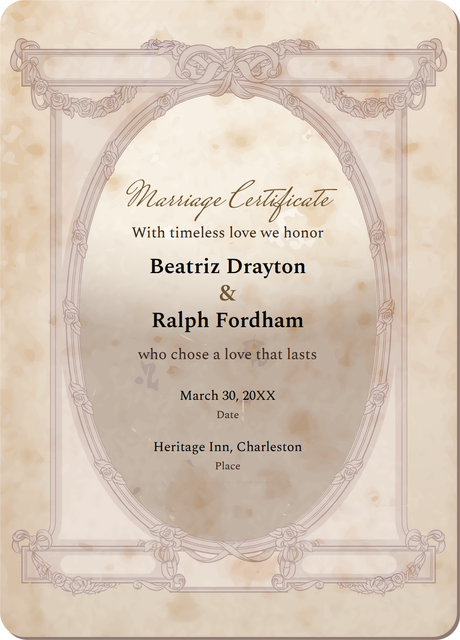
- Silver Oval Marriage Certificate
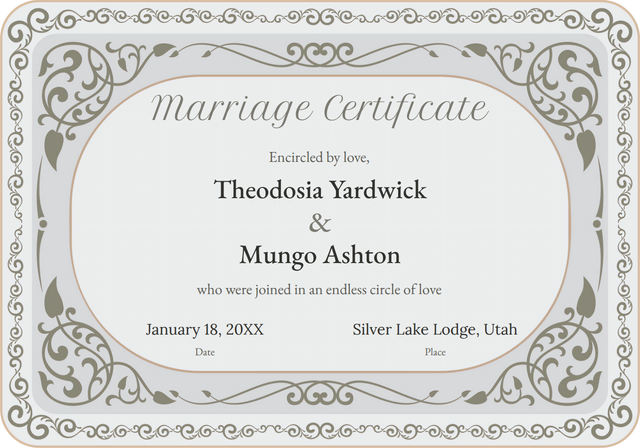
- Midnight Blue Gold Frame Marriage Certificate
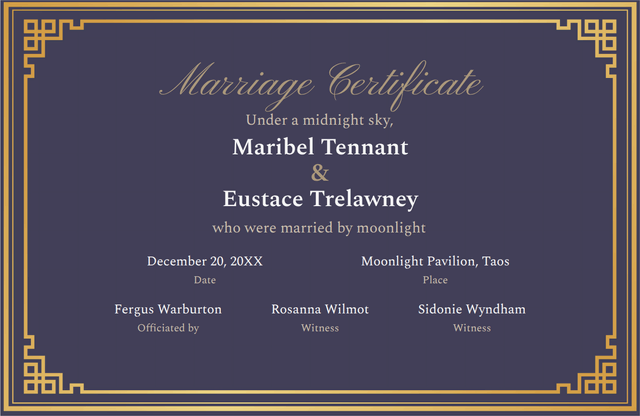
- Red Geometric Border Marriage Certificate
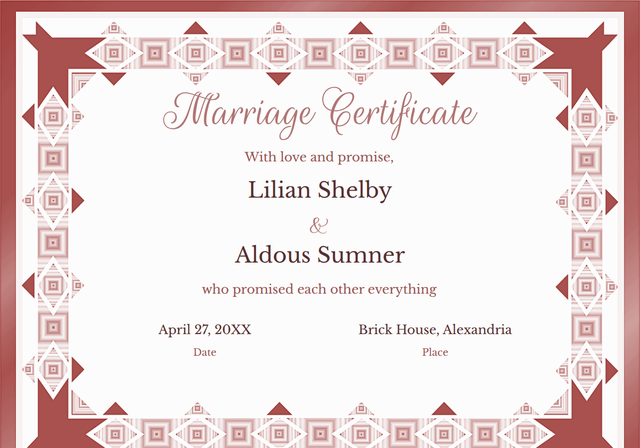
- Orange Knot Corners Marriage Certificate
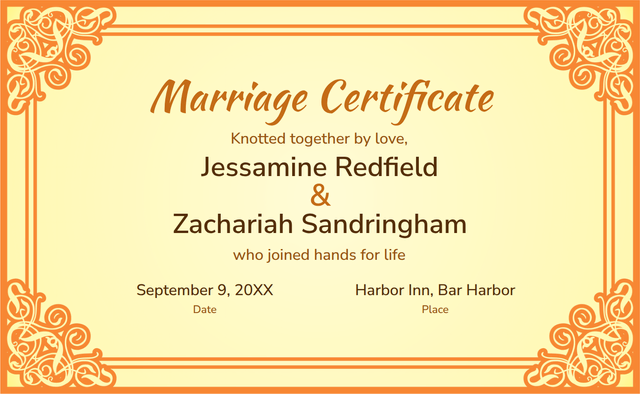
- Peach Wave Marriage Certificate
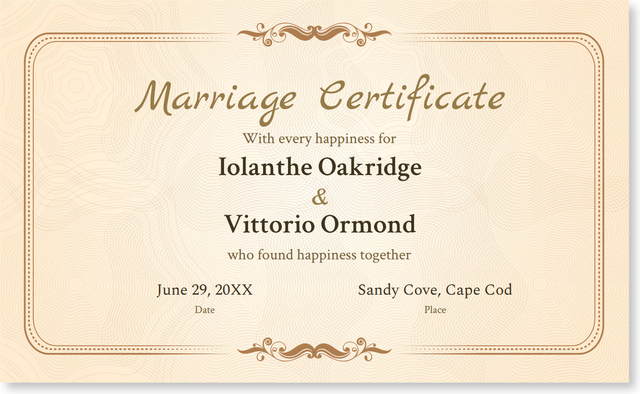
- Berry Branch Marriage Certificate
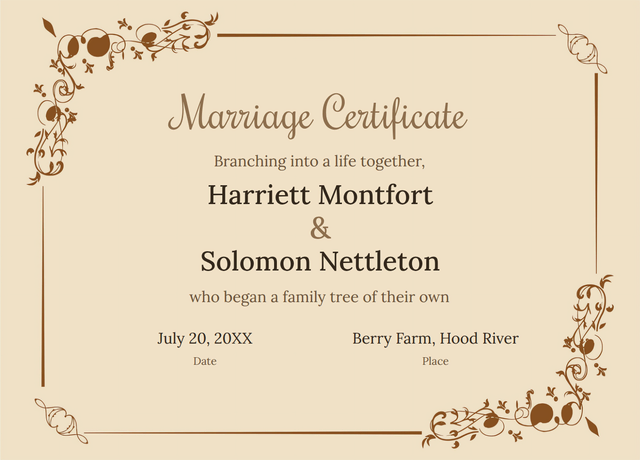
- Bright Gold Vine Marriage Certificate
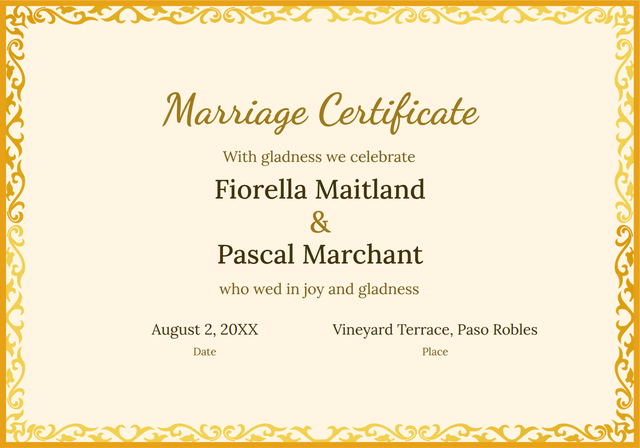
- Copper Scroll Frame Marriage Certificate
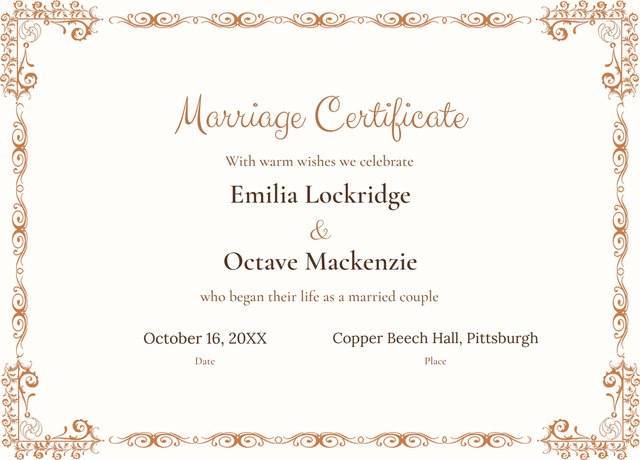
- Art Nouveau Lily Marriage Certificate
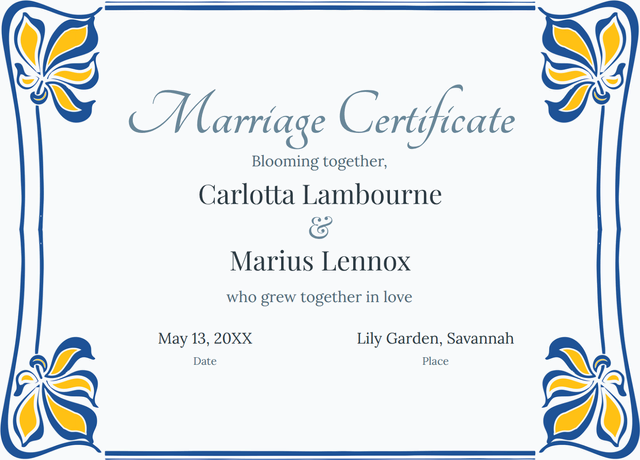
- Pale Gold Ribbon Marriage Certificate
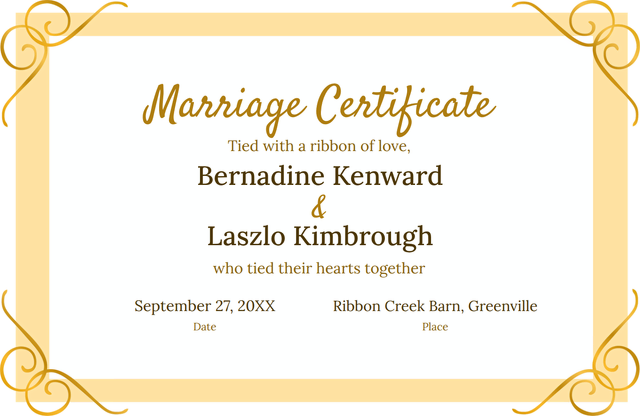
- Gold Star Corners Marriage Certificate
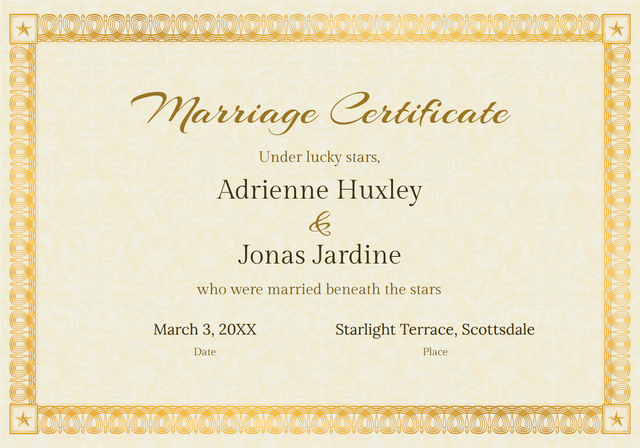
- Black Beaded Border Marriage Certificate
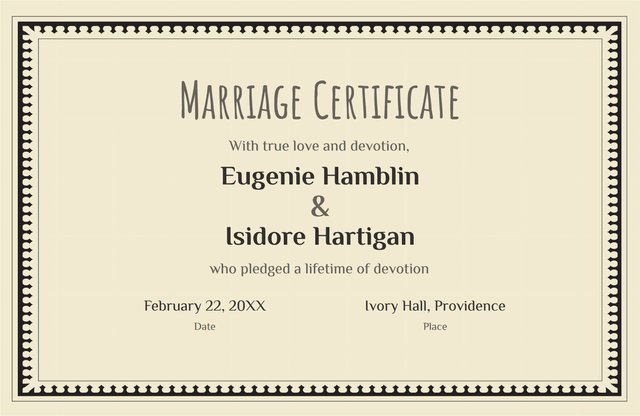
- Gold Damask Marriage Certificate
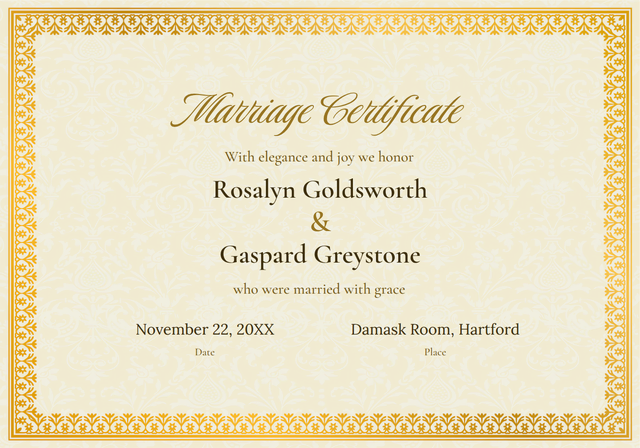
- Ivory Fleuron Border Marriage Certificate
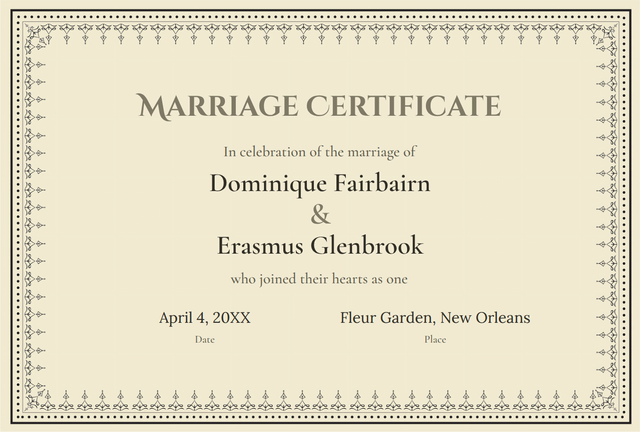
- Gold Wave Frame Marriage Certificate
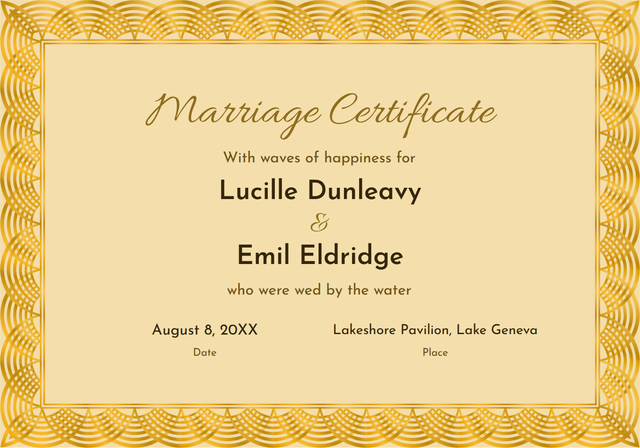
- Peach Medallion Frame Marriage Certificate
- Royal Blue Scroll Marriage Certificate
- Gold Filigree Corners Marriage Certificate
- Gold Medallion Border Marriage Certificate
- Slate Ornate Frame Marriage Certificate
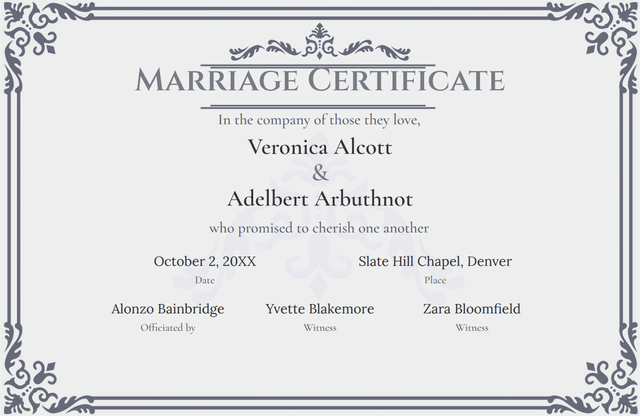
- Olive Scrollwork Marriage Certificate
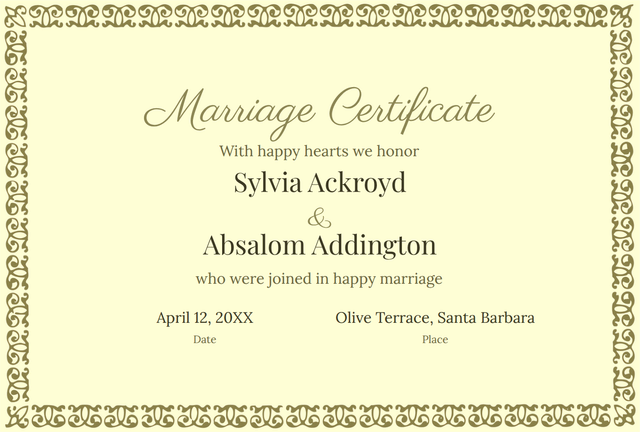
- Dotted Floral Corners Marriage Certificate
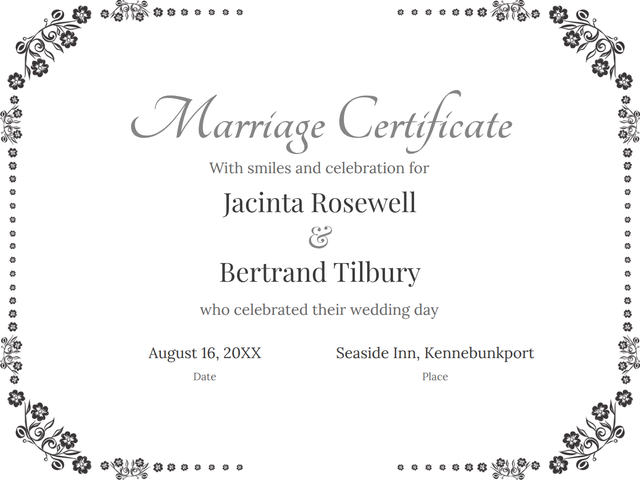
- Baroque Scroll Frame Marriage Certificate
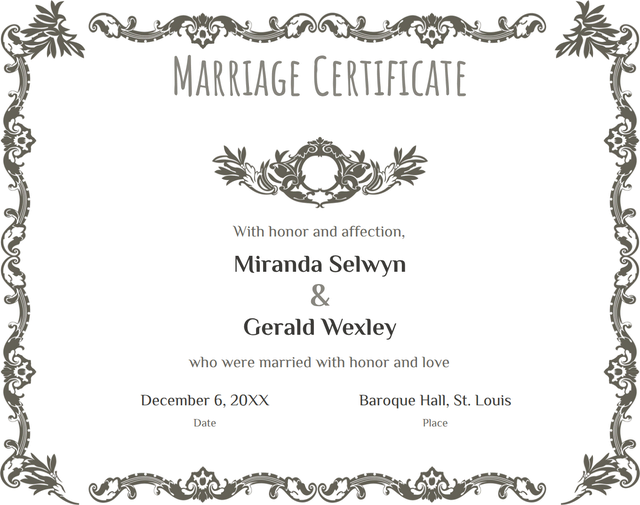
- Purple Knot Border Marriage Certificate
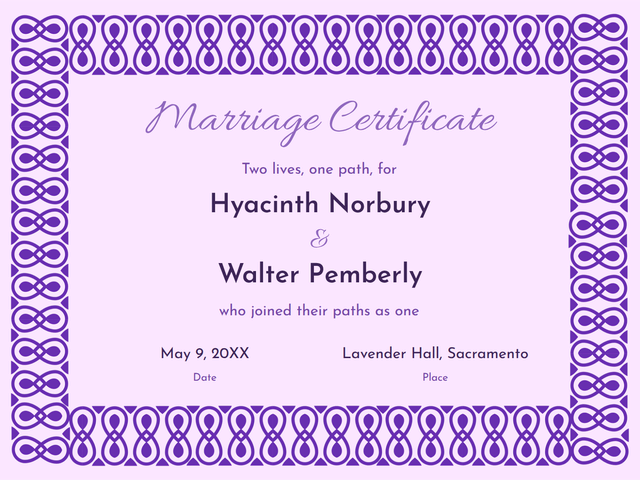
- Black Floral Vine Marriage Certificate
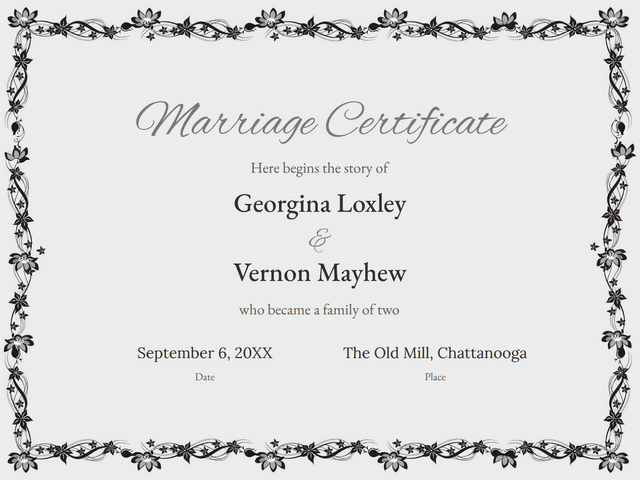
- Red Flower Chain Marriage Certificate
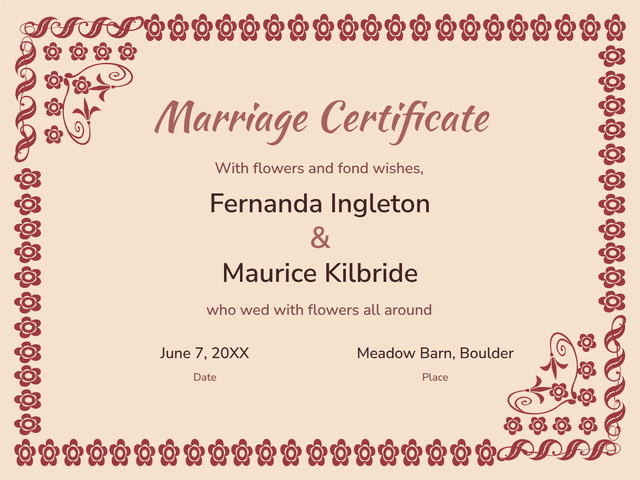
- Calligraphic Navy Border Marriage Certificate
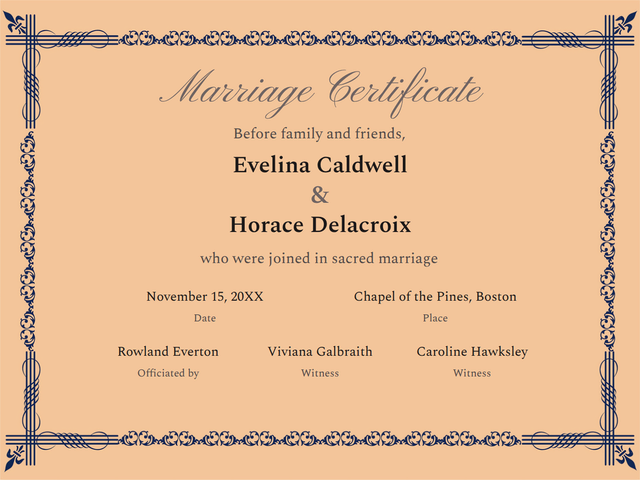
- Crimson Dot Border Marriage Certificate
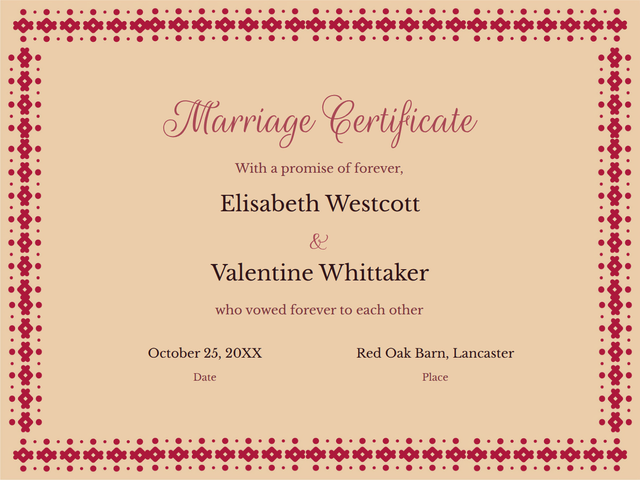
- Red Flower Medallion Marriage Certificate
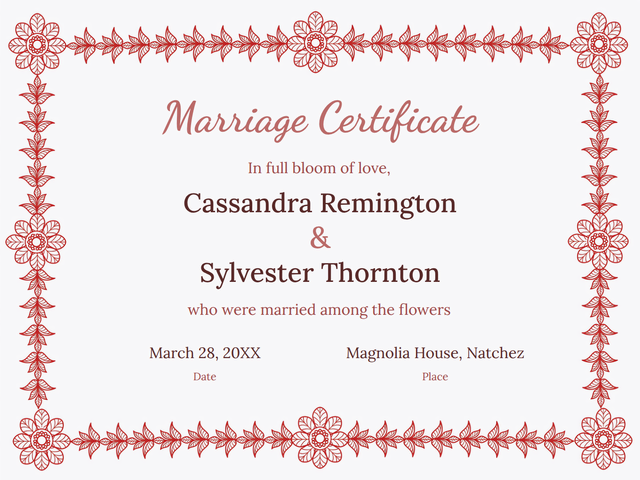
- Line Art Petal Marriage Certificate
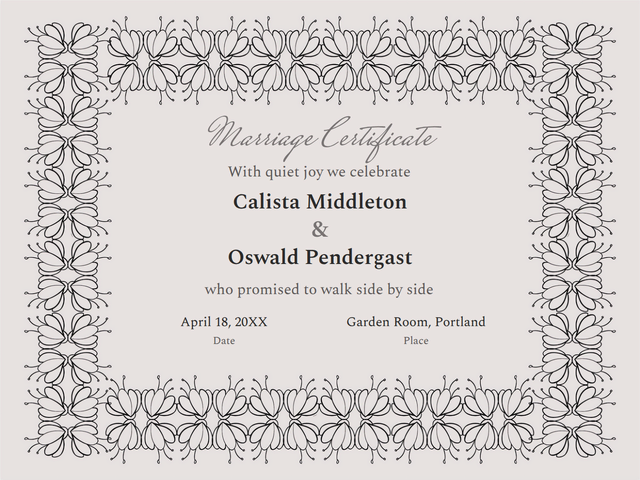
- Marigold Swirl Border Marriage Certificate
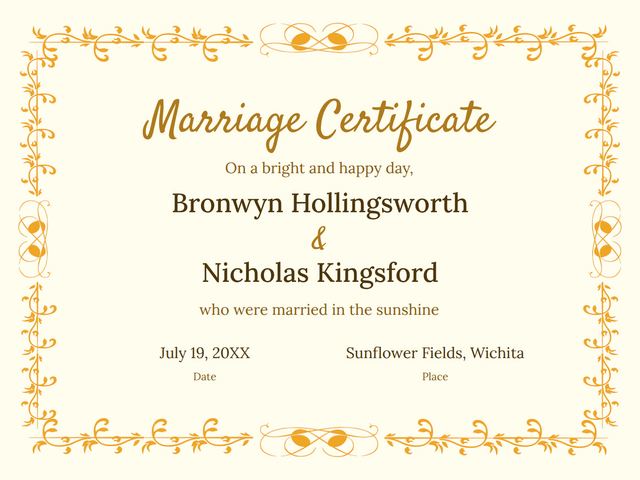
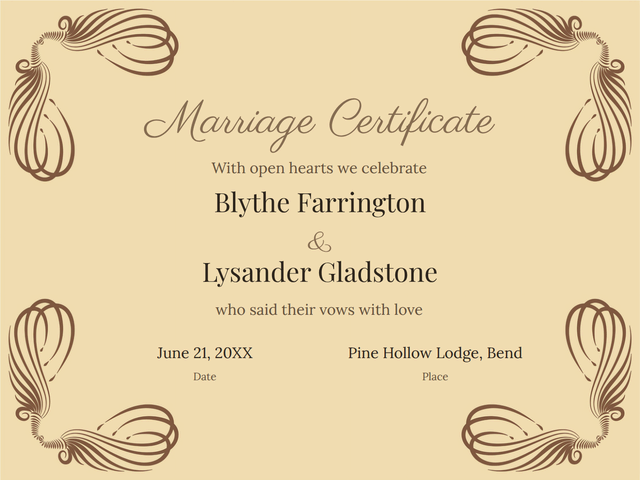
- Tan Corner Loops Marriage Certificate
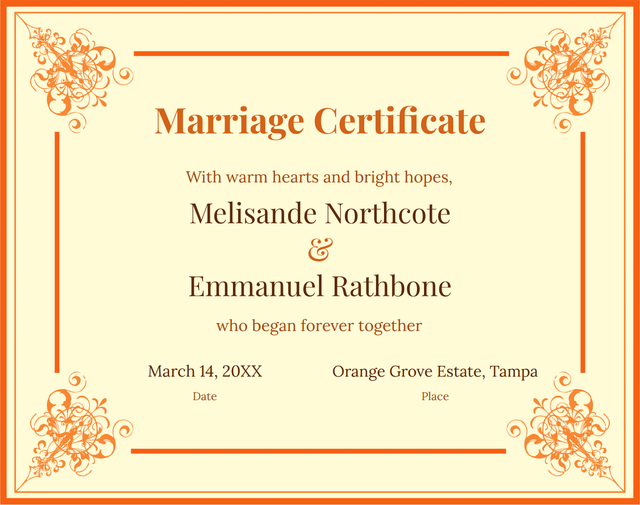
- Orange Filigree Marriage Certificate
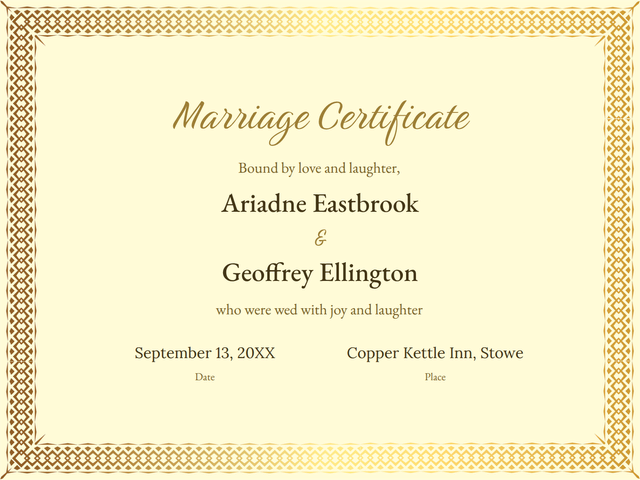
- Braided Gold Border Marriage Certificate
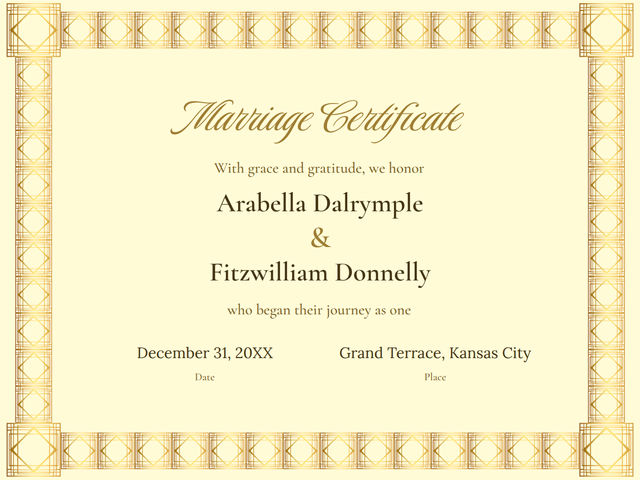
- Gold Diamond Tile Marriage Certificate
- Gold Knotwork Marriage Certificate
Common questions
About this design
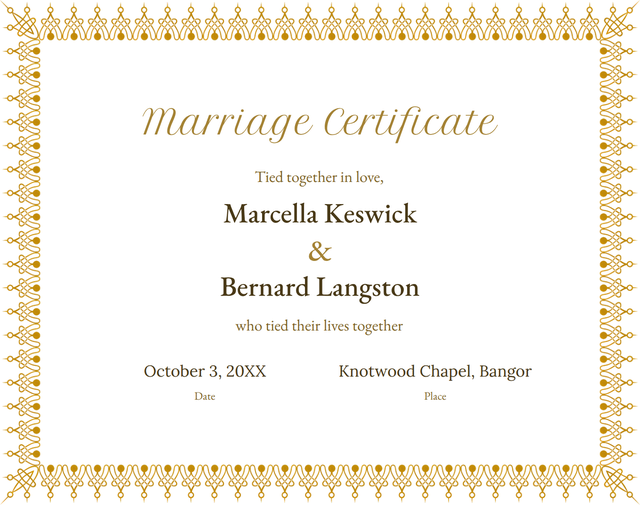
A marriage certificate template with a navy spiral border around a soft gray page and a snowflake-like ornament in two corners. A heading in classic capitals and an opening line lead to both names, a closing line, the date and the place, and lines for the officiant and two witnesses.
It suits a winter wedding, a chapel ceremony or a renewal of vows before friends. At 10 by 7.5 inches it fits on US Letter paper, landscape.
Press "Customize this template", then click any text on the certificate and type your own. Every text can be made bigger or smaller, or dragged to a new spot. When it looks right, press Download.
Yes. Your PDF, PNG and JPG files are made from the same layout you see on the page, at 300 DPI.
10 × 7.5 in, landscape. It prints at home or at a print shop, on plain paper or card. In the print settings, choose Actual size (100%), not Fit to page, so it comes out at its true size.