Customize this template right here and download print-ready files.
- Page size10.75 × 8.25 in, landscape
- FilesPDF, PNG and JPG
- Print quality300 DPI
- FontsPlayfair Display, Lora, Great Vibes
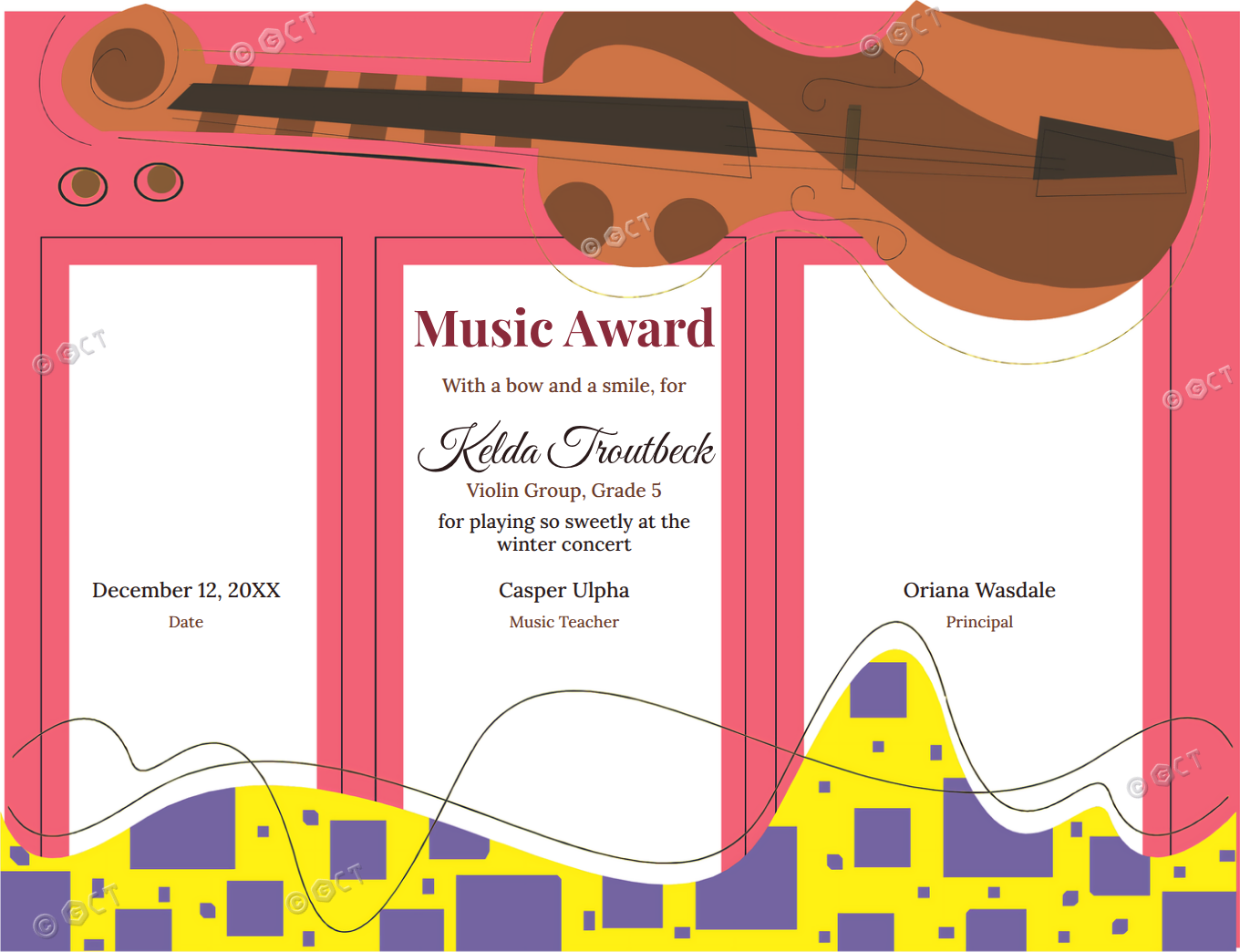
Pink Violin Music Award Certificate
A brown violin lies across the top above three white columns between pink pillars and a yellow and purple wave.
Nothing to install. You type right on the certificate.
You can change
- Recipient's name
- Class or grade
- What it is for
- Date
- First person presenting it
- Second person presenting it
Every text can also be made bigger or smaller, and moved.
- What you see is what prints
- Prints at home on plain or card paper
- 9,553 certificates downloaded
How the builder works
Step 1
Click a text
Any wording on the certificate opens for typing.
Step 2
Type over it
Who it is for, who it is from and what it is worth.
Step 3
Resize or move it
A− and A+ change the size; drag the cross to move it.
Step 4
Download
A PDF to print, and a PNG and a JPG to send.
More School Award Certificate Templates
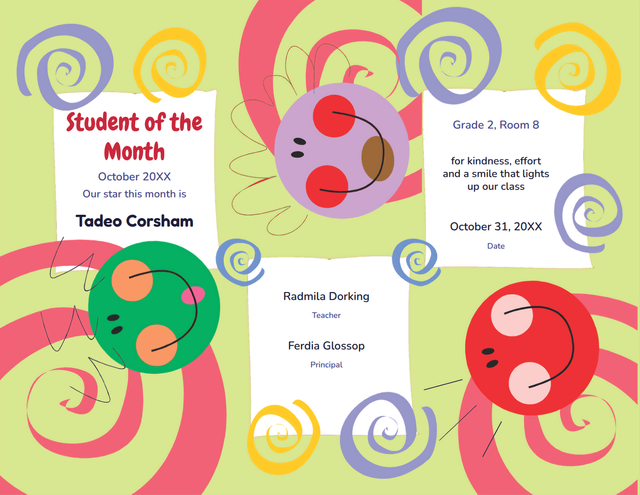
- Smiley Student of the Month Certificate
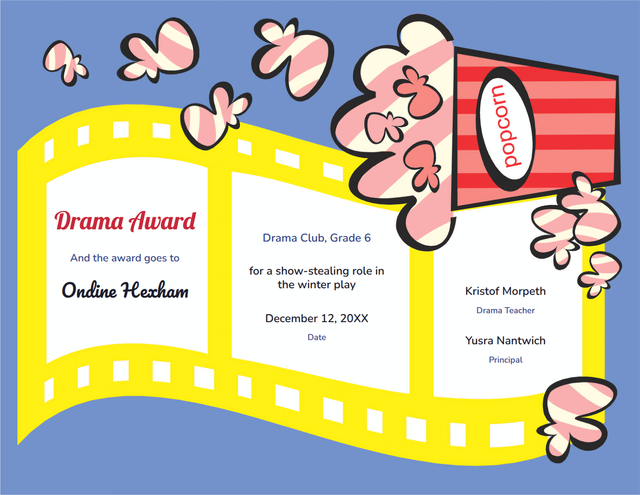
- Popcorn and Film Drama Award Certificate
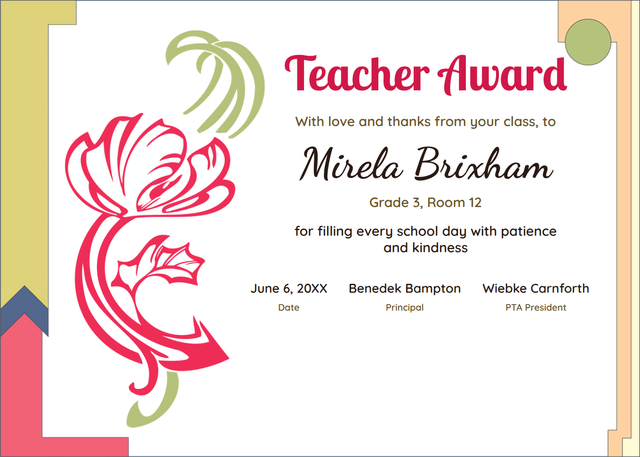
- Pink Flower Teacher Award Certificate
- Funky Music Award Certificate
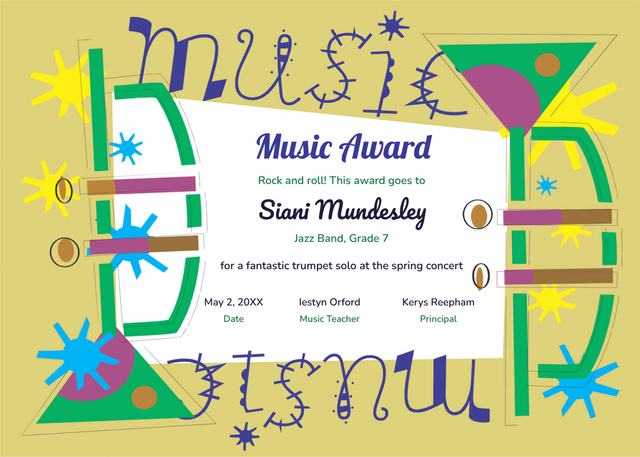
- Spelling Bee Certificate of Achievement
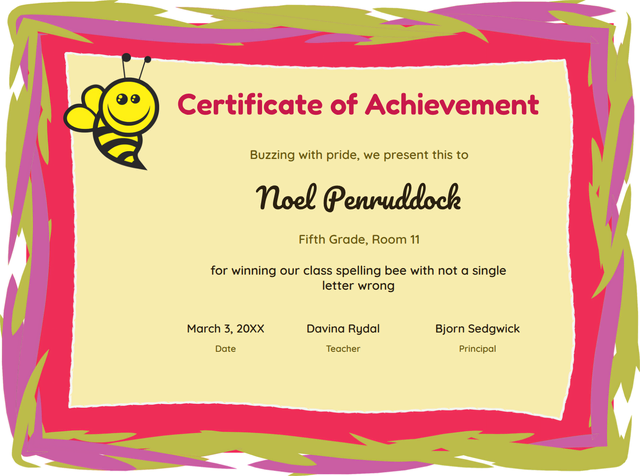
- Safari Giraffe Certificate of Appreciation
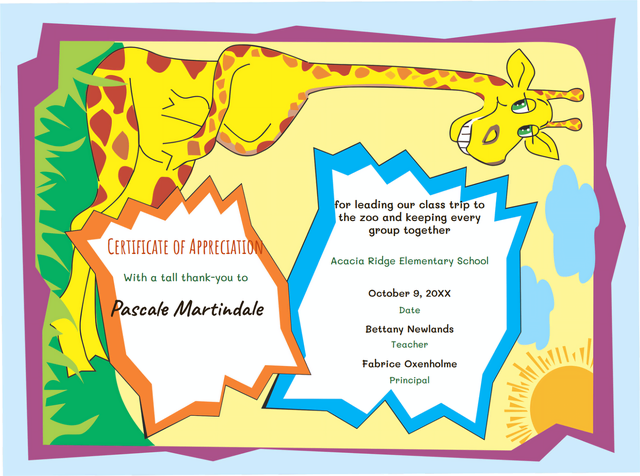
- Blue Pencil Frame Award Certificate
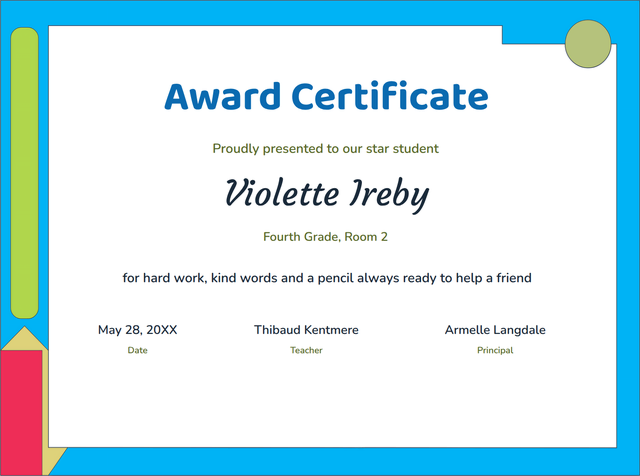
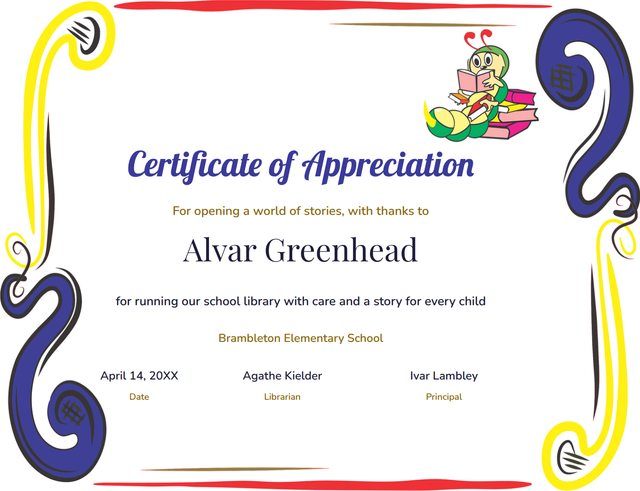
- Bookworm Certificate of Appreciation
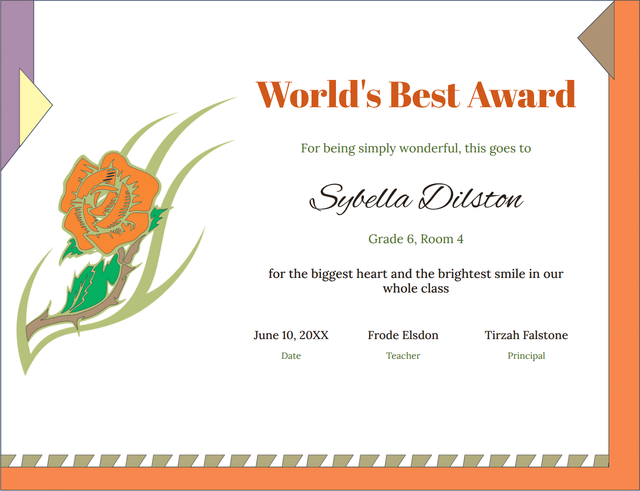
- Orange Rose World’s Best Award Certificate
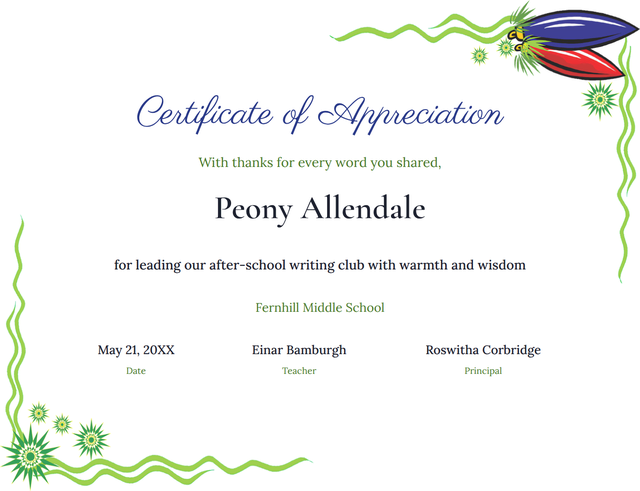
- Quill and Vine Certificate of Appreciation
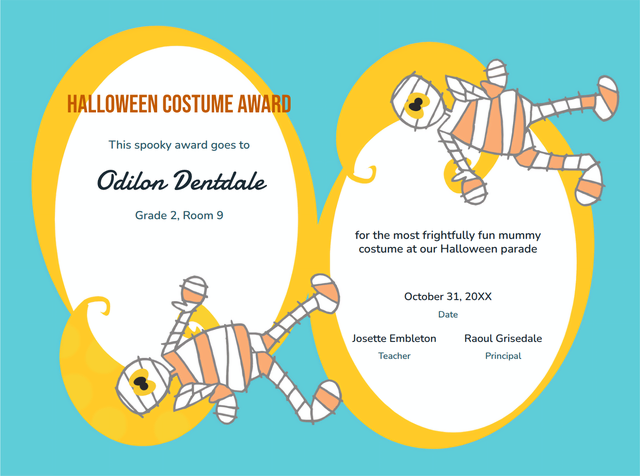
- Mummy Halloween Costume Award Certificate
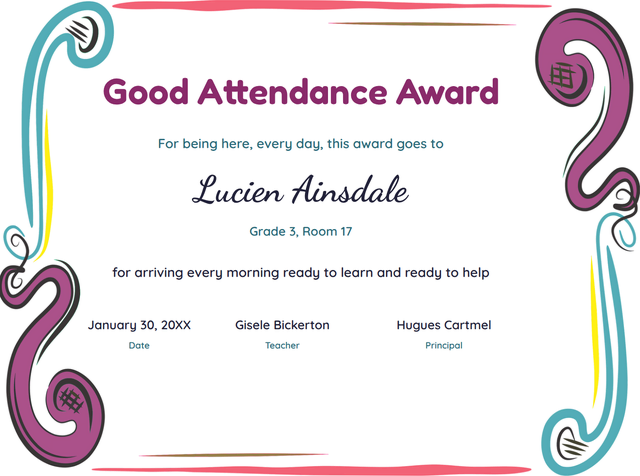
- Good Attendance Award Certificate
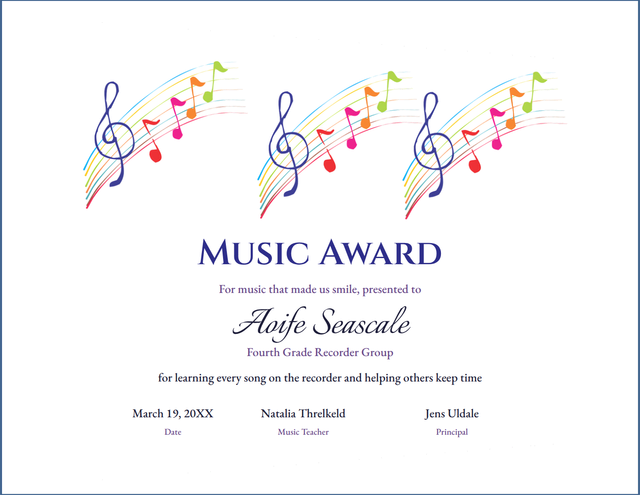
- Treble Clef Music Award Certificate
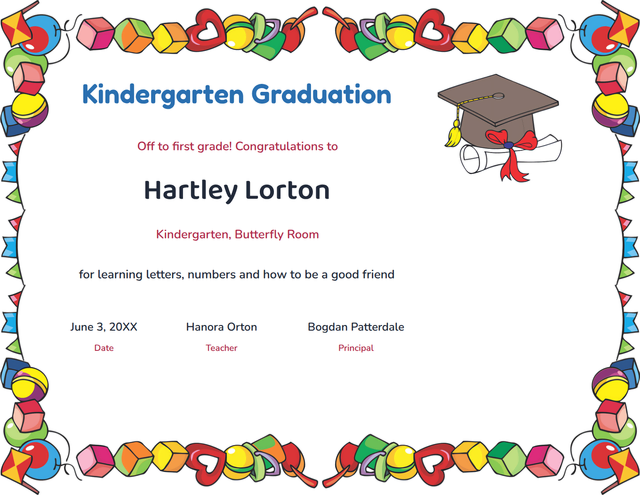
- Kindergarten Graduation Certificate
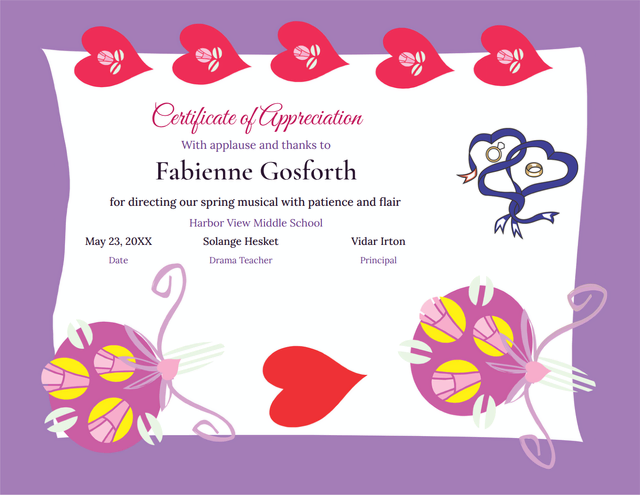
- Stage Couple Hearts Certificate of Appreciation
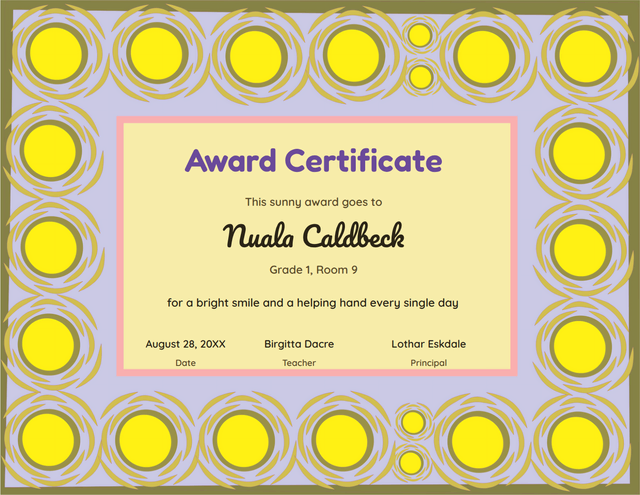
- Sunny Circles Award Certificate
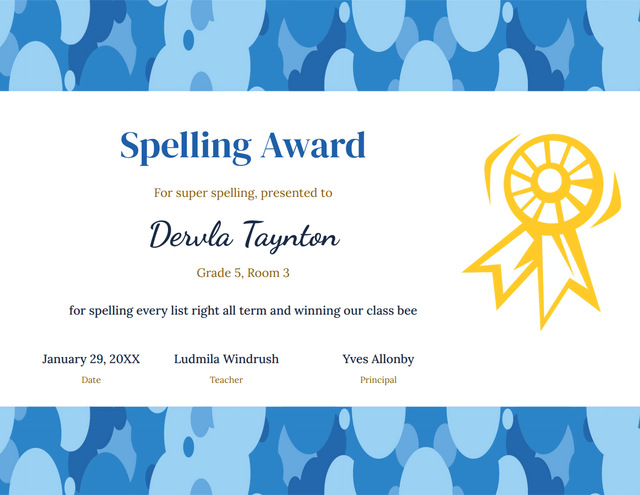
- Blue Ribbon Spelling Award Certificate
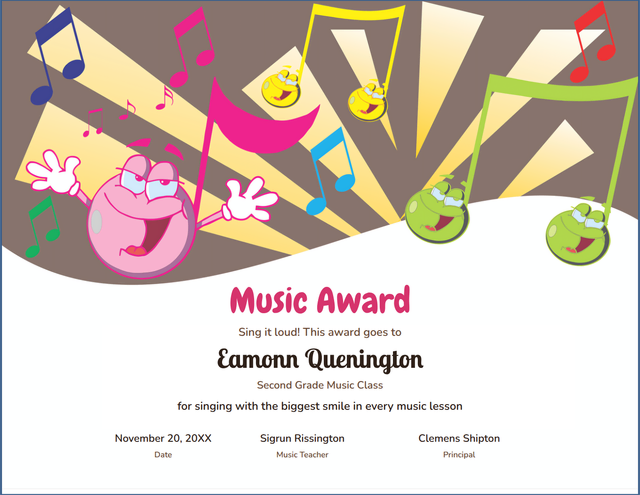
- Smiley Notes Music Award Certificate
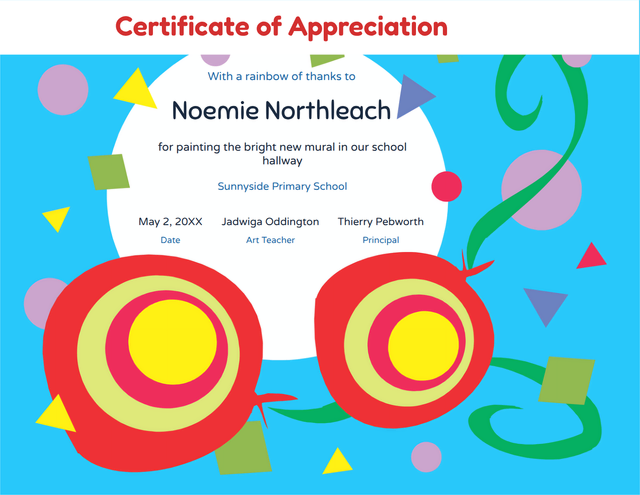
- Bright Shapes Certificate of Appreciation
- Science Student Certificate of Appreciation
- Laurel Chain Certificate of Excellence
- Red Rose Stripes Certificate of Appreciation
- Reading Achievement Certificate with Books
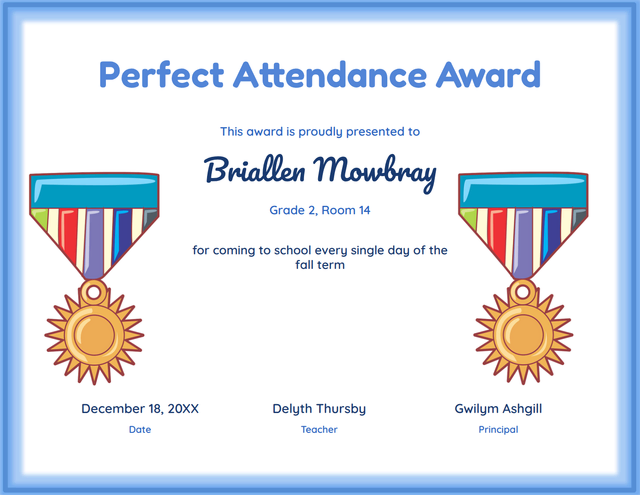
- Perfect Attendance Award Certificate
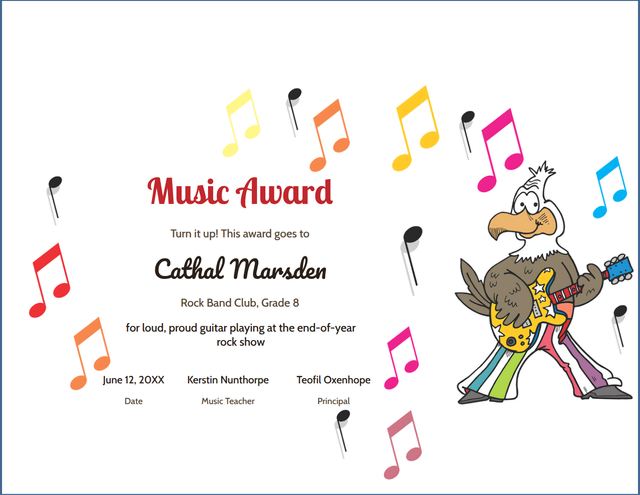
- Guitar Eagle Music Award Certificate
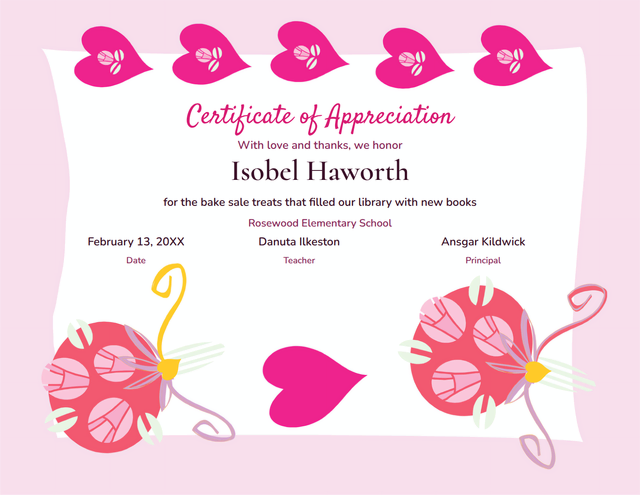
- Pink Hearts Certificate of Appreciation
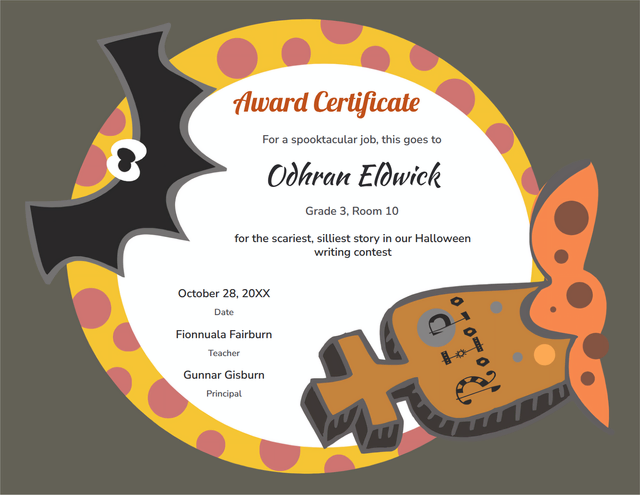
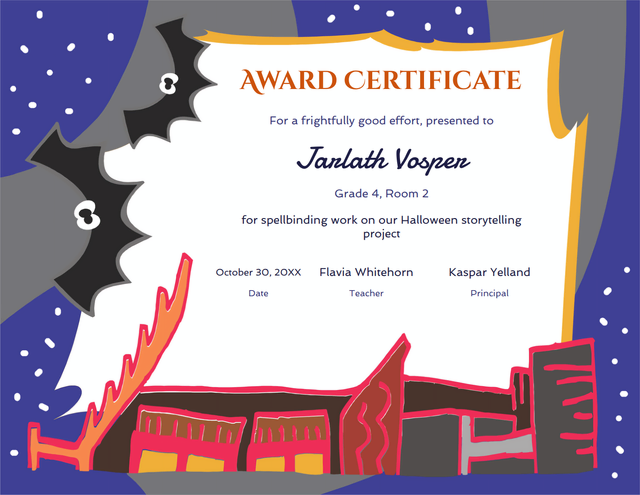
- Bat and Coffin Halloween Award Certificate
- Piano Notes Music Award Certificate
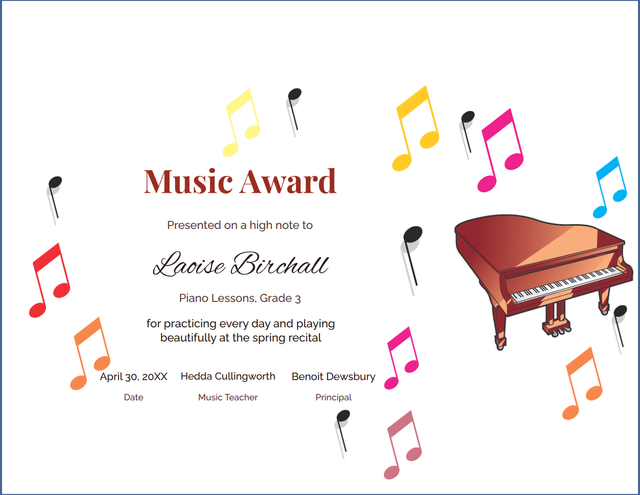
- Haunted House Halloween Award Certificate
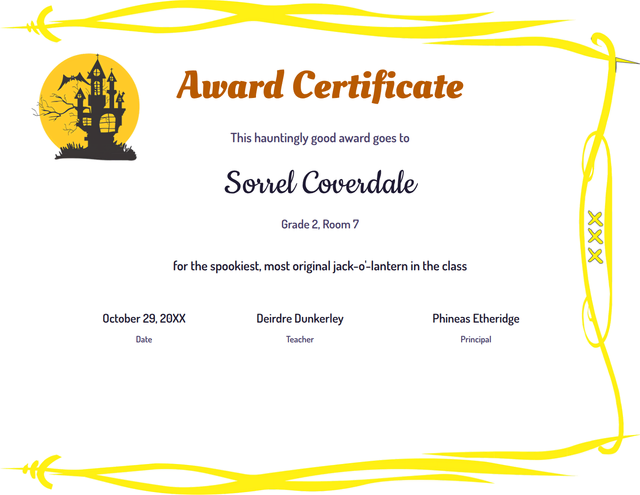
- Hats Off Graduation Award Certificate

- Stage Notes Performance Award Certificate
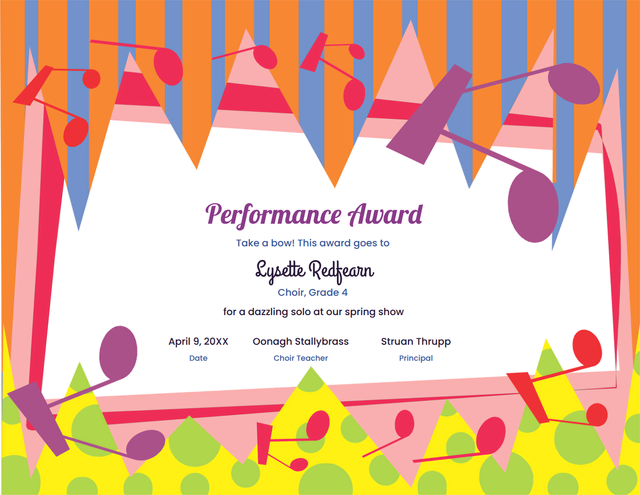
- Fern Corners Certificate of Achievement
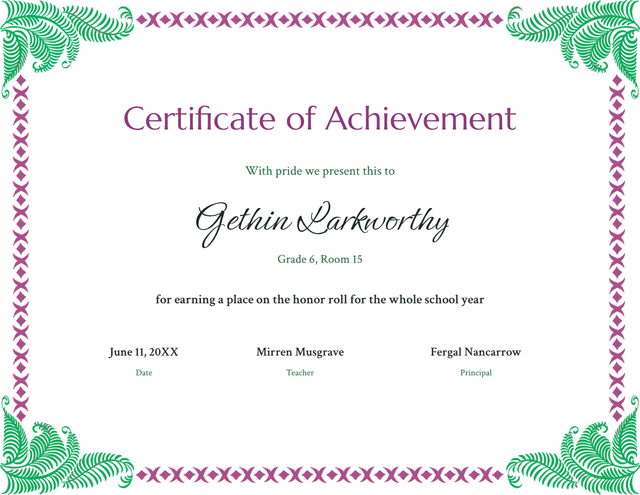
- Silver Violin Music Award Certificate
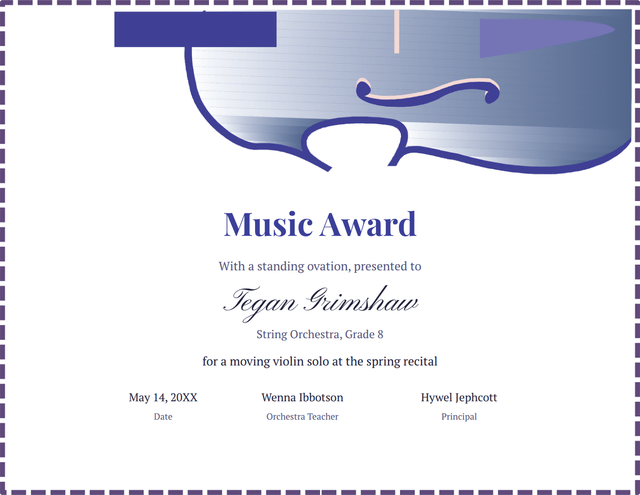
- Blue Drum Music Award Certificate
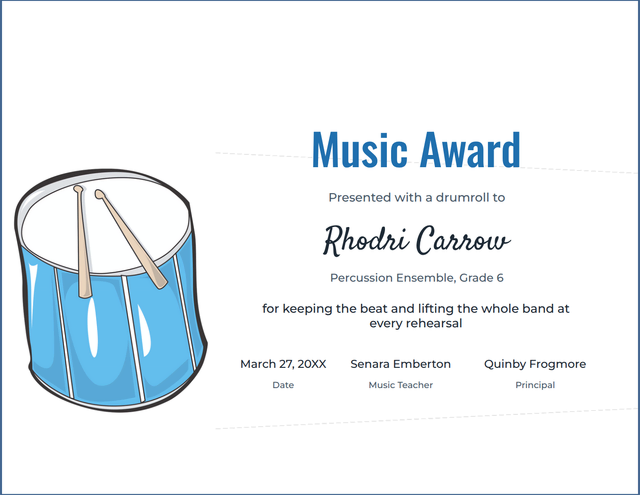
- Flower Bouquet Certificate of Appreciation
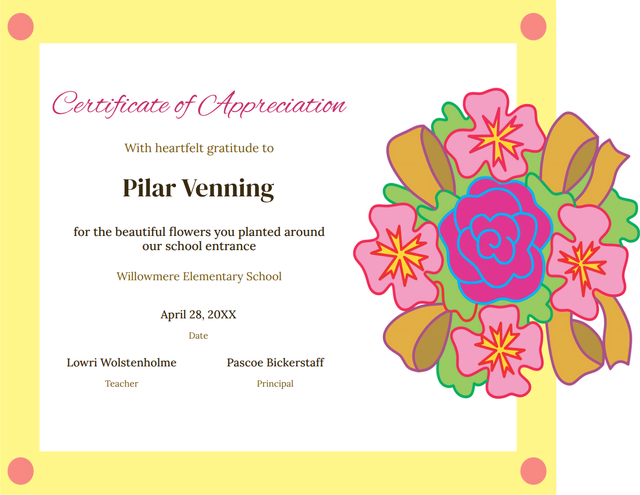
- Classroom Attendance Award Certificate
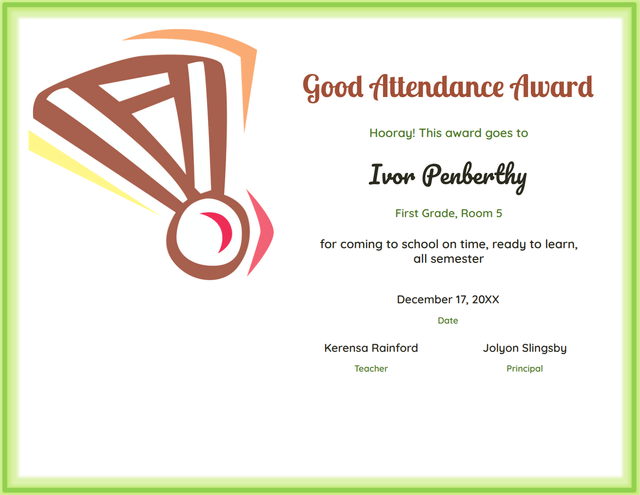
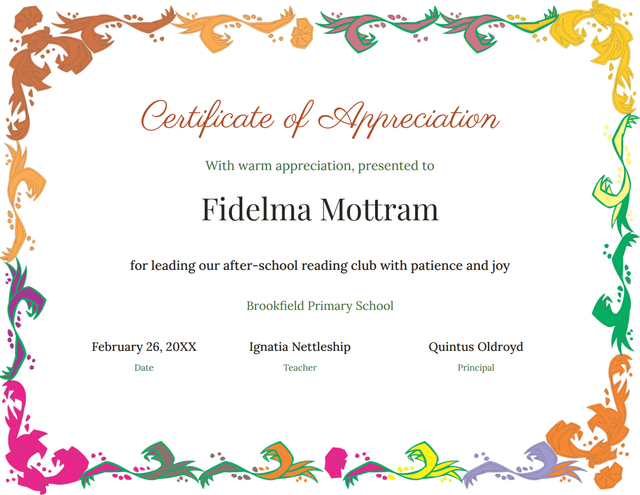
- Leafy Swirl Border Certificate of Appreciation
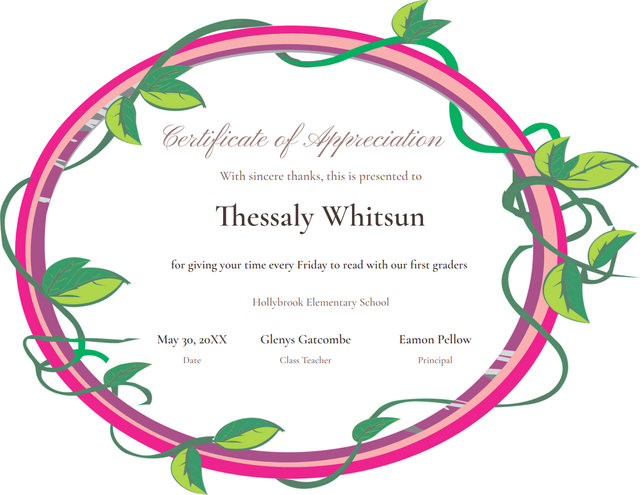
- Vine Oval Certificate of Appreciation
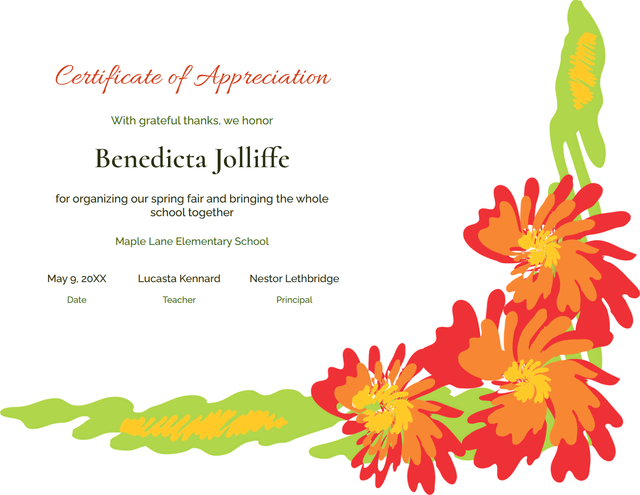
- Event Organizer Certificate of Appreciation
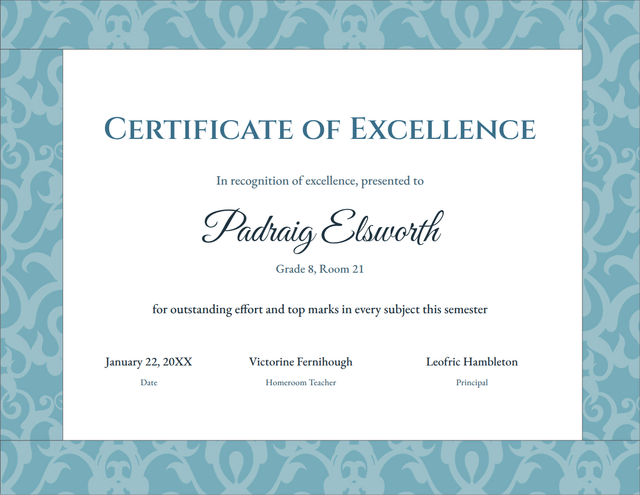
- Blue Damask Certificate of Excellence
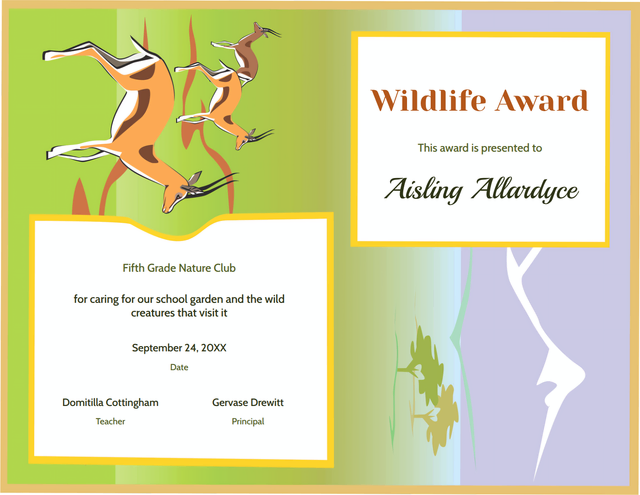
- Leaping Gazelle Wildlife Award Certificate
- Vampire Bats Halloween Award Certificate
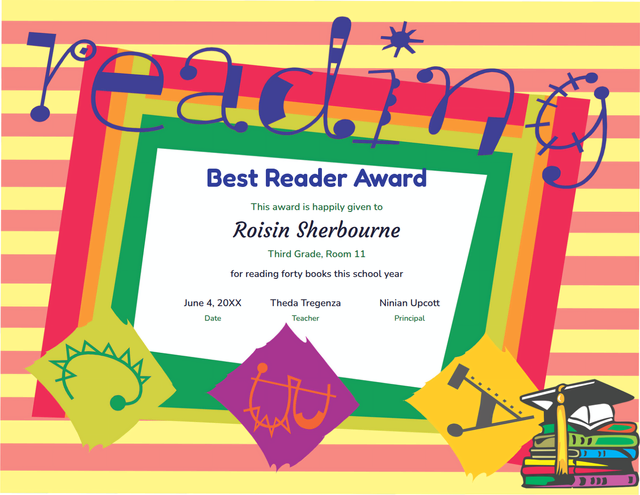
- Best Reader Award Certificate
- Retro Guitar Performance Award Certificate

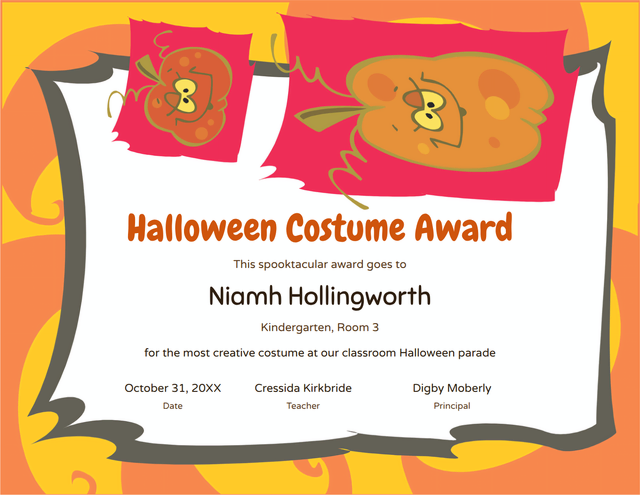
- Pumpkin Halloween Costume Award Certificate
- Best Guitarist Award Certificate
- Pencil Mascot Handwriting Award Certificate
- Happy Smiley Certificate of Appreciation
Common questions
About this design
A school award certificate template with a brown violin across the top, three white columns between pink pillars and a yellow and purple wave. The middle column holds the title, an opening line, the name, the class and what it is for; the date and two presenting it sit one to a column.
It suits a violin student, a string group or a music class concert. At 10.75 by 8.25 inches it prints on US Letter with a narrow margin.
Press "Customize this template", then click any text on the certificate and type your own. Every text can be made bigger or smaller, or dragged to a new spot. When it looks right, press Download.
Yes. Your PDF, PNG and JPG files are made from the same layout you see on the page, at 300 DPI.
10.75 × 8.25 in, landscape. It prints at home or at a print shop, on plain paper or card. In the print settings, choose Actual size (100%), not Fit to page, so it comes out at its true size.