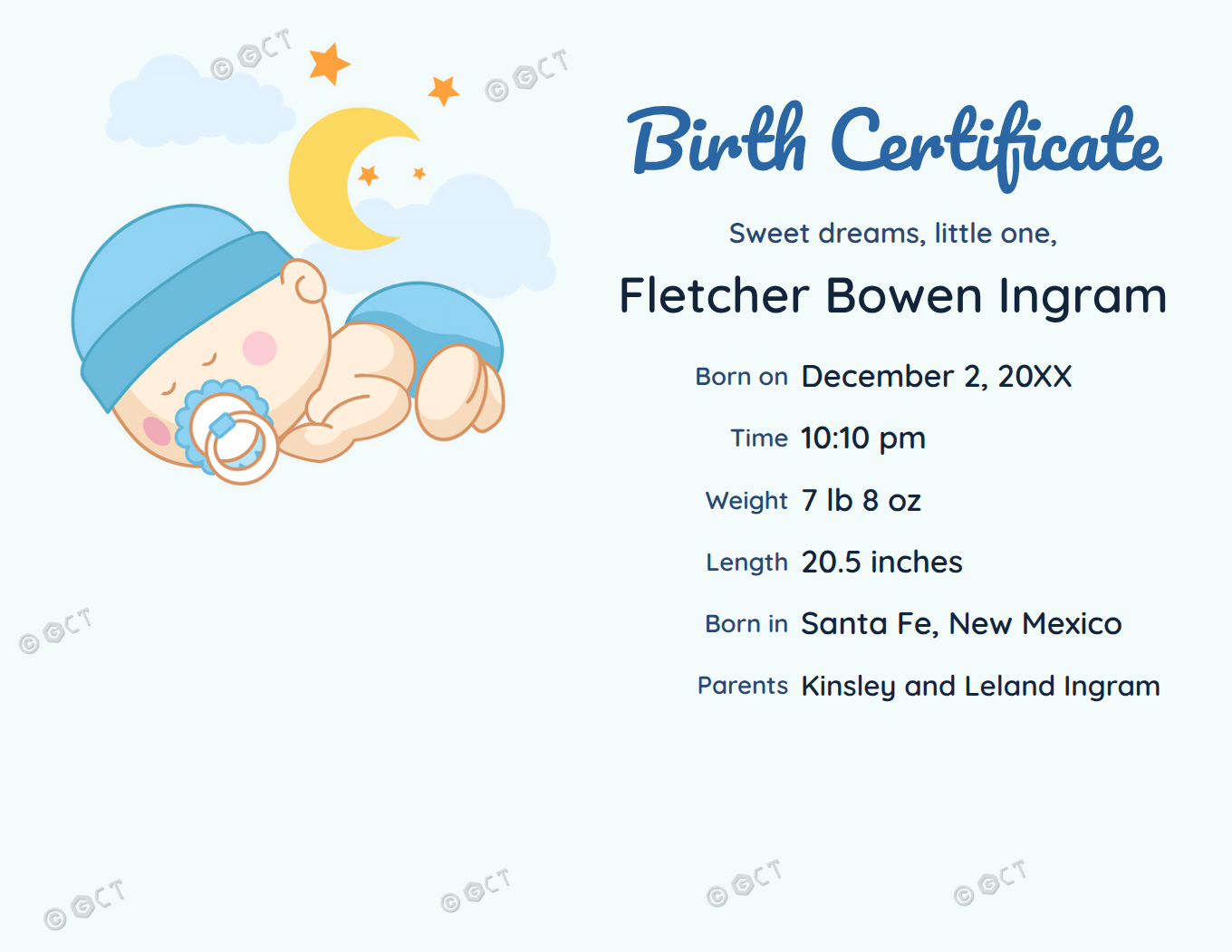
Customize this template right here and download print-ready files.
- Page sizeUS Letter, landscape
- FilesPDF, PNG and JPG
- Print quality300 DPI
- FontsPacifico, Quicksand
Sweet Dreams Baby Boy Birth Certificate
A sleeping baby in a blue hat curls up under a crescent moon, clouds and stars at the top left of pale mint white.
Nothing to install. You type right on the certificate.
You can change
- Baby's name
- Born on
- Time
- Weight
- Length
- Born in
- Parents
Every text can also be made bigger or smaller, and moved.
- What you see is what prints
- Prints at home on plain or card paper
- 9,553 certificates downloaded
How the builder works
Step 1
Click a text
Any wording on the certificate opens for typing.
Step 2
Type over it
Who it is for, who it is from and what it is worth.
Step 3
Resize or move it
A− and A+ change the size; drag the cross to move it.
Step 4
Download
A PDF to print, and a PNG and a JPG to send.
More Baby Boy Birth Certificate Templates
- Blue Bow and Booties Baby Boy Birth Certificate
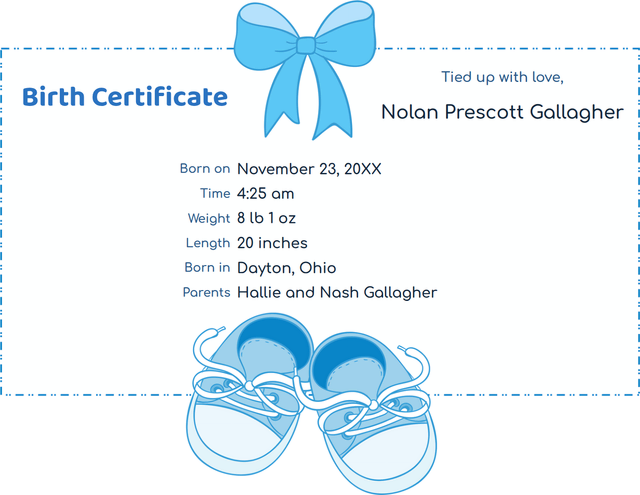
- Flower Pram Baby Boy Birth Certificate
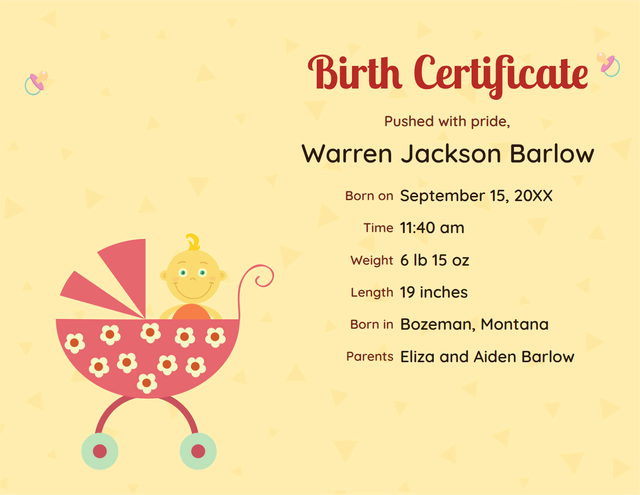
- Balloon Boat Teddy Baby Boy Birth Certificate
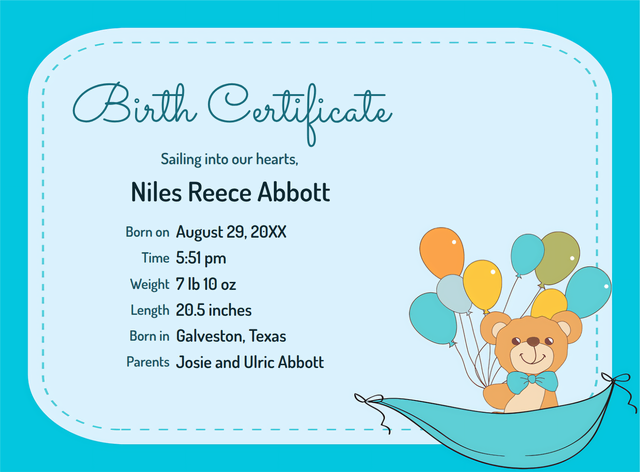
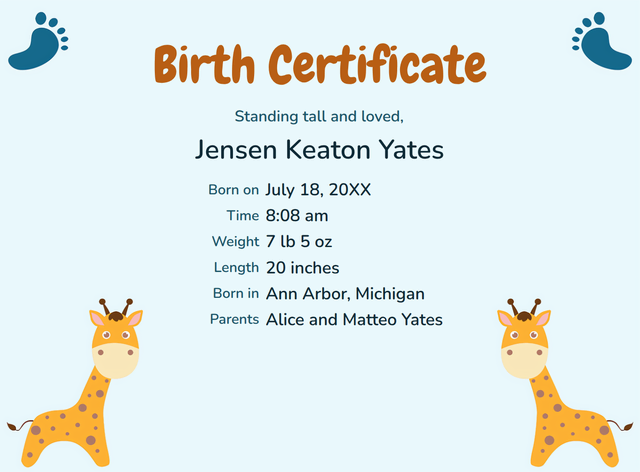
- Twin Giraffes Baby Boy Birth Certificate
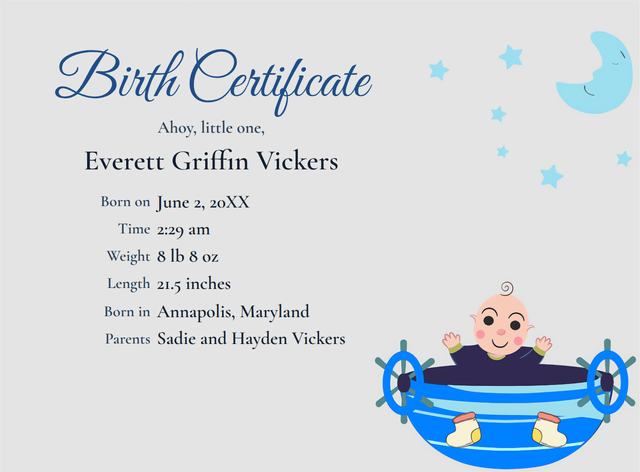
- Little Sailor Baby Boy Birth Certificate
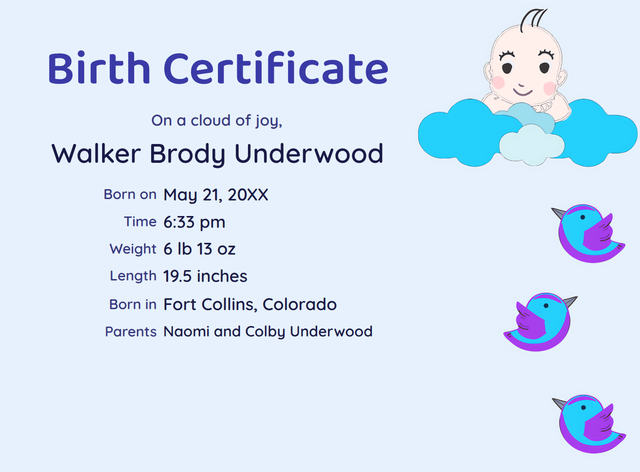
- Cloud and Bluebirds Baby Boy Birth Certificate
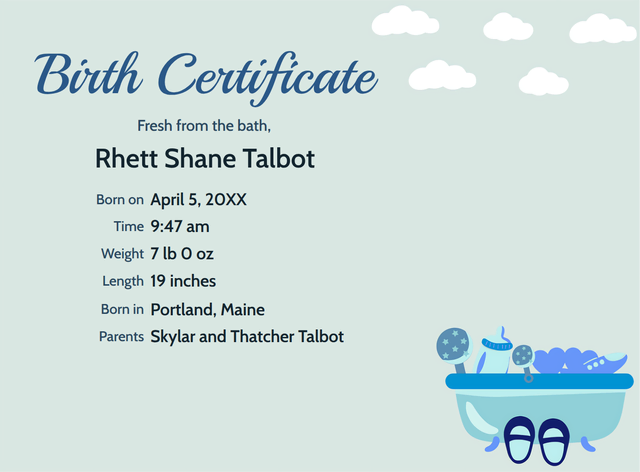
- Bathtub and Booties Baby Boy Birth Certificate
- Polka Dot Balloon Baby Boy Birth Certificate
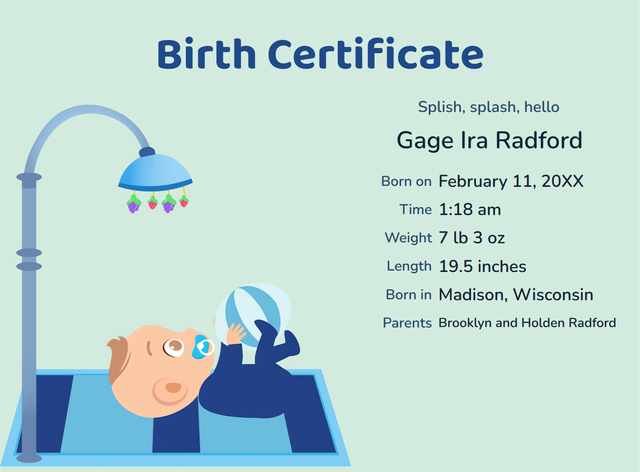
- Bath Time Baby Boy Birth Certificate
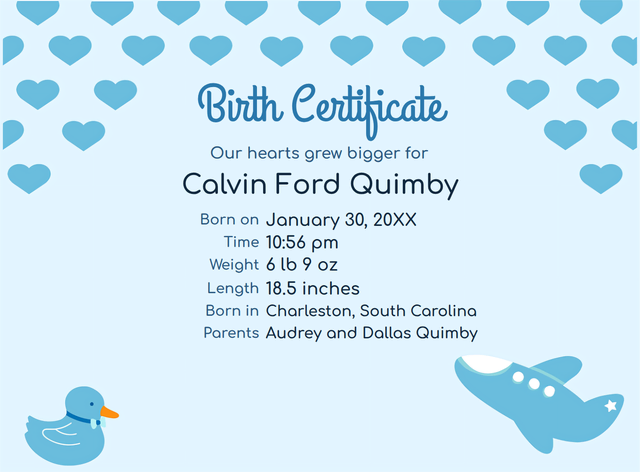
- Blue Hearts Baby Boy Birth Certificate
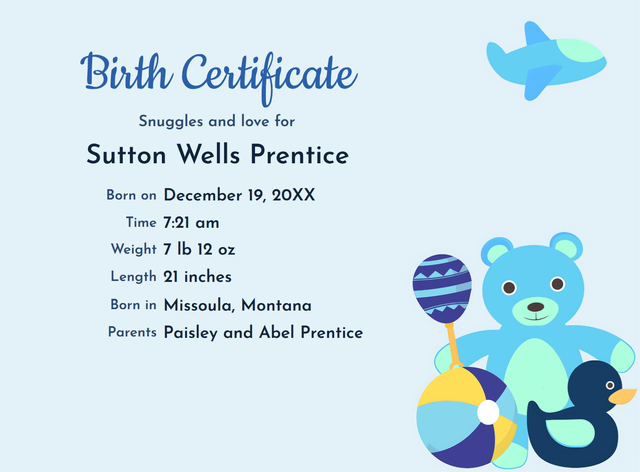
- Teddy and Toys Baby Boy Birth Certificate
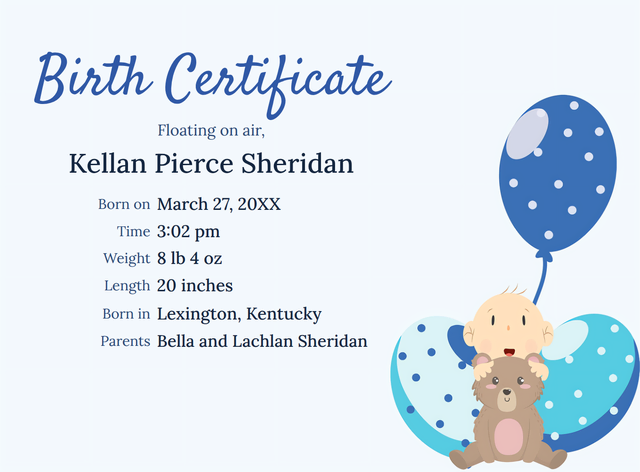
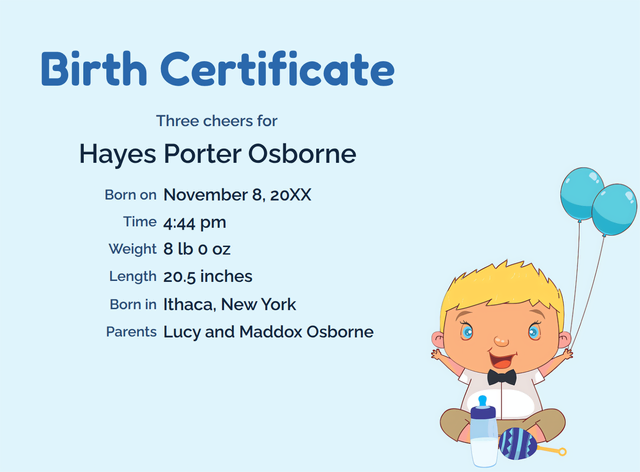
- Bow Tie and Balloons Baby Boy Birth Certificate
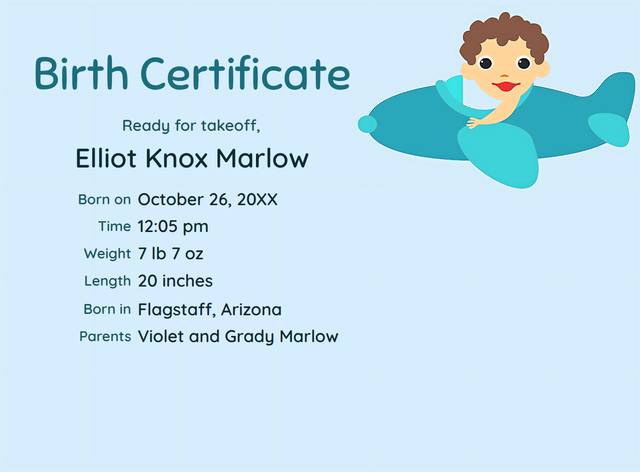
- Little Pilot Baby Boy Birth Certificate
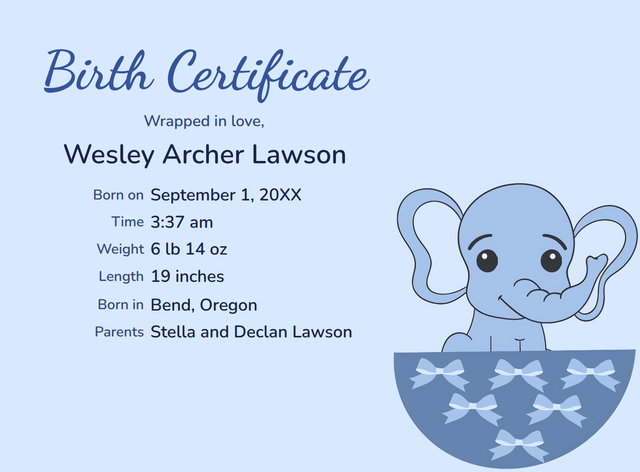
- Elephant in a Basket Baby Boy Birth Certificate
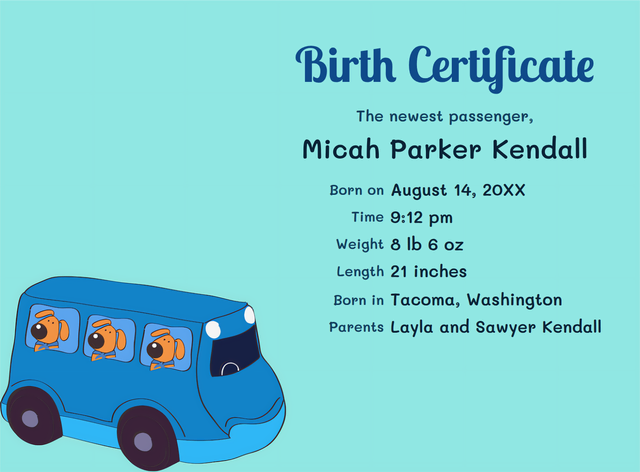
- Big Blue Bus Baby Boy Birth Certificate
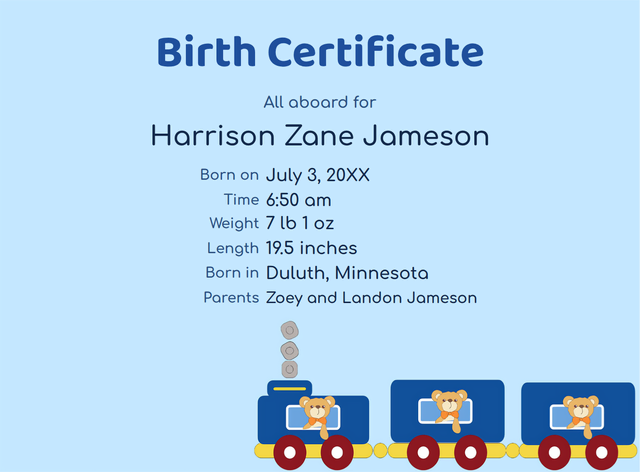
- Choo Choo Train Baby Boy Birth Certificate
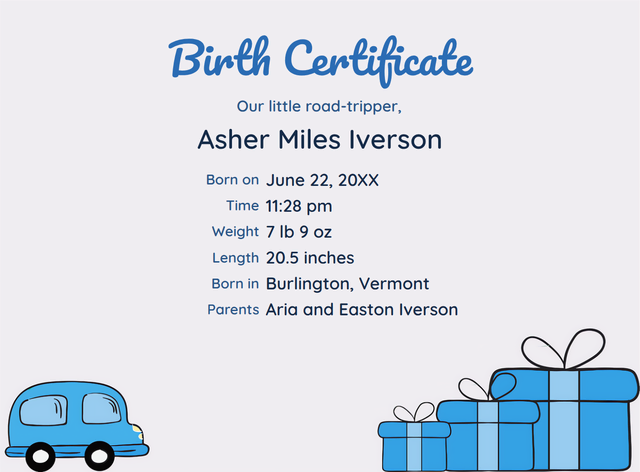
- Toy Car and Gifts Baby Boy Birth Certificate
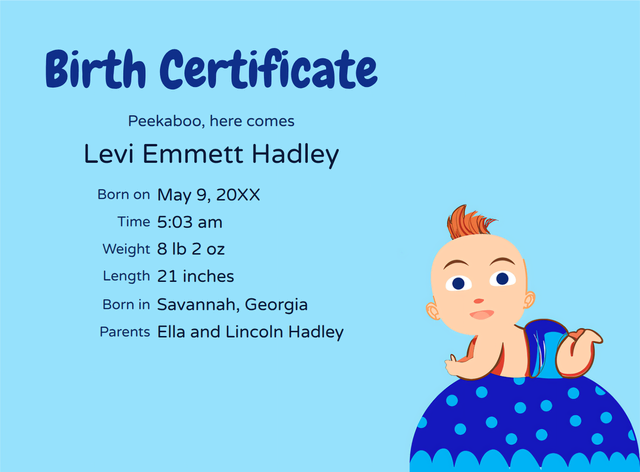
- Peekaboo Baby Boy Birth Certificate
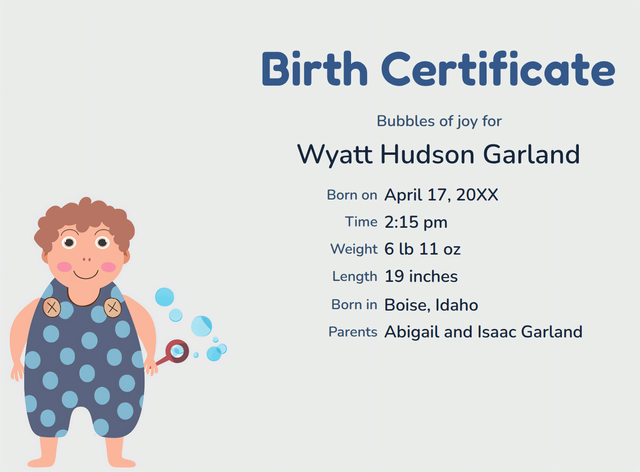
- Bubble Blower Baby Boy Birth Certificate
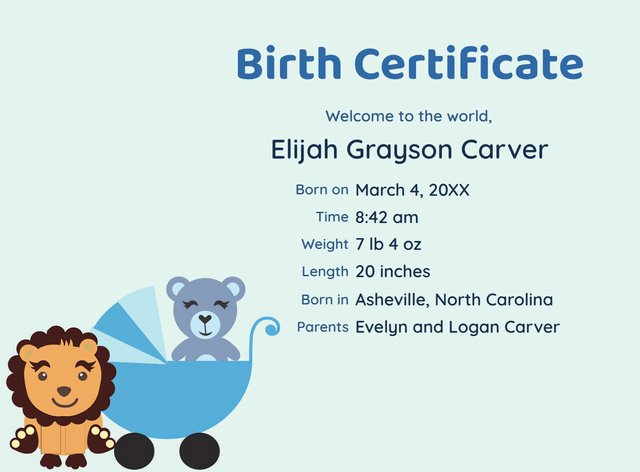
- Lion and Pram Baby Boy Birth Certificate
Common questions
About this design
A baby boy birth certificate template with a sleeping baby in a blue hat under a crescent moon, clouds and stars at the top left of a pale mint white page. A blue script title and a sleepy opening line lead to the baby's name, birth date, time, weight, length, birthplace and parents.
It suits a bedtime-themed nursery or a keepsake for the first night home. It prints on a whole US Letter sheet, landscape.
Press "Customize this template", then click any text on the certificate and type your own. Every text can be made bigger or smaller, or dragged to a new spot. When it looks right, press Download.
Yes. Your PDF, PNG and JPG files are made from the same layout you see on the page, at 300 DPI.
US Letter, landscape. It prints at home or at a print shop, on plain paper or card. In the print settings, choose Actual size (100%), not Fit to page, so it comes out at its true size.