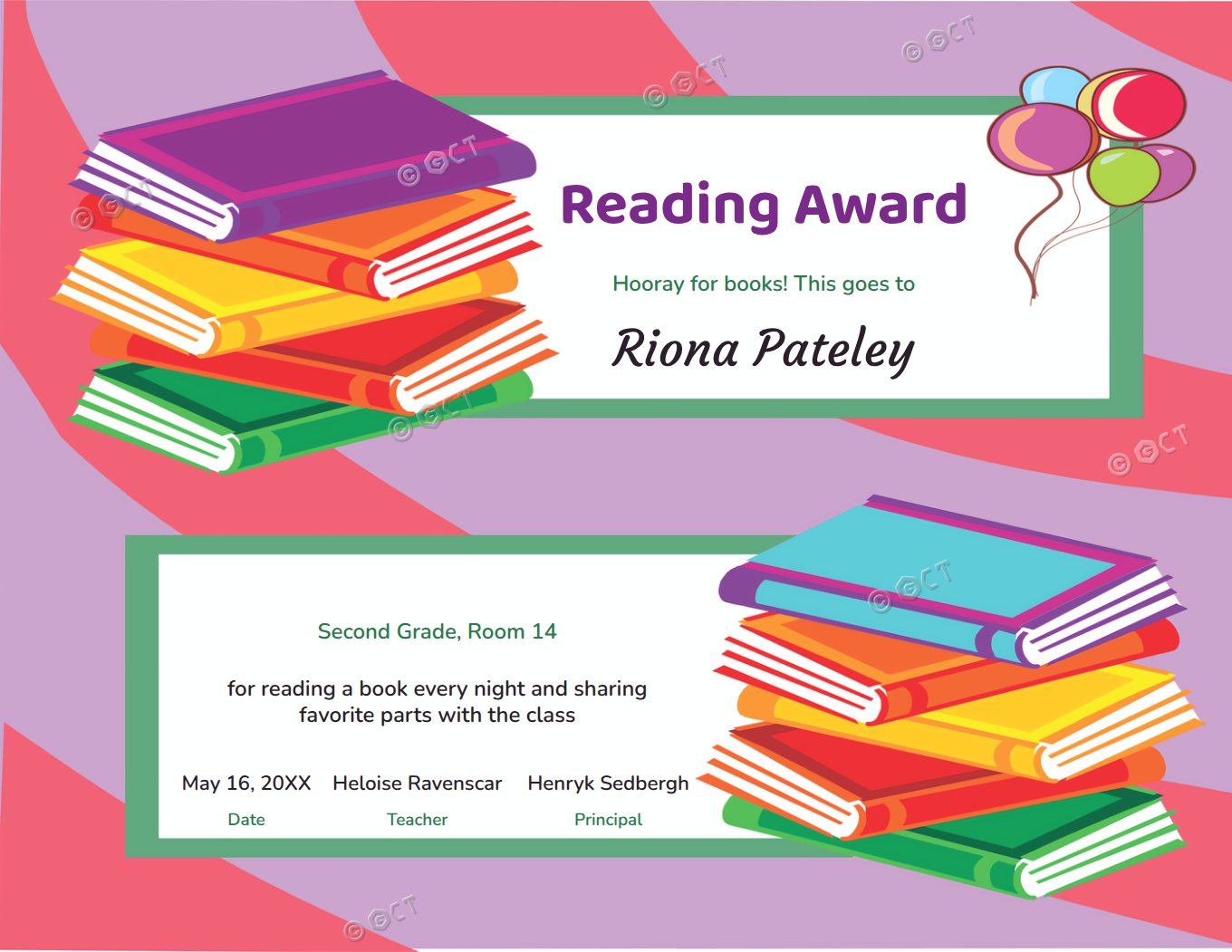
Customize this template right here and download print-ready files.
- Page sizeUS Letter, landscape
- FilesPDF, PNG and JPG
- Print quality300 DPI
- FontsBaloo 2, Nunito, Courgette
Reading Achievement Certificate with Books
Stacks of colorful books and a bunch of balloons frame two white panels with green borders on pink and lilac stripes.
Nothing to install. You type right on the certificate.
You can change
- Recipient's name
- Class or grade
- What it is for
- Date
- First person presenting it
- Second person presenting it
Every text can also be made bigger or smaller, and moved.
- What you see is what prints
- Prints at home on plain or card paper
- 9,553 certificates downloaded
How the builder works
Step 1
Click a text
Any wording on the certificate opens for typing.
Step 2
Type over it
Who it is for, who it is from and what it is worth.
Step 3
Resize or move it
A− and A+ change the size; drag the cross to move it.
Step 4
Download
A PDF to print, and a PNG and a JPG to send.
More School Award Certificate Templates
- Smiley Student of the Month Certificate
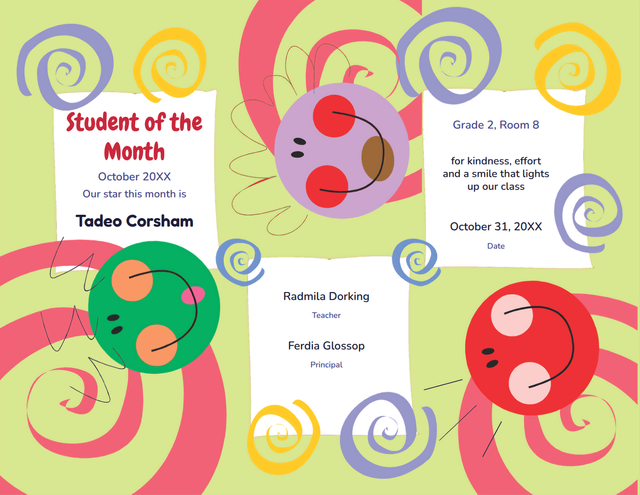
- Popcorn and Film Drama Award Certificate
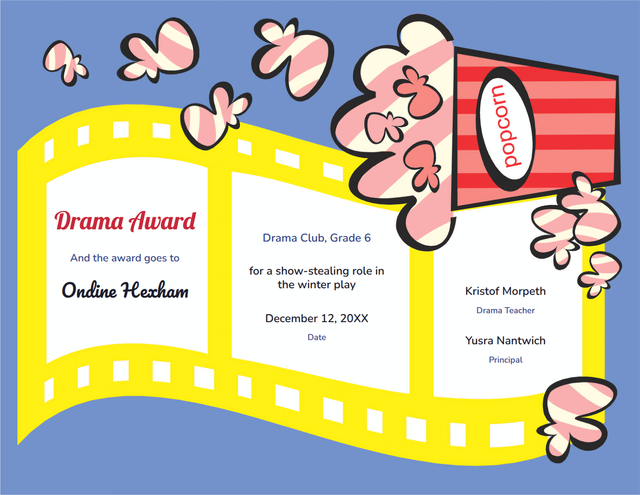
- Pink Flower Teacher Award Certificate
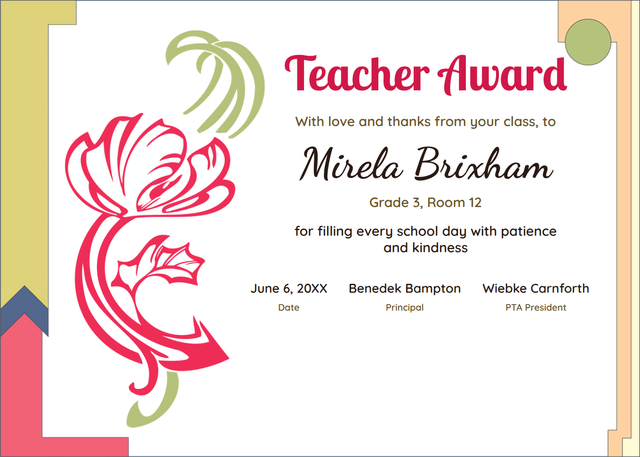
- Funky Music Award Certificate
- Spelling Bee Certificate of Achievement
- Safari Giraffe Certificate of Appreciation
- Blue Pencil Frame Award Certificate
- Bookworm Certificate of Appreciation
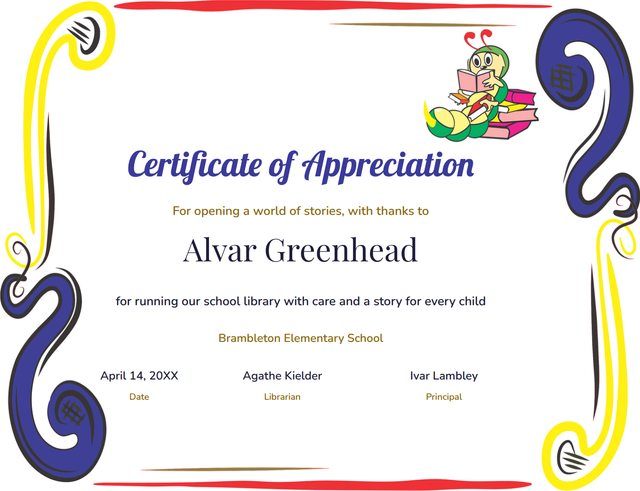
- Orange Rose World’s Best Award Certificate
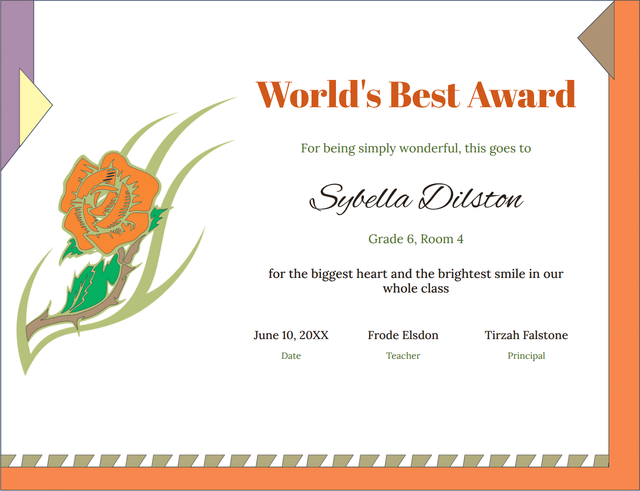
- Quill and Vine Certificate of Appreciation
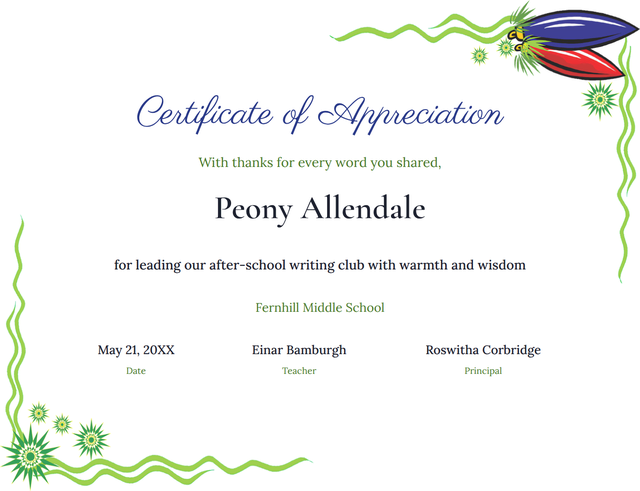
- Mummy Halloween Costume Award Certificate
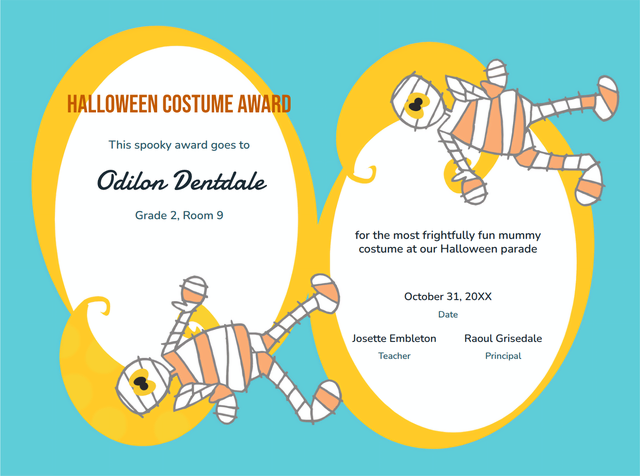
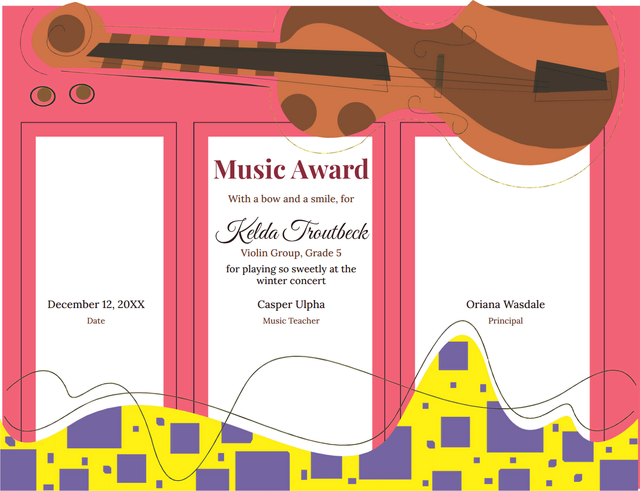
- Pink Violin Music Award Certificate
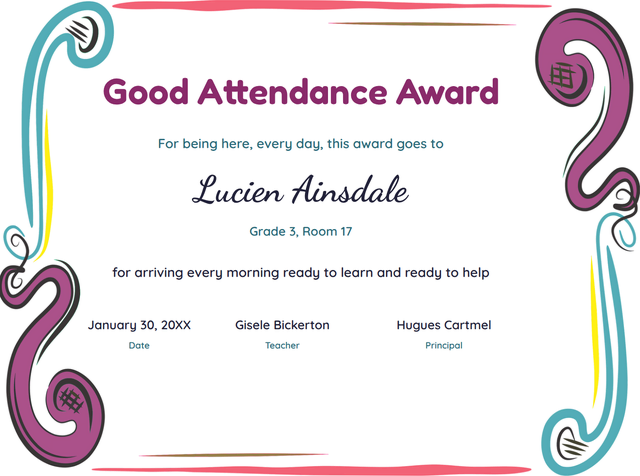
- Good Attendance Award Certificate
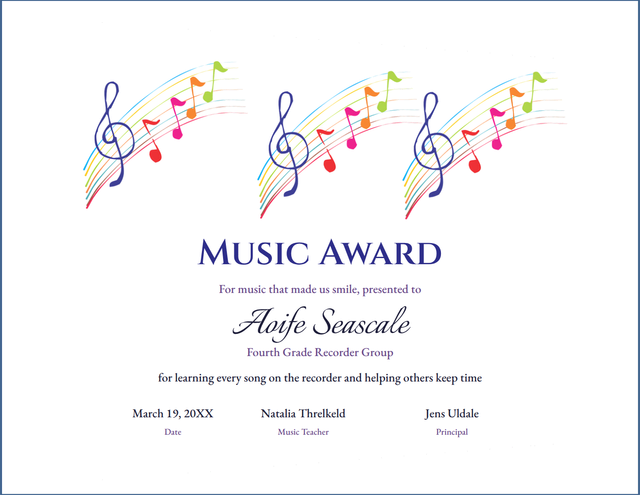
- Treble Clef Music Award Certificate
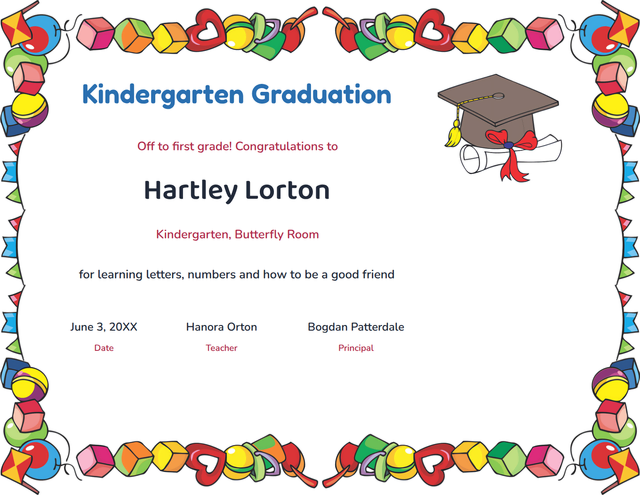
- Kindergarten Graduation Certificate
- Stage Couple Hearts Certificate of Appreciation
- Sunny Circles Award Certificate
- Blue Ribbon Spelling Award Certificate
- Smiley Notes Music Award Certificate
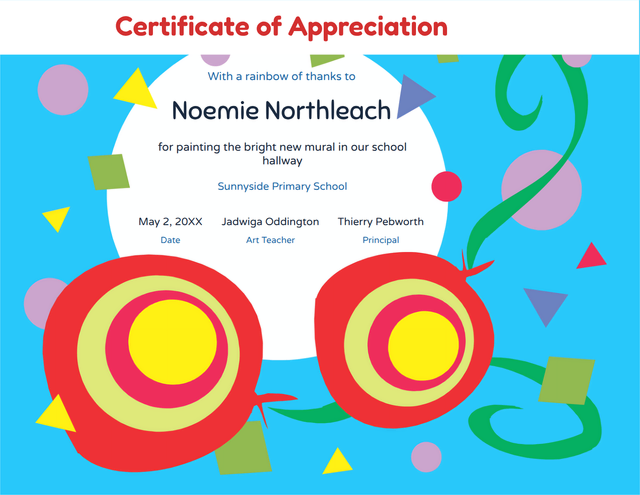
- Bright Shapes Certificate of Appreciation
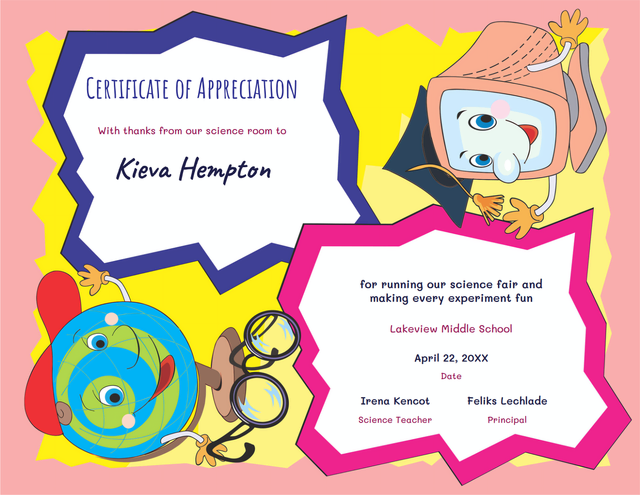
- Science Student Certificate of Appreciation
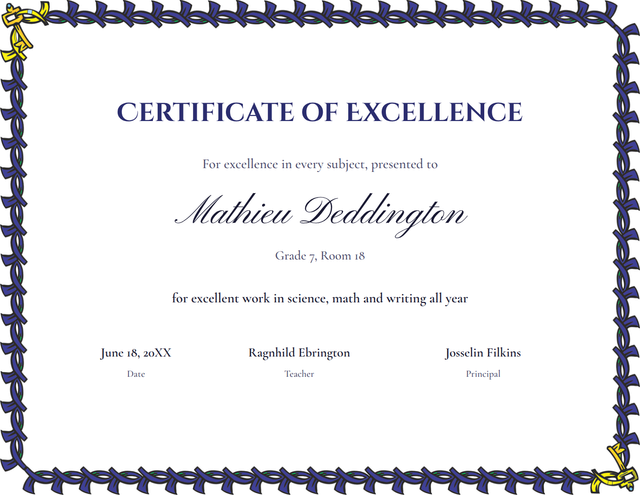
- Laurel Chain Certificate of Excellence
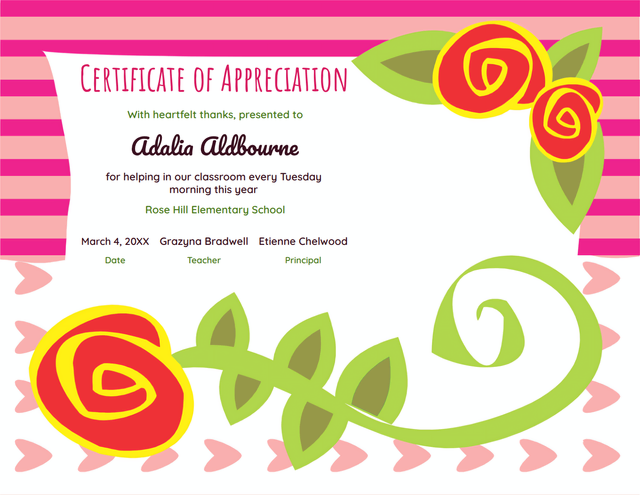
- Red Rose Stripes Certificate of Appreciation
- Perfect Attendance Award Certificate
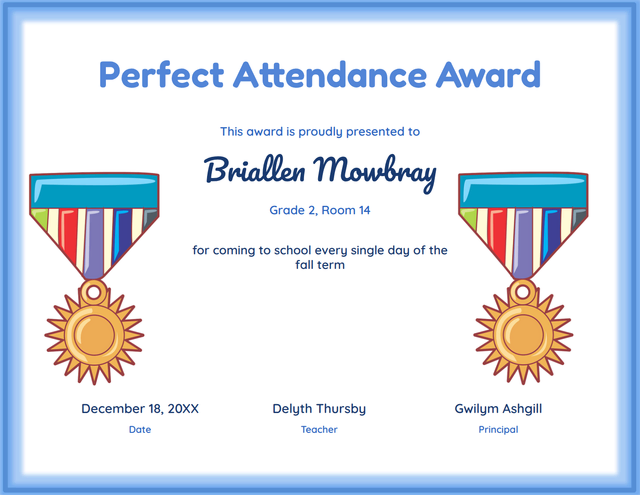
- Guitar Eagle Music Award Certificate
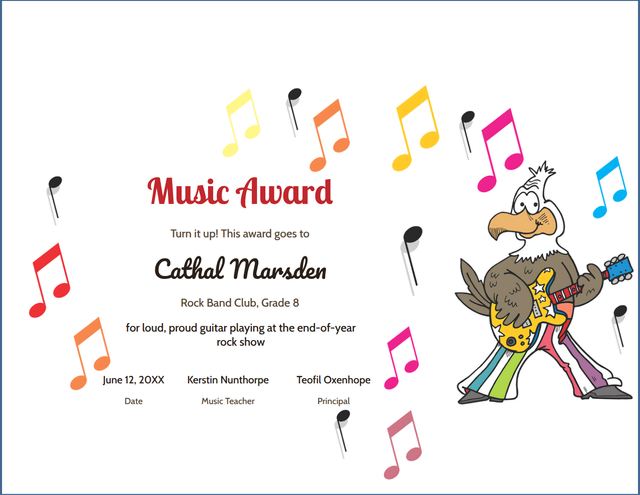
- Pink Hearts Certificate of Appreciation
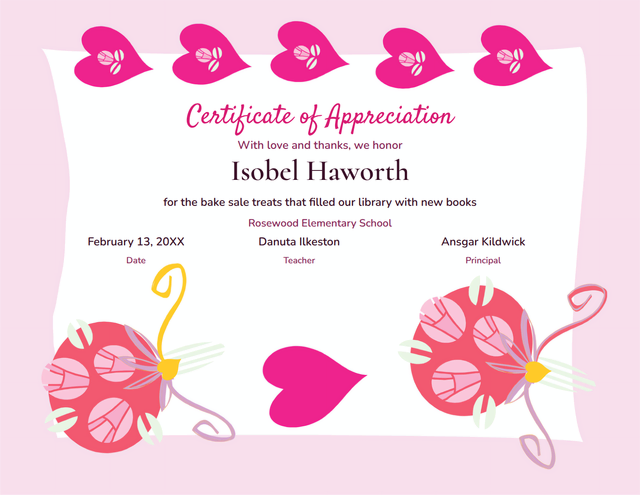
- Bat and Coffin Halloween Award Certificate
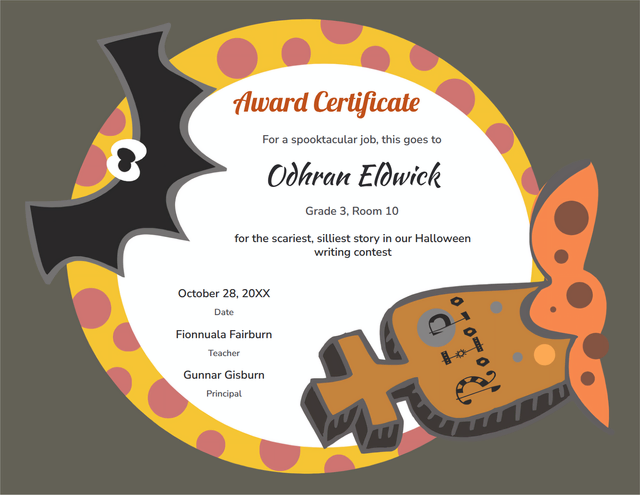
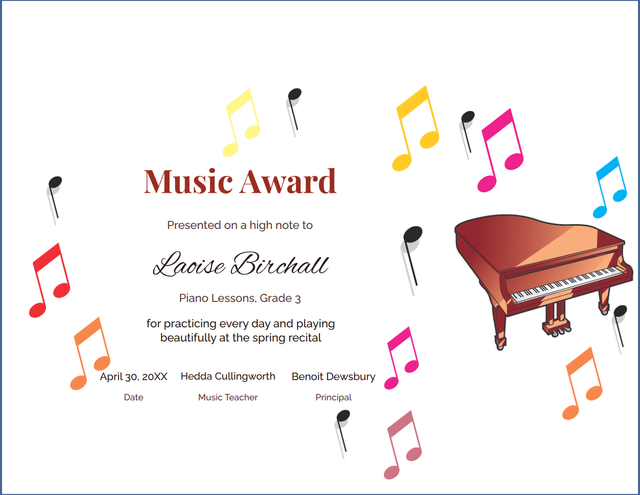
- Piano Notes Music Award Certificate
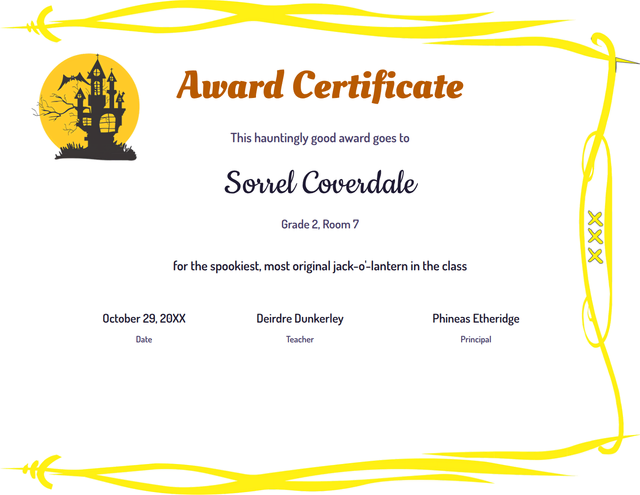
- Haunted House Halloween Award Certificate
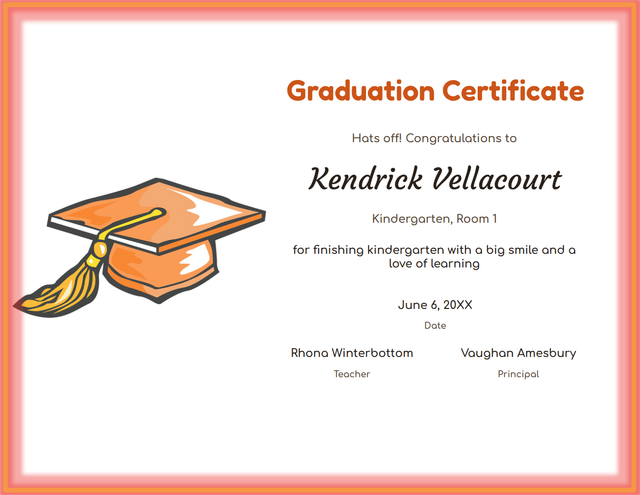
- Hats Off Graduation Award Certificate
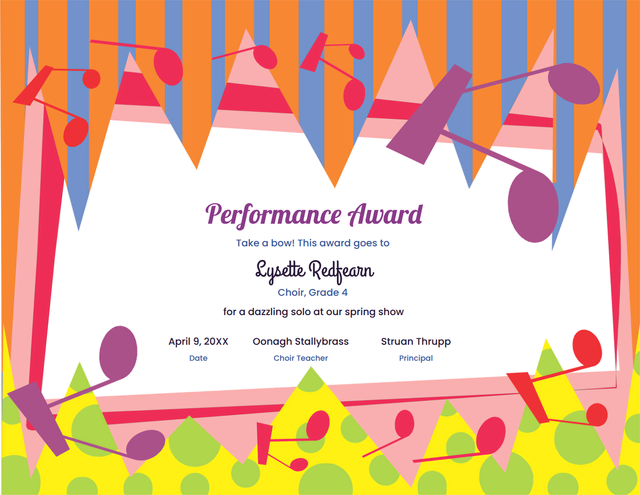
- Stage Notes Performance Award Certificate
- Fern Corners Certificate of Achievement
- Silver Violin Music Award Certificate
- Blue Drum Music Award Certificate
- Flower Bouquet Certificate of Appreciation
- Classroom Attendance Award Certificate
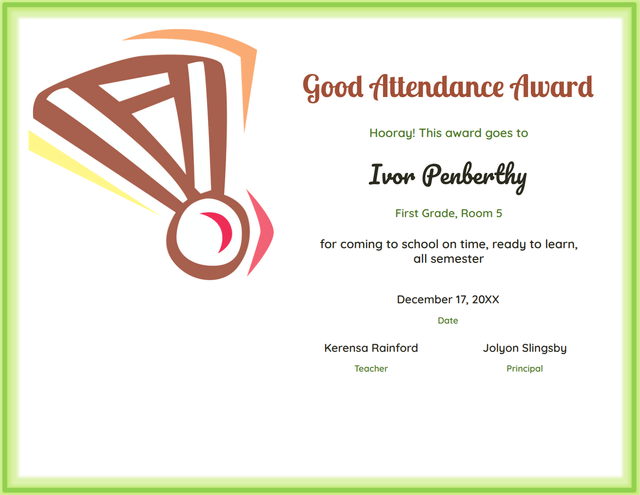
- Leafy Swirl Border Certificate of Appreciation
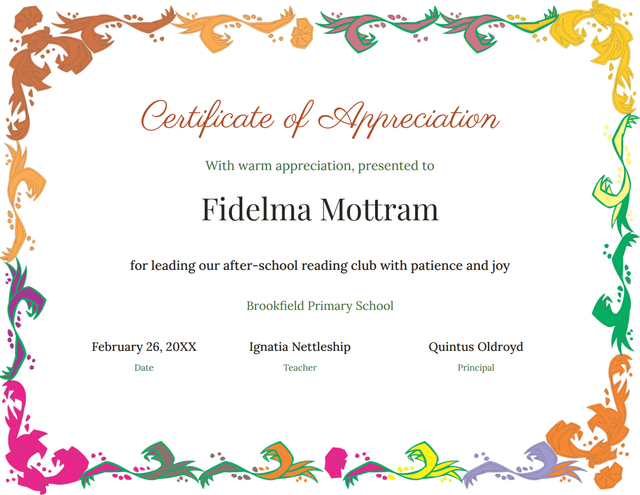
- Vine Oval Certificate of Appreciation
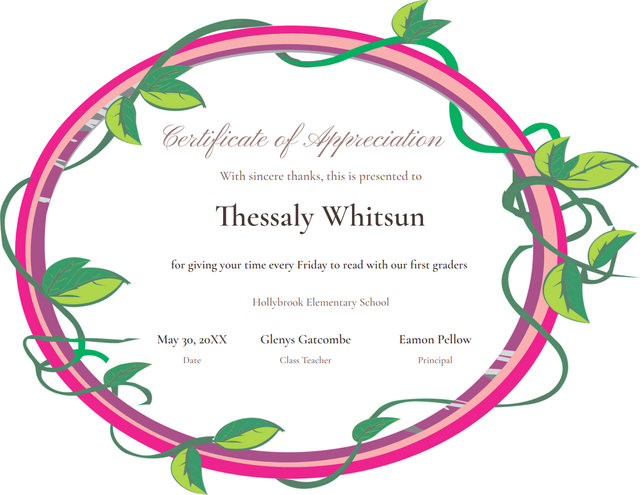
- Event Organizer Certificate of Appreciation
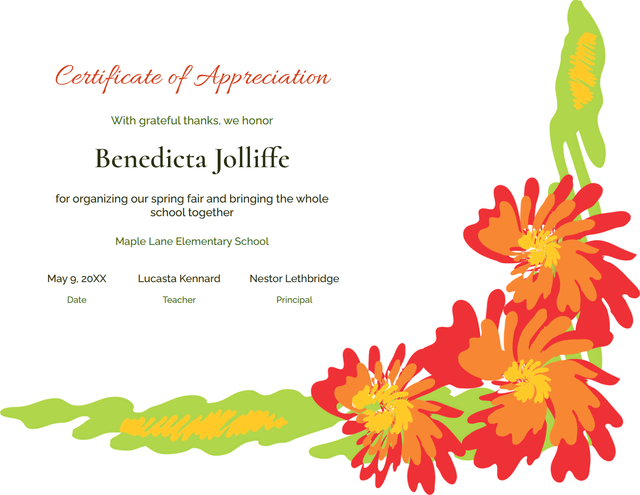
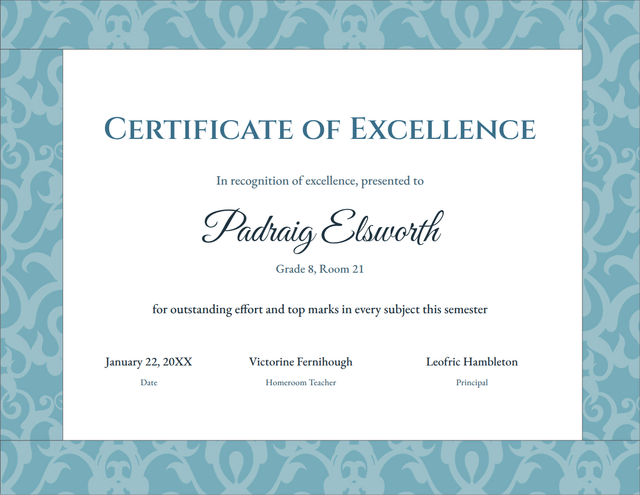
- Blue Damask Certificate of Excellence
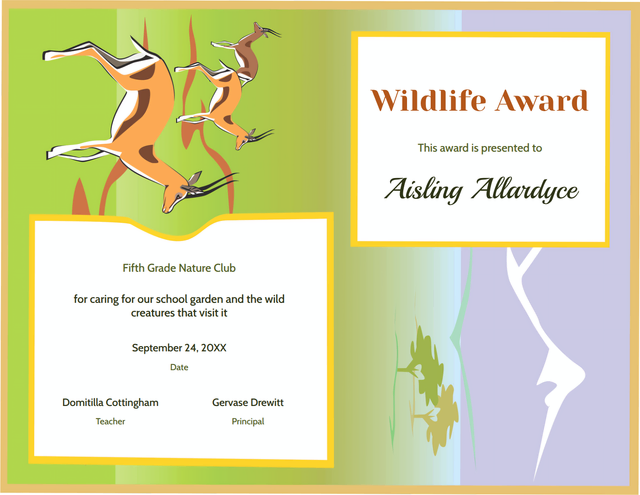
- Leaping Gazelle Wildlife Award Certificate
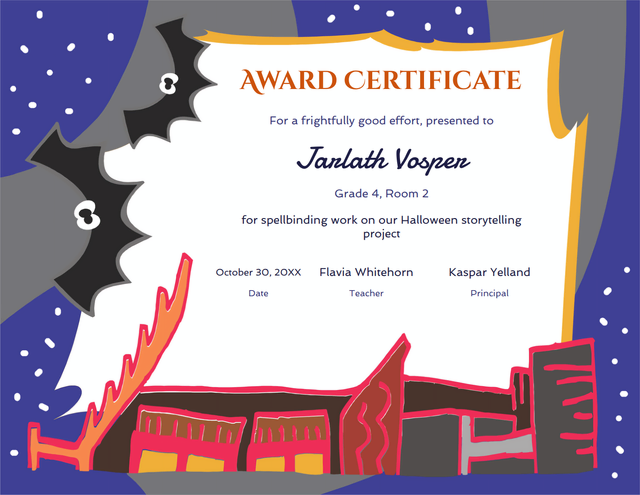
- Vampire Bats Halloween Award Certificate
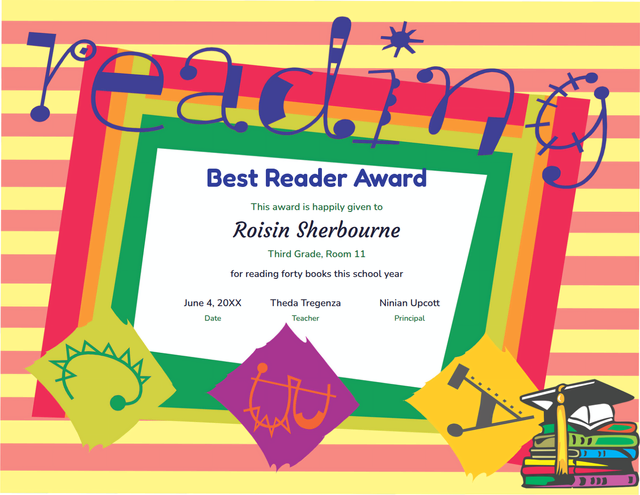
- Best Reader Award Certificate
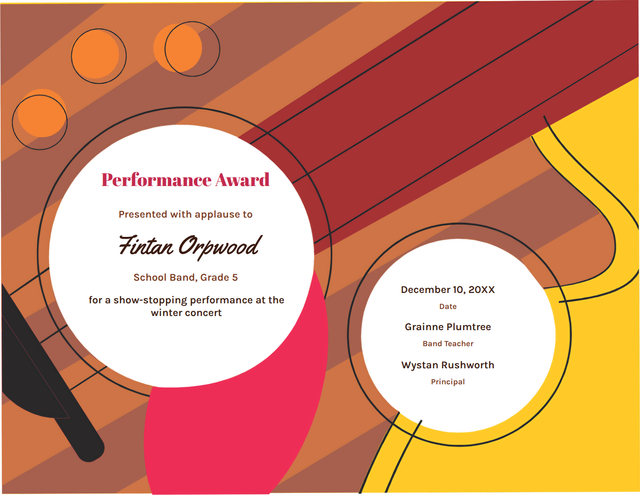
- Retro Guitar Performance Award Certificate
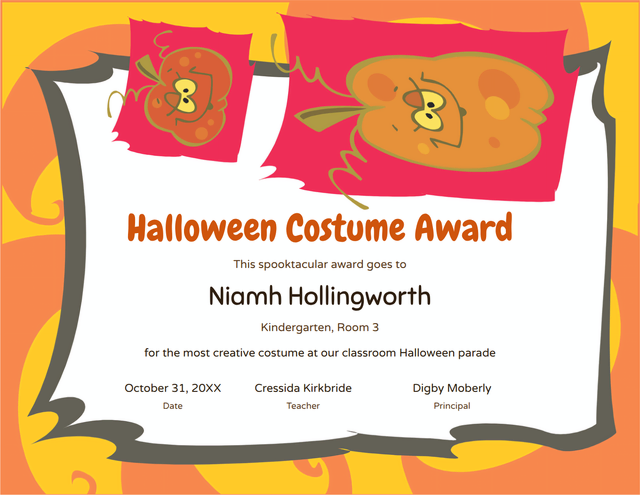
- Pumpkin Halloween Costume Award Certificate
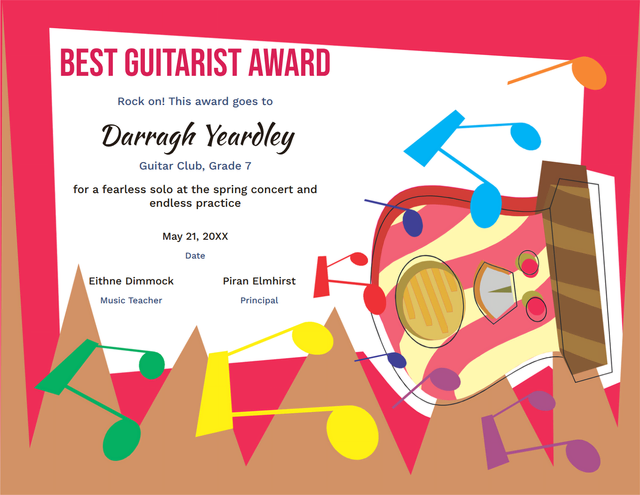
- Best Guitarist Award Certificate
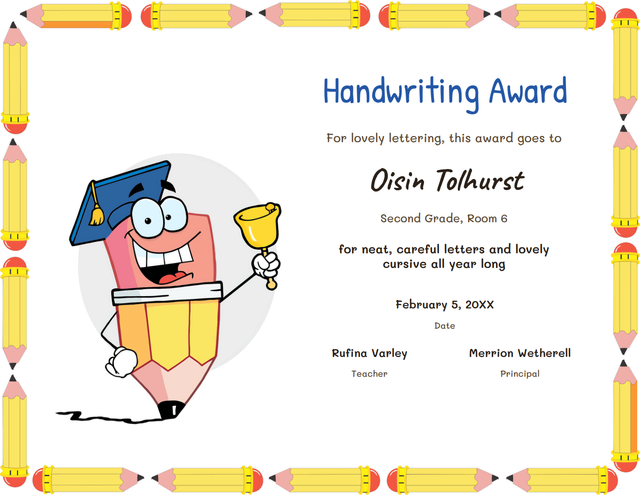
- Pencil Mascot Handwriting Award Certificate
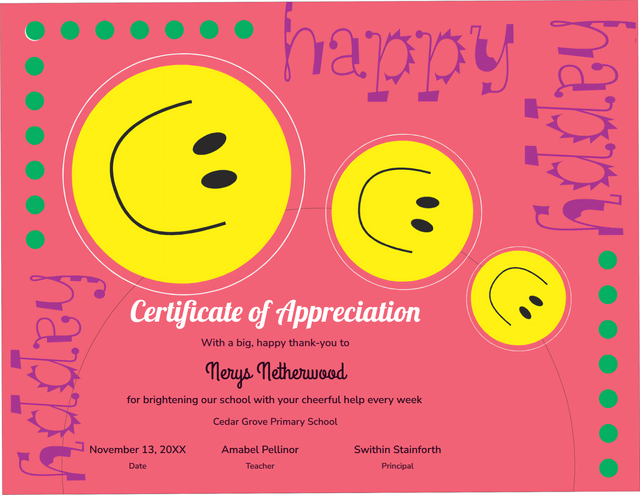
- Happy Smiley Certificate of Appreciation
Common questions
About this design
A school award certificate template with stacks of colorful books, a bunch of balloons and two green-bordered white panels on pink and lilac. The upper panel holds the title, an opening line and the name; the lower one the class, what it is for, the date and who is presenting it.
It suits a reading challenge, a book club or a class library goal. Printed on US Letter, landscape, the book stacks sit at the left and lower right.
Press "Customize this template", then click any text on the certificate and type your own. Every text can be made bigger or smaller, or dragged to a new spot. When it looks right, press Download.
Yes. Your PDF, PNG and JPG files are made from the same layout you see on the page, at 300 DPI.
US Letter, landscape. It prints at home or at a print shop, on plain paper or card. In the print settings, choose Actual size (100%), not Fit to page, so it comes out at its true size.