Customize this template right here and download print-ready files.
- Page size6.5 × 4.5 in, landscape
- FilesPDF, PNG and JPG
- Print quality300 DPI
- FontsBebas Neue, Work Sans, Kaushan Script
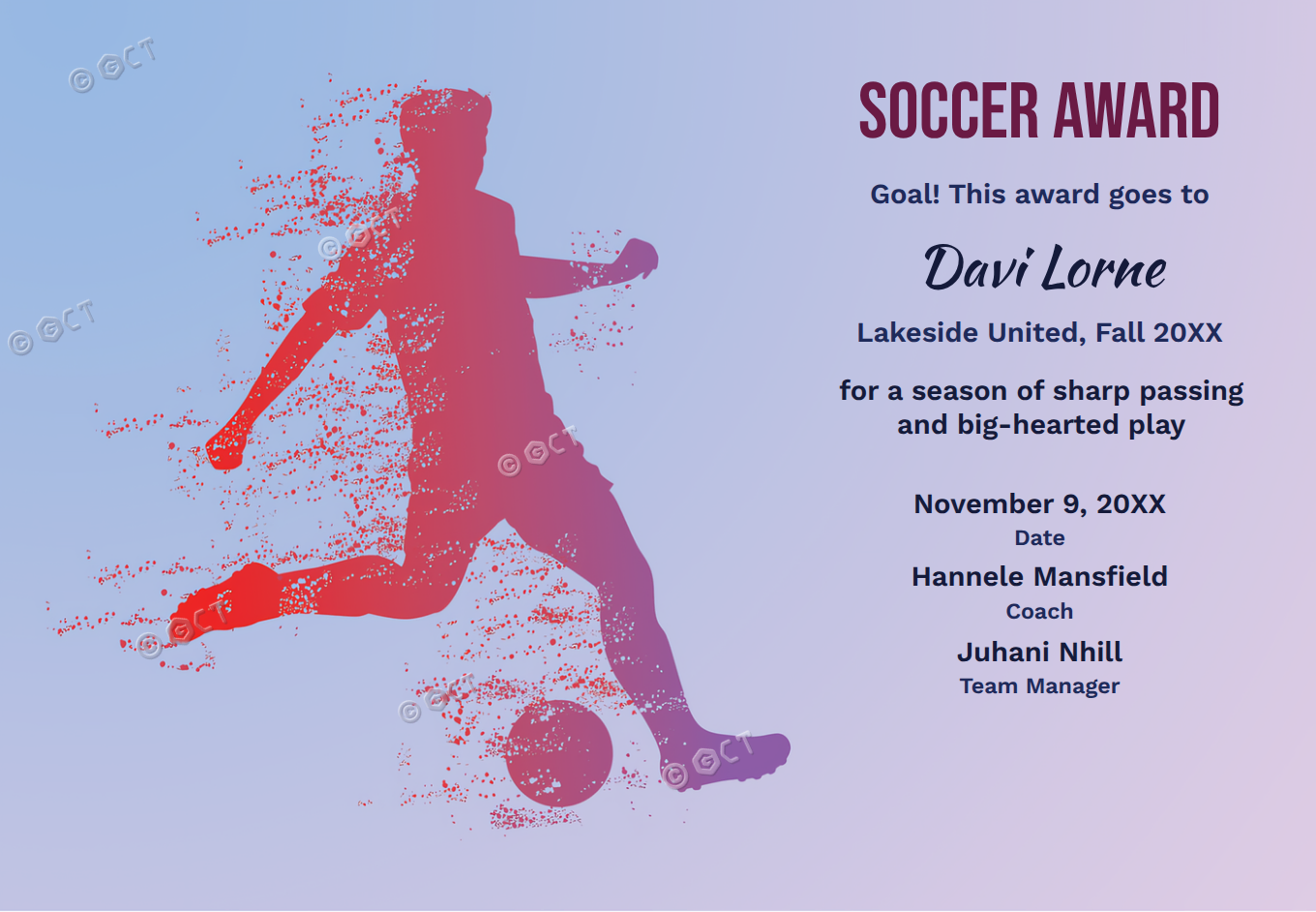
Soccer Silhouette Award Certificate
A soccer player made of red and purple paint specks kicks a ball across a soft blue and lilac page, under a plum title.
Nothing to install. You type right on the certificate.
You can change
- Recipient's name
- Team and season
- What it is for
- Date
- First person presenting it
- Second person presenting it
Every text can also be made bigger or smaller, and moved.
- What you see is what prints
- Prints at home on plain or card paper
- 9,553 certificates downloaded
How the builder works
Step 1
Click a text
Any wording on the certificate opens for typing.
Step 2
Type over it
Who it is for, who it is from and what it is worth.
Step 3
Resize or move it
A− and A+ change the size; drag the cross to move it.
Step 4
Download
A PDF to print, and a PNG and a JPG to send.
More Sports Award Certificate Templates
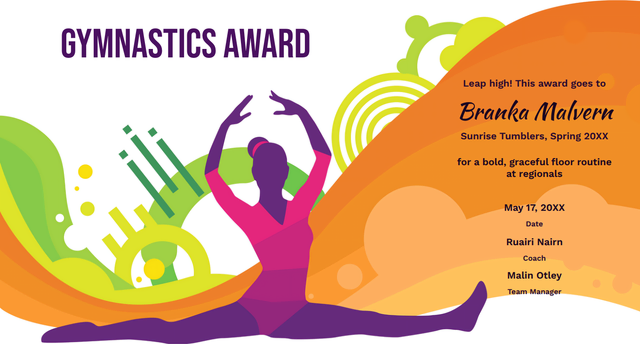
- Dancer Split Gymnastics Award Certificate
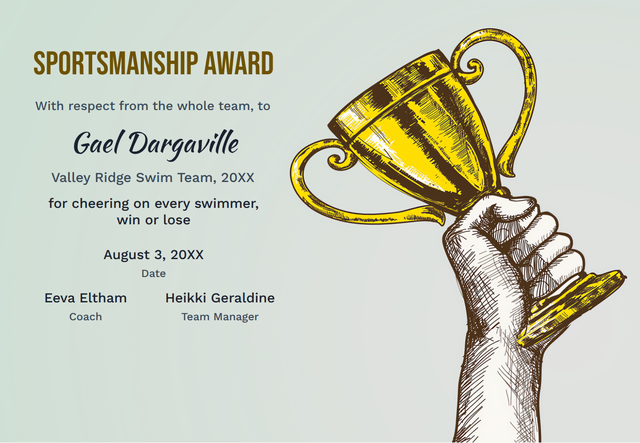
- Trophy Hand Sportsmanship Award Certificate
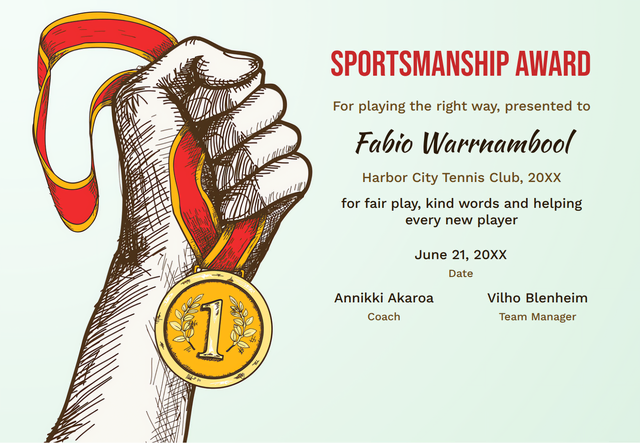
- Gold Medal Sportsmanship Award Certificate
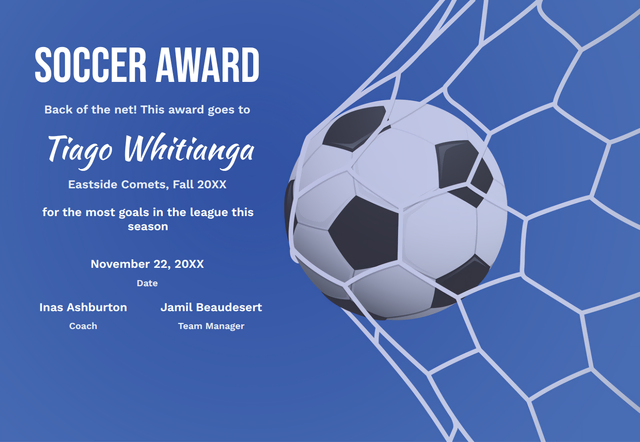
- Soccer Ball in the Net Award Certificate
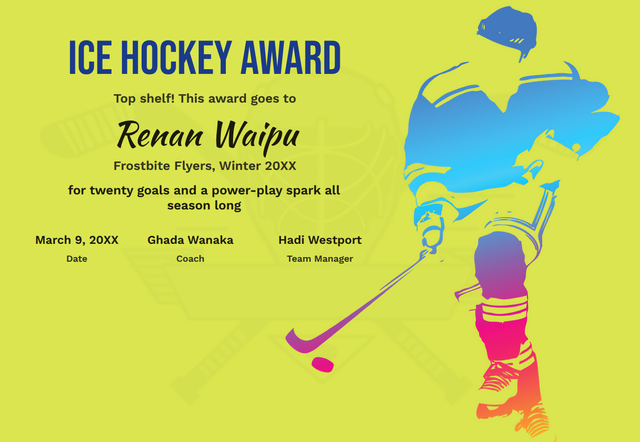
- Ice Hockey Player Award Certificate
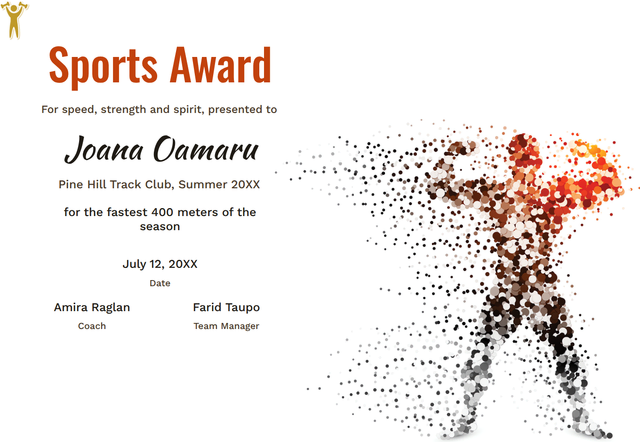
- Particle Athlete Award Certificate
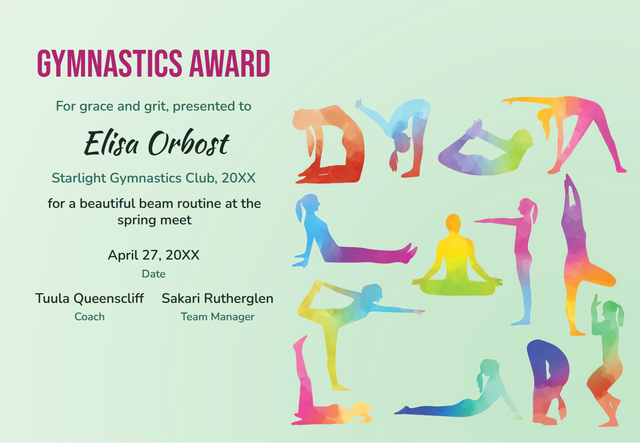
- Rainbow Poses Gymnastics Award Certificate
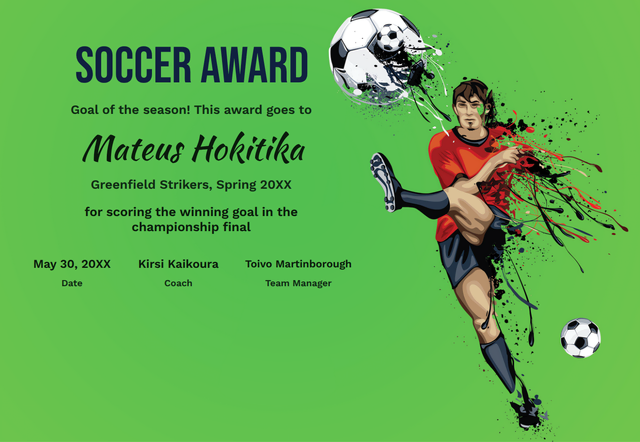
- Soccer Kick Award Certificate
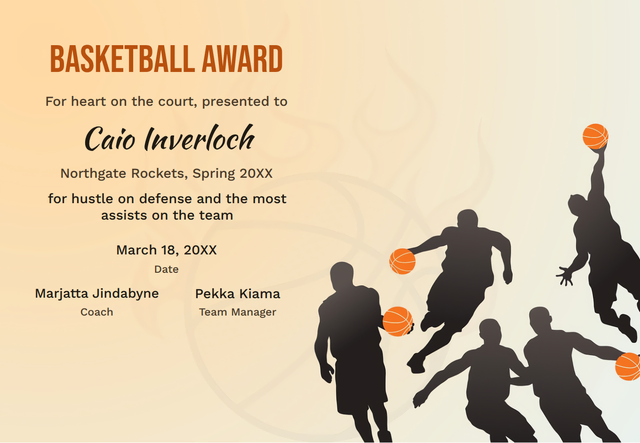
- Basketball Players Award Certificate
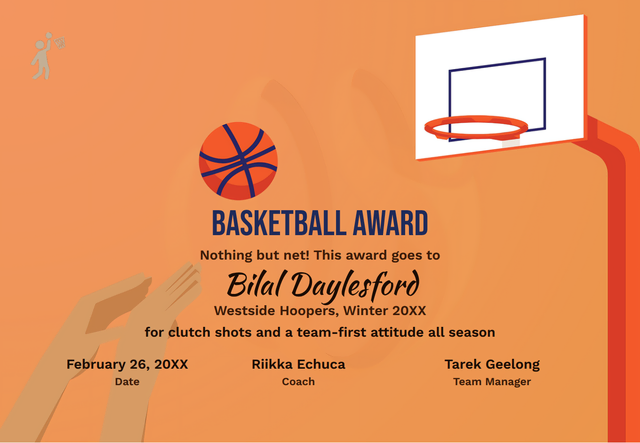
- Basketball Hoop Award Certificate
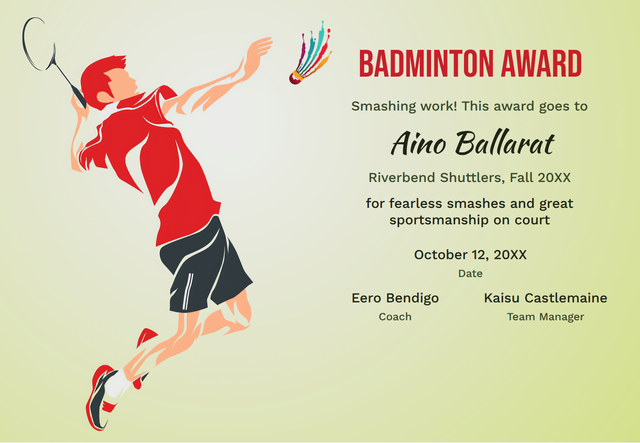
- Badminton Smash Award Certificate
- Snooker Champion Certificate of Appreciation
- Most Inspirational Player Award Certificate
Common questions
About this design
A sports award certificate template with a soccer player drawn in red and purple paint specks kicking a ball across a soft blue and lilac page. A deep plum title and an opening line lead to the name, the team and season, what it is for, the date and the coach and team manager presenting it.
It suits a youth soccer team, a recreation league or a fall tournament. At 6.5 by 4.5 inches this small card prints on card stock or on US Letter for trimming.
Press "Customize this template", then click any text on the certificate and type your own. Every text can be made bigger or smaller, or dragged to a new spot. When it looks right, press Download.
Yes. Your PDF, PNG and JPG files are made from the same layout you see on the page, at 300 DPI.
6.5 × 4.5 in, landscape. It prints at home or at a print shop, on plain paper or card. In the print settings, choose Actual size (100%), not Fit to page, so it comes out at its true size.